5 Best Sims 4 Maxis Match Skins | Realistic Skin CC Finds
Looking for the best Sims 4 Maxis Match skins to give your Sims a fresh new appearance? 💗 This roundup brings together five custom-content skin releases, including detailed skin textures, individual character skins, and a creator collection that can help you explore different looks in Create-A-Sim.
Finding the right Sims 4 skin CC can make a noticeable difference when designing a character. Some players prefer a softer Maxis Match appearance that blends naturally with the game’s original art style, while others enjoy realistic skin details that create a more textured appearance. The best choice depends on the type of Sims you enjoy creating and the visual style you want throughout your save.
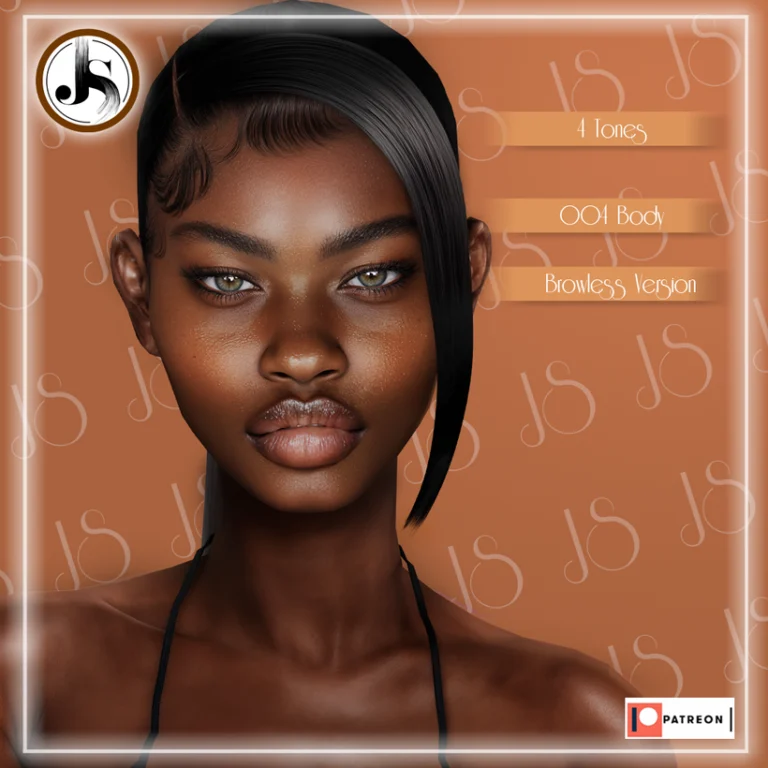
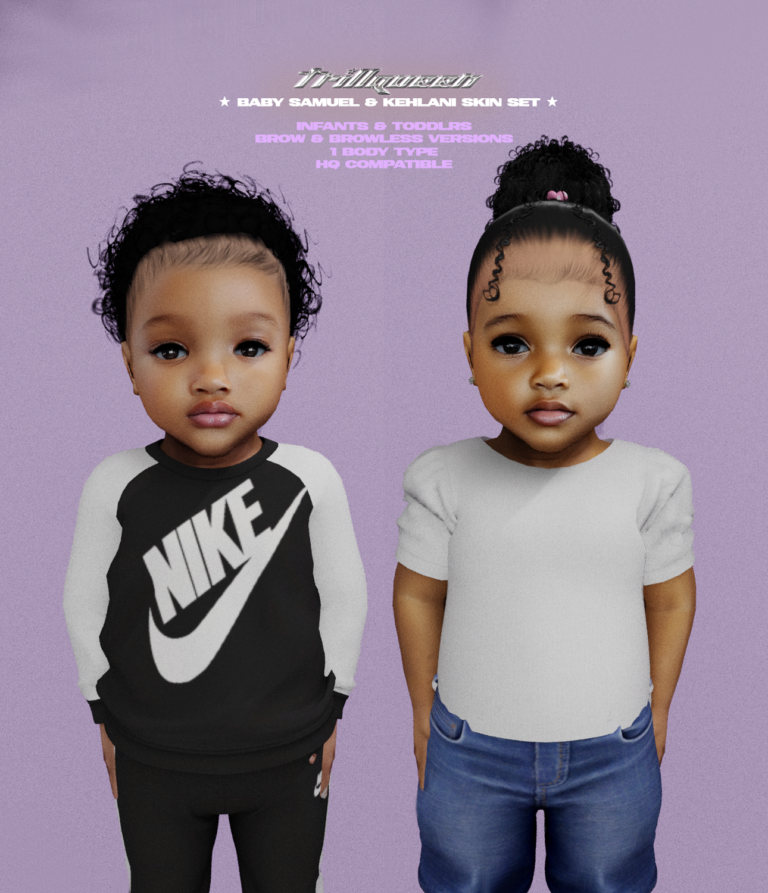
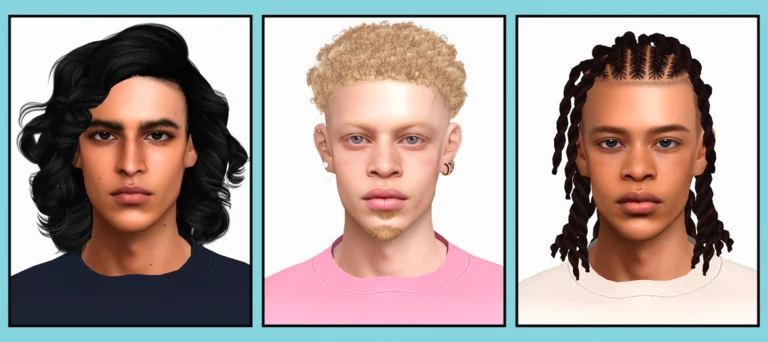
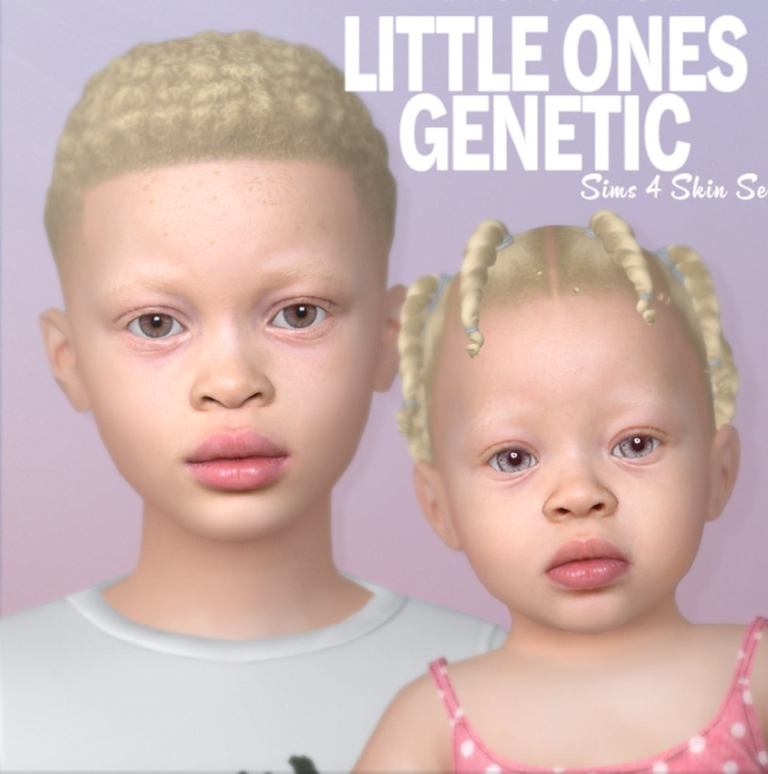
This collection features Sisters Pack: Part I by Northern Siberia Winds, along with Jaimie Skin, Arianna Skin, Dallas Skin, and Savanna Skin. Each release has its own original download page and preview image below, making it easy to compare the options before deciding what to add to your Mods folder.
If you’re building a larger CAS collection, you can also explore our best Sims 4 skin overlays and skinblend CC finds for additional creator releases. Skin CC can also be combined with compatible body presets and sliders, so don’t miss our Sims 4 body mods, presets, and sliders roundup.
For more custom content outside GamingWithPrincess, browse skin CC on Sims4CCFinds. You can also find hairstyles, outfits, and other CAS additions there if you want to create a complete character look rather than updating only the skin.
If you’re styling an entire family, visit Sims4Kids for custom content focused on infants, toddlers, and children. You can explore the site’s kids hair CC to find more options for younger members of your households.
Before downloading any skin, read the original creator’s instructions carefully. Some skin releases include multiple versions, and you should check whether a file is intended to be used as a default replacement, non-default skin, overlay, or part of a complete Sim download. The five links below lead to the original releases so you can review their individual requirements.
💗 1. Sisters Pack: Part I by Northern Siberia Winds
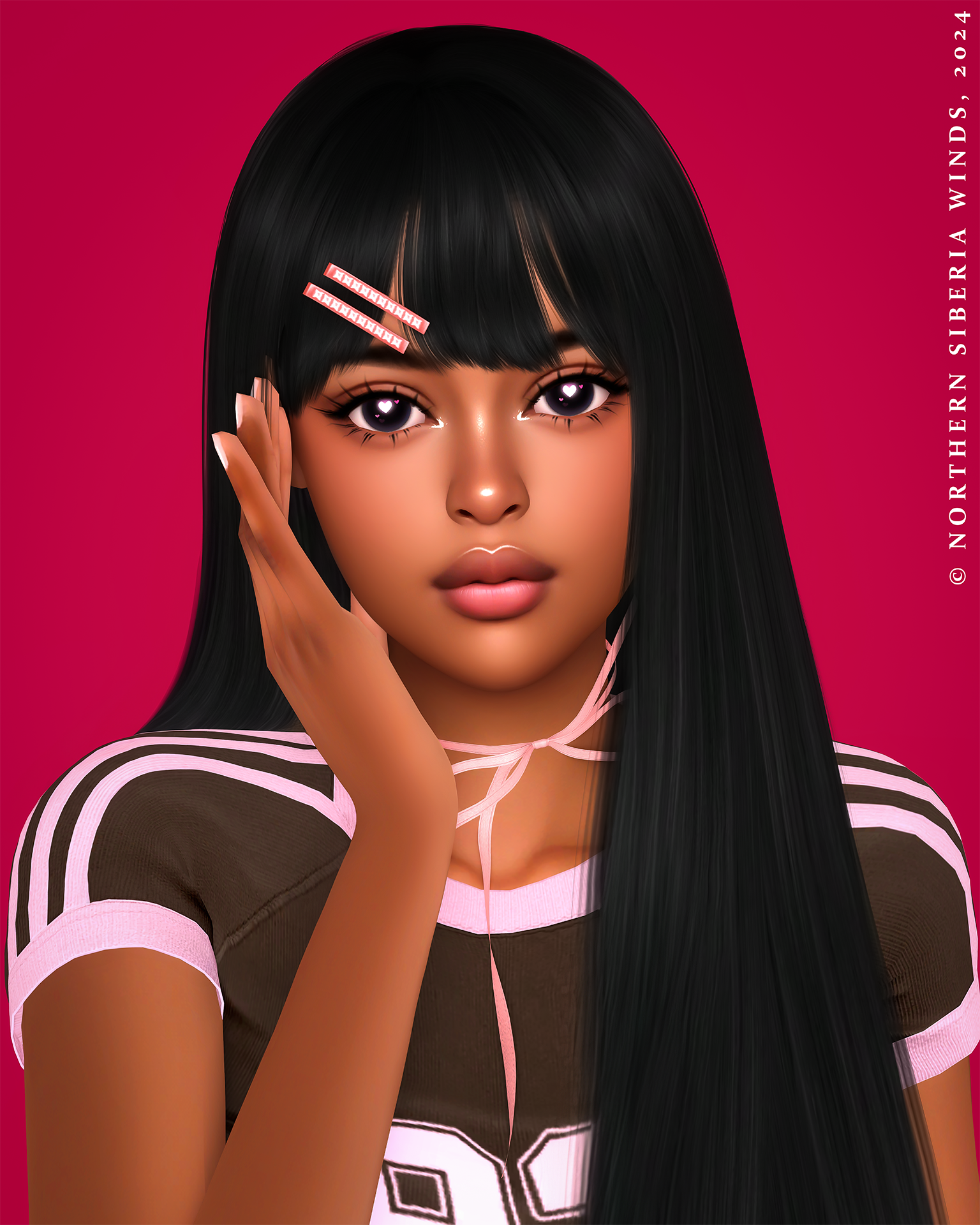
Starting the roundup is Sisters Pack: Part I by Northern Siberia Winds.
Northern Siberia Winds is a creator worth exploring when you’re looking for custom skin-related content for The Sims 4. This particular release is presented as the first part of the Sisters Pack.
Because this is a creator pack rather than one individually named skin, I recommend checking the original Patreon post for the full contents and installation details before selecting which files to use.
For more releases in this category, browse our Sims 4 skin overlays and skinblends.
🤎 2. Jaimie Skin
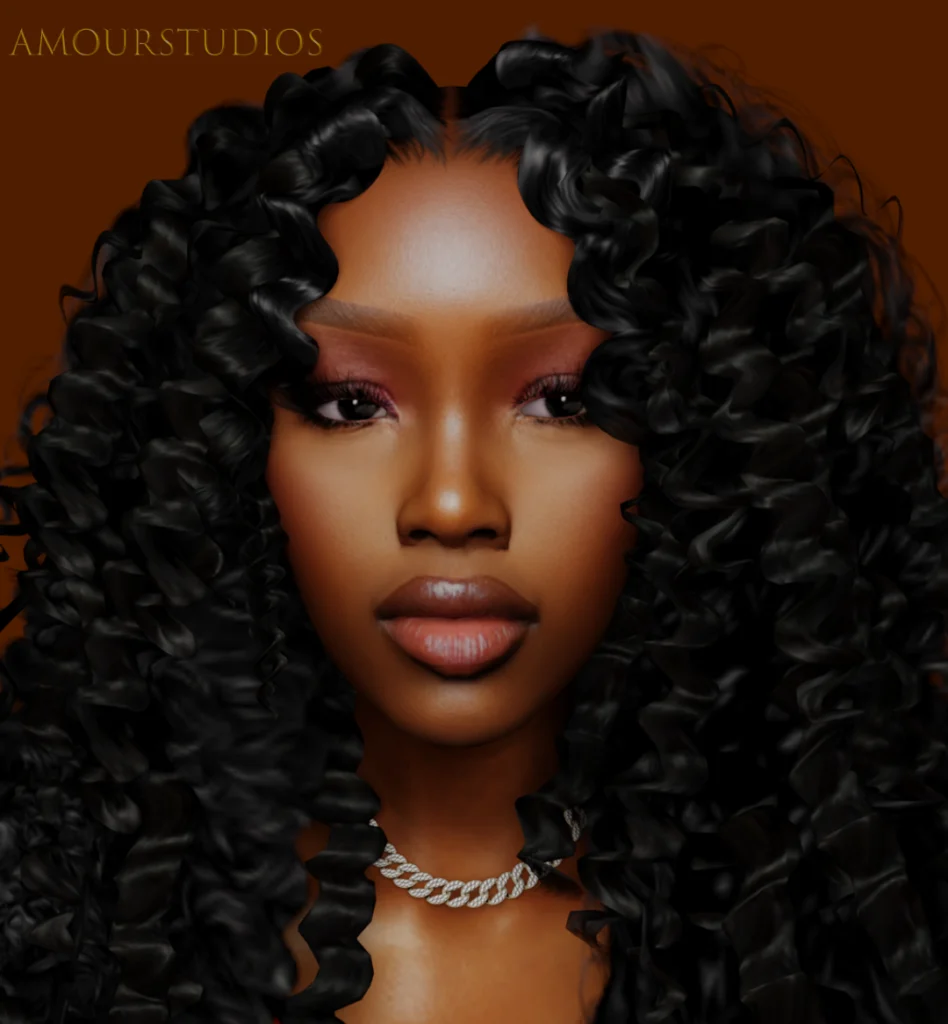
Next is Jaimie Skin, an individually named Sims 4 skin download.
If you prefer looking through separate skin releases rather than downloading an entire mixed collection, Jaimie is one of the individual options included in this roundup.
Take a look at the creator’s preview below, then visit the original release for the available download files and instructions.
Looking for more CAS additions to pair with your new skin? Browse hair CC on Sims4CCFinds.
✨ 3. Arianna Skin
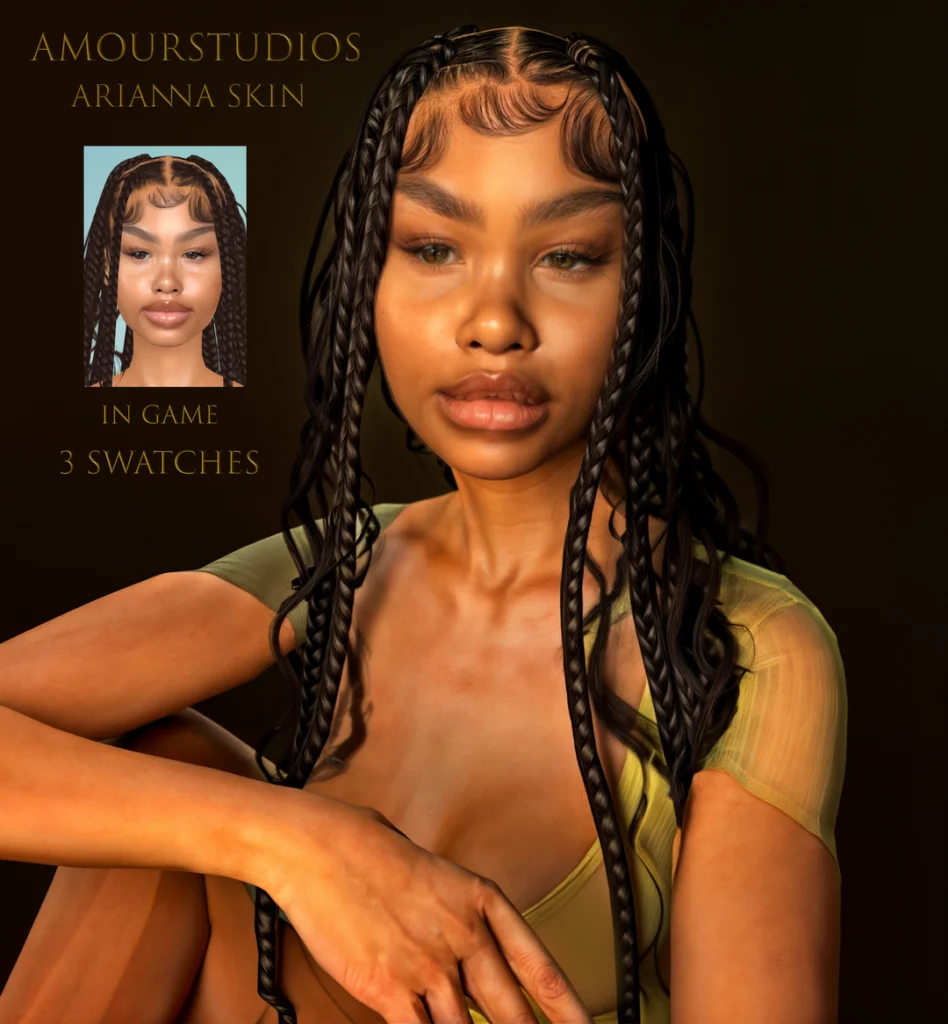
The third download is Arianna Skin, another individual skin release for The Sims 4.
The original creator preview is included below so you can compare Arianna with the other skins before downloading.
When testing different skin CC options, I recommend previewing them individually in CAS. This makes it easier to identify which downloaded package creates a particular appearance and helps avoid confusion when organizing several skins from different releases.
🖤 4. Dallas Skin
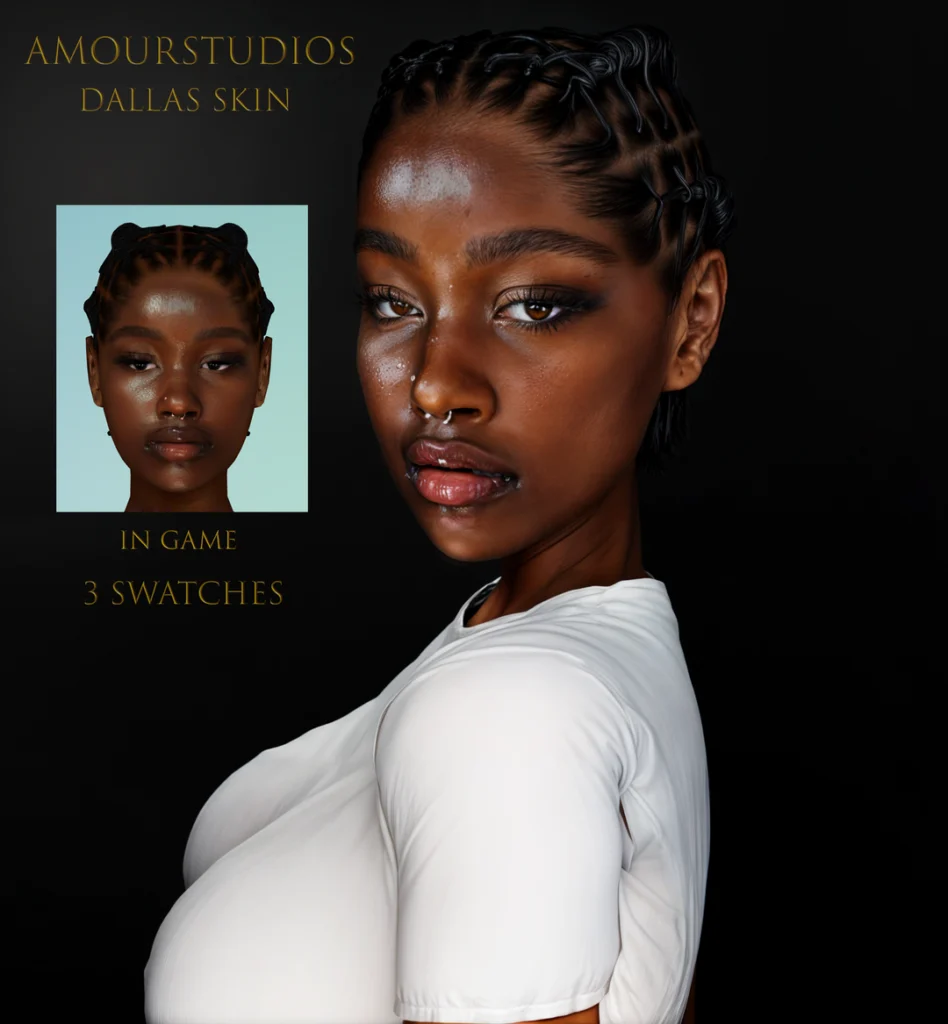
Dallas Skin is the fourth featured release.
This is another separately linked creator skin, which means you can visit its original page without needing to download every item featured in this roundup.
Use the preview below to compare its appearance with Jaimie, Arianna, and the other options in the collection.
You can also browse more Sims 4 CAS CC on GamingWithPrincess for additional customization options.
💕 5. Savanna Skin | Sim Download
Finishing the roundup is Savanna Skin | Sim Download.
Unlike the other individually titled skin links, this release is specifically labeled as both a skin and a Sim download.
If you want the skin without installing the complete Sim, check the creator’s original post to see how the files are provided and whether individual downloads are available.
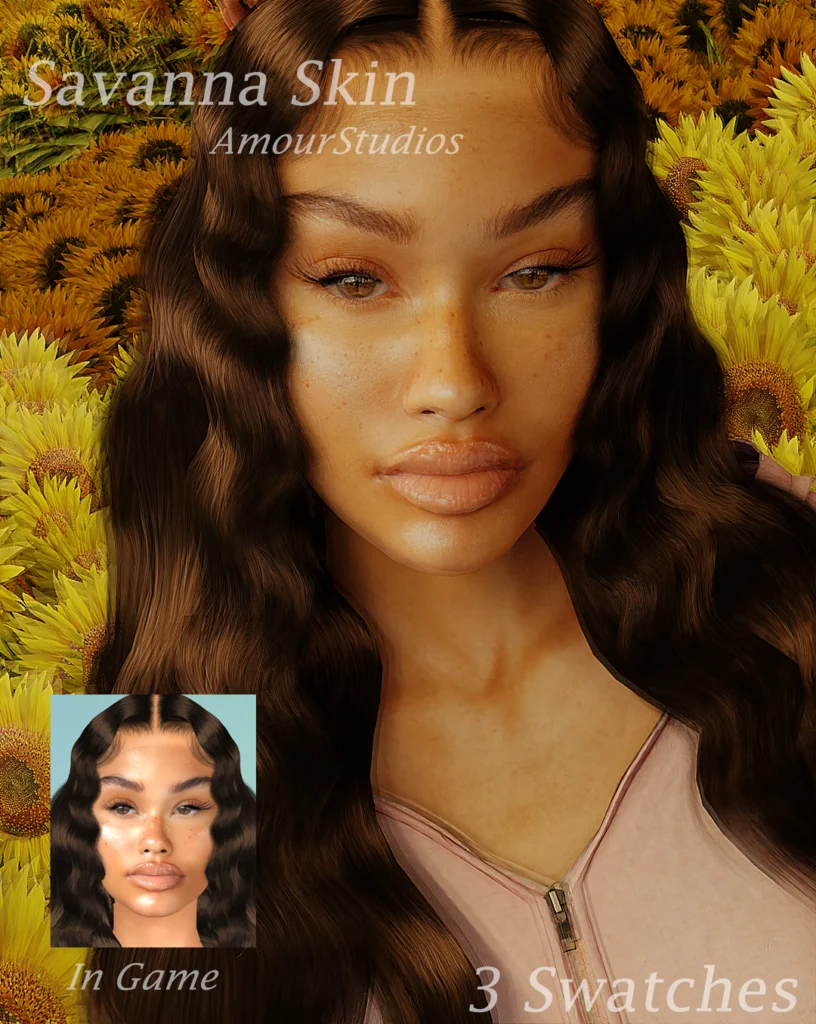
💕 VIEW SAVANNA SKIN & SIM DOWNLOAD
📦 What’s Included in This Skin CC Roundup?
This article features 5 separate Sims 4 skin-related creator releases:
1. Sisters Pack: Part I
2. Jaimie Skin
3. Arianna Skin
4. Dallas Skin
5. Savanna Skin | Sim Download
The number five refers to the linked creator releases, not the total number of package files or skin variations included in their downloads.
How to Choose Sims 4 Skin CC
When choosing a custom skin, consider whether you prefer an appearance that stays closer to the original Maxis art style or one with more realistic visual detail.
It is also important to check the type of skin file being downloaded. A skin overlay and a default-replacement skin are not necessarily installed or managed in the same way.
Some creator releases also include multiple versions or additional CAS files. Review the original download page so you know exactly what you are adding to your game.
📁 How to Organize Sims 4 Skin CC
Keeping skins in their own folders makes testing and updating your CAS content easier.
For example, you could use folders such as:
Mods → Skin CC → Northern Siberia Winds
Mods → Skin CC → Jaimie
Mods → Skin CC → Arianna
Mods → Skin CC → Dallas
Mods → Skin CC → Savanna
Remember to keep the original filenames whenever possible. Avoid installing multiple default replacements for the same resource, as they can conflict with one another.
How to Install Sims 4 Skin CC
Download the skin or creator pack you want using the original Patreon links above.
If the download arrives inside a ZIP or RAR archive, extract it first. Then move the included .package files into:
Documents → Electronic Arts → The Sims 4 → Mods
Open The Sims 4 and go to Game Options → Other. Enable Custom Content and Mods, apply your changes, and restart the game.
If you download a complete Sim, follow the creator’s additional installation instructions for any included Tray files.
⚠️ Important Skin CC Reminder
Some custom skins may include extra files, alternative versions, or additional creator requirements.
If a skin does not appear as expected in CAS, check the original Patreon page before deleting unrelated custom content.
Also check for duplicate packages and outdated default replacements if you have previously installed skin CC from the same creator.
💖 You May Also Like
Best Sims 4 Skin Overlays & Skinblends
Best Sims 4 Body Mods, Presets & Sliders