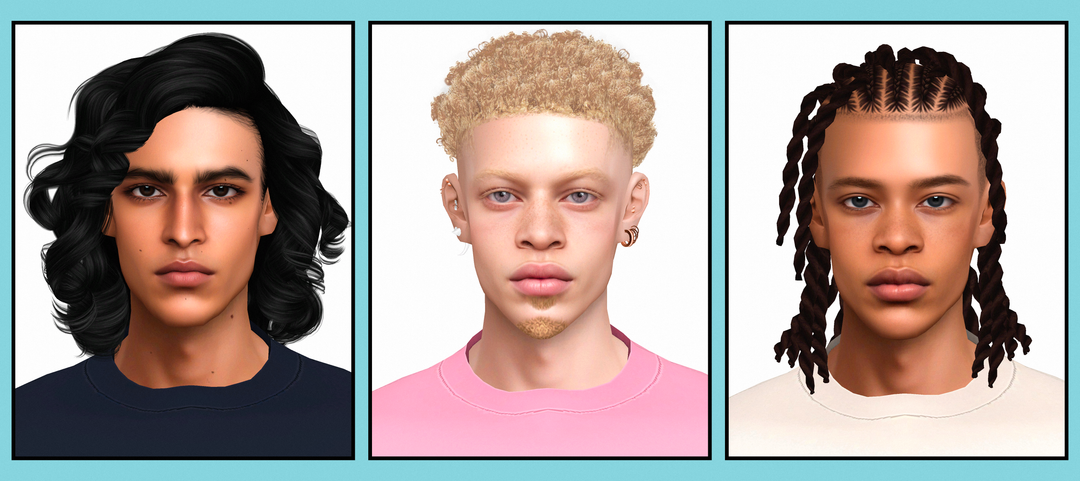
Sims 4 Male Skin CC Folder | Soft Forms Boys Edition Vol. 2
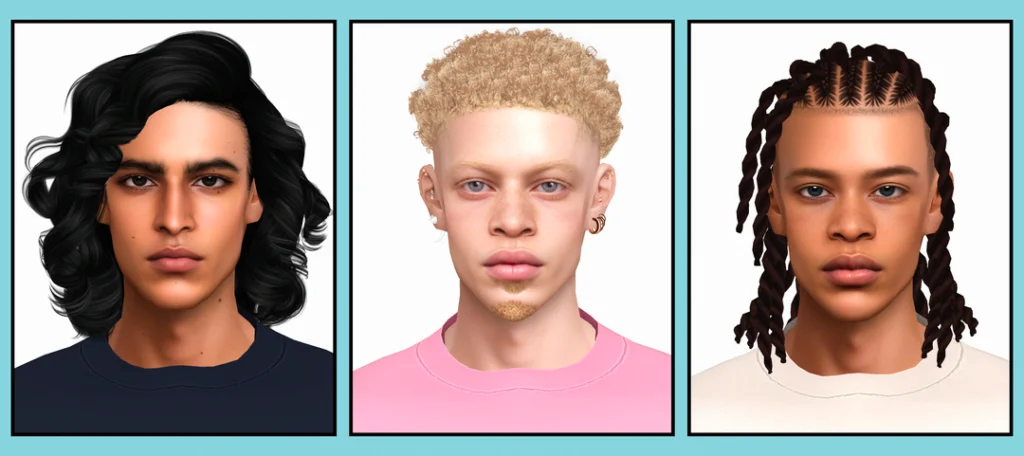
Looking for a Sims 4 male skin CC folder? 💗 This download features the Soft Forms: Boys Edition Vol. 2 collection with 6 visible package files grouped under three names: Angelo, Tayce, and Vivaan.
Male skin custom content can make a huge difference when creating Sims in CAS, especially if you want more options beyond the game’s standard skin appearance. If you are building a larger CAS collection, you can also browse my Sims 4 skin overlays and skinblend CC finds for more skin-related downloads.
You can also find more custom-content collections through Sims4CCFinds skin CC. If you are creating a full household and need content for younger Sims too, Sims4Kids has separate infant, toddler, child, and family-focused CC.
The folder view for this collection shows two package files connected to each of the three visible names. Because the filenames are cut off before the full endings can be read, I am not labeling those versions as defaults, overlays, eye versions, or any other specific skin type. The safest description is simply that this folder contains 6 package files across 3 named skin releases.
🤎 Angelo Skin Files
The first visible skin name in the folder is Angelo. There are 2 package files shown under the Angelo name.
Since both filenames are partially cut off in the folder view, keep the original package names intact after downloading. That will make it much easier to identify which Angelo version you are using later.
✨ Tayce Skin Files
The second named release is Tayce, which also appears as 2 separate package files in the folder.
If you regularly create male Sims, combining skin CC like this with Sims 4 body presets and sliders can give you many more options when building different faces and body types in Create-A-Sim.
🖤 Vivaan Skin Files
The final visible name is Vivaan. Like Angelo and Tayce, the folder shows 2 package files connected to this skin name.
Together, Angelo, Tayce, and Vivaan make up the six visible files included in this Soft Forms Boys Edition Vol. 2 folder.
⬇️ Download the Male Skin CC Folder
🤎 DOWNLOAD MALE SKIN CC FOLDER
📦 What’s Inside?
The supplied folder view contains:
6 visible package files
3 named skin releases
Angelo – 2 files
Tayce – 2 files
Vivaan – 2 files
I am counting the actual visible files rather than advertising this as six completely different skins. The folder shows three main names with two files attached to each one.
👨 More Male Sims 4 CC
Skin CC is only one part of building a detailed male Sim. You can pair these skins with different hairstyles, facial hair, presets, clothing, accessories, and other CAS details.
For more downloads, browse Sims 4 male CC on GamingWithPrincess or visit Sims4CCFinds male CC.
If you are putting together an entire family instead of one Sim, you can also jump over to Sims4Kids hair CC for infant, toddler, and child CAS finds.
📁 How to Organize the Folder
Since this is a small six-file collection, I would keep the files together under one folder:
Mods → Male Skin CC → Soft Forms Boys Edition Vol. 2
Keeping all six files together makes it easier to find Angelo, Tayce, and Vivaan again if you ever need to remove or replace one of the files.
It is also a good idea to keep the original package filenames. Renaming skin files too aggressively can make it harder to trace them back to their original release.
How to Install Sims 4 Male Skin CC
Download the folder using the button above. If the download arrives inside a ZIP or RAR archive, extract it first.
Move the included .package files into:
Documents → Electronic Arts → The Sims 4 → Mods
Then open The Sims 4 and go to Game Options → Other. Make sure Enable Custom Content and Mods is turned on and restart your game.
⚠️ Important Skin CC Reminder
If you already use a lot of custom skins, check your Mods folder for duplicate files before installing the complete collection.
The visible filenames in this folder are truncated, so I would also avoid assuming that the two versions under each name do exactly the same thing. Test the files in CAS before removing one simply because the names look similar.
💖 You May Also Like
Sims 4 Skin Overlays & Skinblends
|
Sims 4 Body Mods, Presets & Sliders
|
Skin CC on Sims4CCFinds
|
Kids CC on Sims4Kids
✨ Keep Browsing
Sims 4 Male CC
|
More Sims 4 CC Folders
|
Male CC Finds
|
Kids CAS CC