Best Sims 4 Body Mods, Presets & Sliders For Realistic Sims
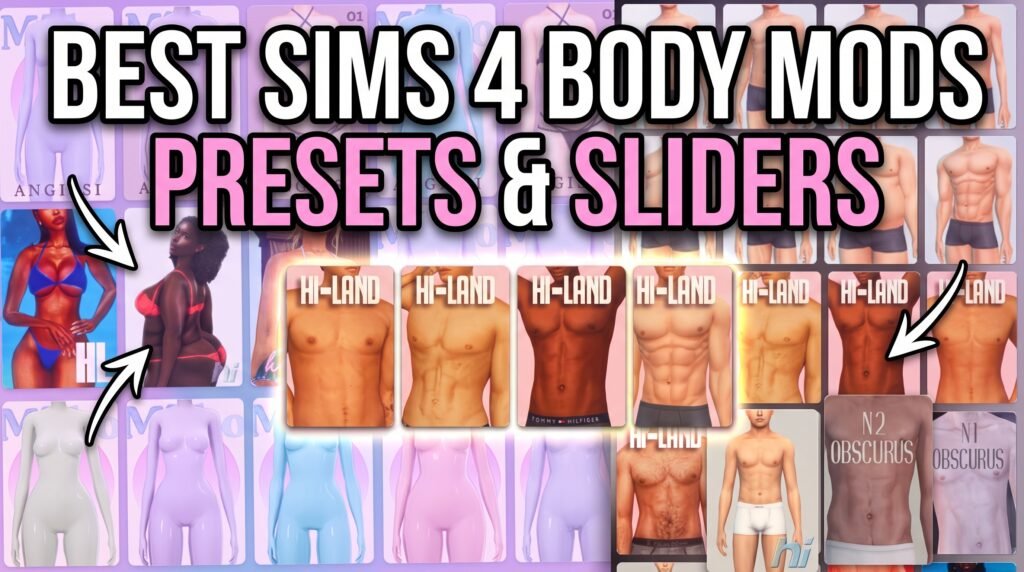
Looking for the best Sims 4 body mods, presets, and sliders? This list is perfect for creating Sims with more realistic, diverse, and unique body shapes in Create-A-Sim.
These Sims 4 body presets and sliders include curvy bodies, slim-thick shapes, plus-size presets, athletic frames, masculine body presets, feminine body presets, height sliders, leg sliders, butt sliders, and adjustable body options.
Body presets are great when you want a ready-made shape for your Sim, while sliders give you more control over specific body parts. Together, they can help your Sims look more natural, stylish, and different from the default CAS bodies.
Best Sims 4 Female Body Presets
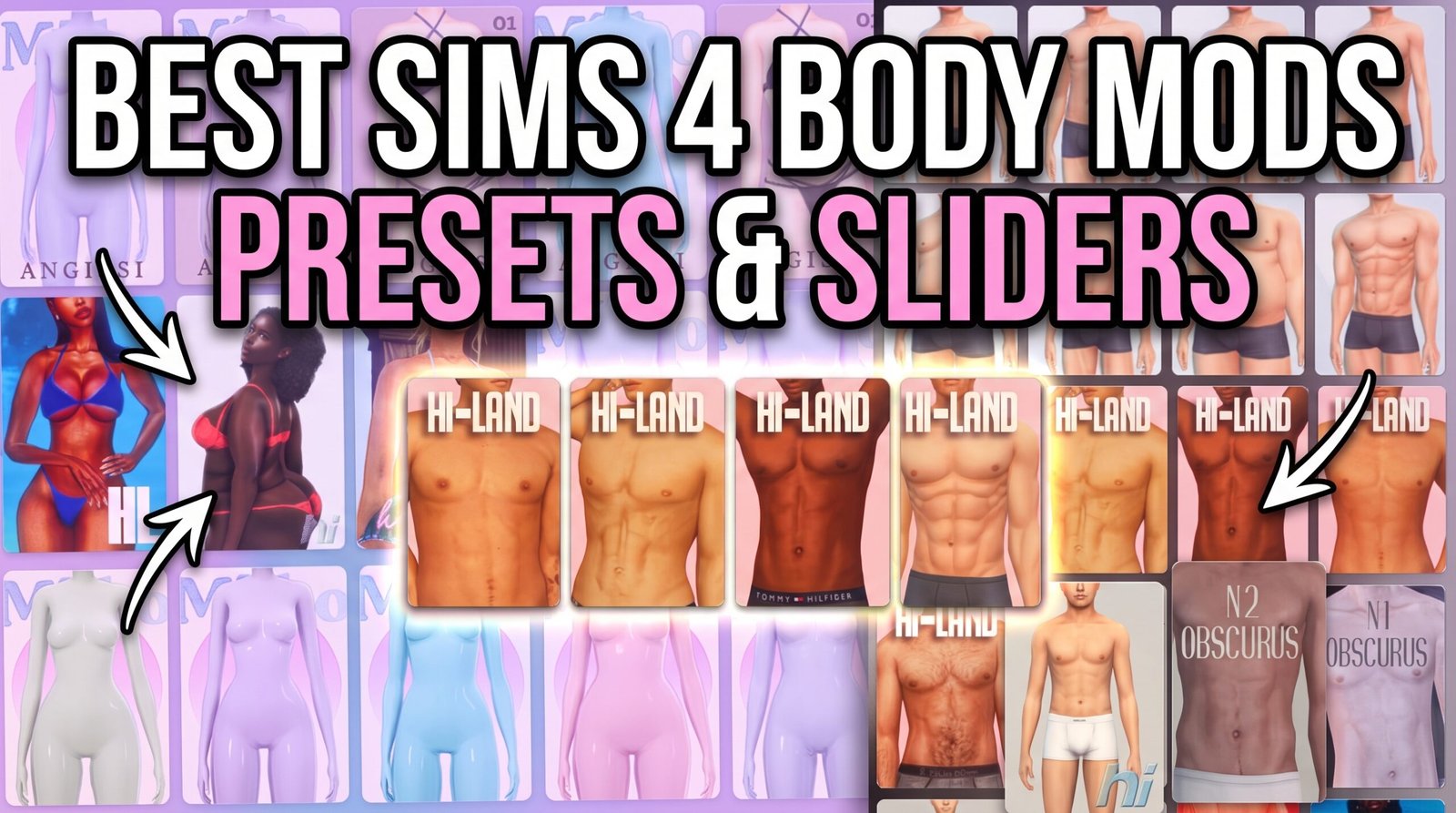
Hi-Land Body Presets
The Hi-Land Body Presets are great for players who want curvy, slim-thick, athletic, and realistic body shapes for their Sims.
Miiko Body Presets Collection
Download Miiko Body Presets Collection
The Miiko Body Presets Collection is perfect for soft, feminine, and Maxis Match-style body shapes.
VibrantPixels Body Preset and Hip Dip Slider
Download VibrantPixels Body Preset and Hip Dip Slider
This download includes rounded hips, hip dips, sculpted arms, and ankle adjustments. It is perfect for Sims who need more realistic body details.
More to Love Body Presets
Download More to Love Body Presets
The More to Love Body Presets include three beautiful plus-size presets with realistically fuller arms and softer body shapes.
Kiana Body Preset
The Kiana Body Preset is a feminine Sims 4 body preset available for Teen through Elder Sims.
Dina Body Preset
The Dina Body Preset is a curvier feminine body preset for Teen through Elder Sims.
ANGISSI Body Presets 1–3
The ANGISSI Body Presets collection features three different feminine body shapes for players who want more CAS variety.
Best Sims 4 Male Body Presets
CarollDesign Body Preset 20
Download CarollDesign Body Preset 20
The CarollDesign Body Preset 20 is a fit body preset created for masculine Sims.
K8RiN Male Body Preset 01
Download K8RiN Male Body Preset 01
The K8RiN Male Body Preset 01 is a masculine preset for Young Adult, Adult, and Elder Sims.
Northern Siberia Winds Male Body Presets
Download Northern Siberia Winds Male Body Presets
The Northern Siberia Winds Male Body Presets download includes two male body presets, matching skin details, and nose presets.
Best Sims 4 Body Sliders
Enhanced Leg Sliders
The Enhanced Leg Sliders let you adjust thighs, calves, bow legs, and knock knees for more realistic leg shapes.
Enhanced Butt Slider
The Enhanced Butt Slider gives you more control over the size and position of a Sim’s bottom.
Physique Slider Tweaks
Download Physique Slider Tweaks
The Physique Slider Tweaks mod unlocks the full range of the game’s fitness and weight sliders.
Luumia Height Slider
The Luumia Height Slider lets you make Sims shorter or taller using a slider or four included height presets.
Find More Sims 4 Body Presets
Browse More Sims 4 Body and Face Presets on CurseForge
CurseForge has a full Sims 4 Body and Face Presets directory where you can find even more recently updated body presets, face presets, CAS sliders, and custom body shapes.
Why Use Sims 4 Body Mods?
Sims 4 body mods help you create Sims who look more realistic and personal. The base game body options can feel limited, especially if you want curvier Sims, plus-size Sims, athletic Sims, shorter Sims, taller Sims, or Sims with more natural body proportions.
Body presets are helpful because they give your Sim an instant shape in CAS. Body sliders are useful because they let you adjust specific areas like height, legs, hips, thighs, arms, waist, and body size.
How To Install Sims 4 Body Mods
Download the body preset or slider from the creator page. If the download comes as a zip or rar file, extract it first.
Place the downloaded .package files inside your Sims 4 Mods folder:
Documents → Electronic Arts → The Sims 4 → Mods
Body presets normally appear under Create-A-Sim → Body. Sliders usually work by clicking and dragging the body area specified by the creator.
Important Body Mod Reminder
Avoid installing multiple sliders that change the same body part because they may conflict. If a slider stops working, remove other sliders that affect the same body area and test again.
After Sims 4 updates, always check if your presets or sliders still work. If your Sim’s body looks distorted, remove the newest slider or preset first and test your game in smaller batches.
You May Also Like
More Sims 4 Body Presets
Sims 4 Sliders
Sims 4 Skin Details
Sims 4 Female CC
Sims 4 Male CC
More Body Presets on Sims4CCFinds