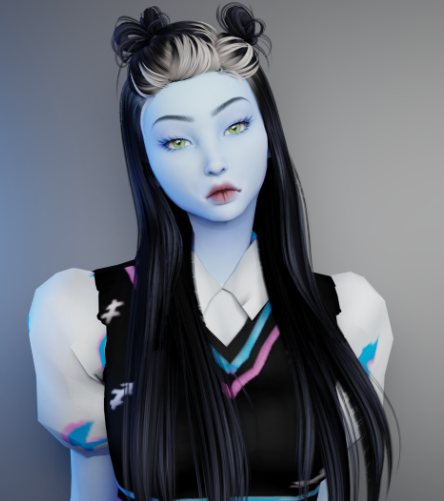
If you are ready to give The Sims 4 a completely different look, these free Vyxated Sims 4 UI mods are some of the prettiest options available. This roundup includes a glass-inspired interface, a comic-style theme, a full dark mode, and two nostalgic designs inspired by The Sims 1 and The Sims 2.
Important: these are full interface recolors, so install only one main UI mod at a time. Before updating, remove the old version and clear your game cache. Always read Vyxated’s installation notes, CONFIG guide, and compatibility information on the original download page.
Quick links: Glass UI · PaperLite UI · Chalk’d UI · Sims 2 UI · Sims 1 UI
Glass UI
Glass UI keeps the familiar white Sims 4 interface but gives it a polished glassmorphism finish. The translucent styling makes menus feel lighter and more modern without completely changing the game’s original visual language. Vyxated also offers matching extras such as loading screens, splash screens, and optional phone icon add-ons.
PaperLite UI
PaperLite UI mixes a comic-book aesthetic with playful Windows XP-inspired details. It is a great pick for players who want a light interface that feels creative without being overly bright. You can also pair it with Vyxated’s recommended comic font, 2D plumbob, graphite wall tool, and comic-style CAS organizers for a more complete look.
Chalk’d UI — Sims 4 Dark Mode
Chalk’d UI is the choice for dark-mode lovers. This extensive overhaul replaces the bright default interface with a deep charcoal look that is much easier on the eyes during late-night gameplay. Optional matching files include a main menu override, loading and splash screens, phone icons, and an EA-style notification color.
The Sims 2 Inspired UI
Bring some early-2000s nostalgia into The Sims 4 with this Sims 2-inspired interface. Vyxated recolored hundreds of icons across Create-a-Sim, Build/Buy, and Live Mode, and the collection includes optional cursor recolors, loading screens, splash screens, and phone icons. The creator’s page says the latest UI Cheats Extension is required and should load after the UI mod, so follow the installation order carefully.
💗 Download The Sims 2 Inspired UI
The Sims 1 Inspired UI
This interface recreates the unmistakable blue-and-gray style of the original Sims era inside The Sims 4. It is perfect for longtime players who want their modern game to feel a little more nostalgic. The download page includes the main UI plus optional loading screens, splash screens, and phone add-ons. As with the Sims 2 version, check the creator’s required UI Cheats Extension and load-order notes before playing.
💗 Download The Sims 1 Inspired UI
How to Install Vyxated UI Mods
- Choose one main UI recolor from the list above.
- Remove any older version of that UI mod from your Mods folder.
- Extract the downloaded ZIP and place the included files in your Mods folder.
- Read the included CONFIG instructions and add only the optional files you want.
- Delete the
localthumbcache.packagefile before reopening your game. - After every Sims 4 patch, check Vyxated’s Mod Status page before playing.
Because these mods replace the same interface resources, combining two full UI themes can cause broken textures, missing icons, or overlapping elements. Other interface mods—especially custom wrench icons, phone replacements, panel edits, and outdated UI Cheats files—may also need extra compatibility checks.
More Sims 4 Mods & CC
Keep customizing your game with our Sims 4 gameplay mods roundup, discover more must-have CAS mods, or follow our beginner-friendly guide on how to install Sims 4 CC and mods.
Featured preview © Vyxated. Used with creator credit and linked to the original free release. Mod compatibility can change after game updates, so always review the creator’s current notes before downloading.