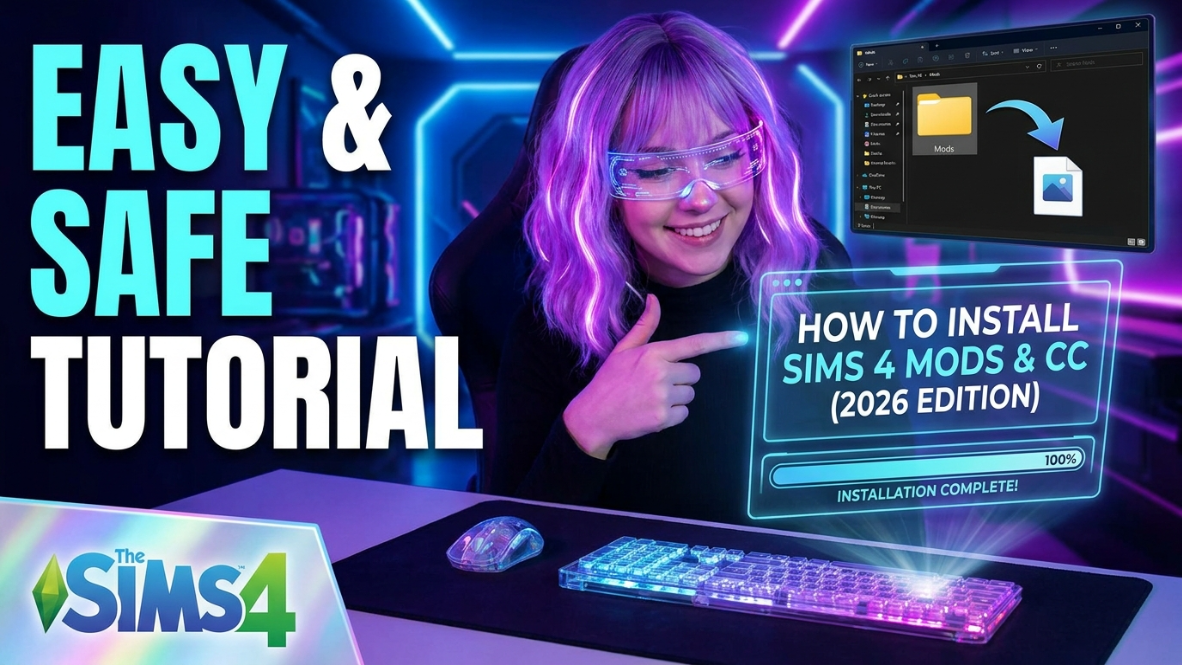
How to Install Sims 4 CC and Mods in 2026 — Beginner Friendly Guide
New to Sims 4 custom content? This easy guide will show you where to put CC, how to enable mods, and how to avoid common beginner mistakes.
What Is Sims 4 CC?
Sims 4 CC means custom content made by creators for The Sims 4. This can include hair, clothes, shoes, makeup, furniture, build items, poses, accessories, and more. CC is one of the easiest ways to make your game feel more personal, stylish, and fun.
If you are new to downloading Sims 4 CC, don’t worry. Once you understand where the files go, installing custom content becomes very simple.
Where Is the Sims 4 Mods Folder?
Your Sims 4 CC and mods usually go inside your Mods folder. You can normally find it here:
Documents → Electronic Arts → The Sims 4 → Mods
This is the main folder where most custom content files belong. If you do not see a Mods folder, open The Sims 4 once and then close it. The game should create the folder automatically.
How to Install Sims 4 .package Files
Most Sims 4 CC comes as a .package file. These files are usually used for items like hair, clothing, makeup, furniture, and accessories.
- Download the CC file from the creator’s page.
- Unzip the file if it comes in a .zip or .rar folder.
- Find the .package file.
- Move the file into your Sims 4 Mods folder.
- Open The Sims 4 and check your custom content in CAS or Build/Buy mode.
You can organize .package files into folders, but try not to make your folder structure too messy. Simple folders are easier to manage.
How to Install Sims 4 Script Mods
Script mods are different from regular CC. These are usually gameplay mods that change or add features to your game.
Script mod files often end in:
- .ts4script
- .package
Script mods should usually stay only one folder deep inside your Mods folder. Do not bury script mods inside too many folders because the game may not read them correctly.
How to Enable Custom Content in The Sims 4
After adding CC or mods, open your game and check your settings.
Game Options → Other
Make sure these options are turned on:
- Enable Custom Content and Mods
- Script Mods Allowed
After turning them on, restart your game. Your CC may not appear until the game has fully restarted.
How Many Folders Deep Can Sims 4 CC Go?
For regular .package CC, you can use folders to stay organized. For script mods, keep things simple. A clean Mods folder can make your game easier to fix after updates.
Here is an easy folder setup:
- Hair
- Clothes
- Shoes
- Makeup
- Accessories
- Kids CC
- Build Buy
- Script Mods
This makes it easier to find broken files, delete old CC, and update your favorite mods.
Common Sims 4 CC Mistakes Beginners Make
If your Sims 4 CC is not working, check for these common mistakes:
- The file is still inside a .zip or .rar folder.
- Custom content is not enabled in game settings.
- Script mods are buried too many folders deep.
- The CC requires a mesh that you did not download.
- The mod is outdated after a Sims 4 update.
- The file is in the wrong folder.
If your CC was working before but disappeared after an update, you may need to re-enable mods in your game settings.
Free Sims 4 CC Folder Checklist
Want an easier way to organize your Mods folder? Download my free Sims 4 CC Folder Checklist so you can keep your hair, clothes, kids CC, script mods, and build/buy items easier to manage.
Download the Free CC Checklist
What to Do If Your CC Still Is Not Showing
If your custom content still does not show up, try testing your Mods folder in small batches. Move your Mods folder to your desktop, open the game so it creates a fresh Mods folder, and then add your CC back little by little.
This helps you find broken files without deleting everything at once.
If your CC is already installed but not appearing in your game, read this guide next: Sims 4 CC Not Showing Up After Update?
Final Thoughts
Installing Sims 4 CC and mods is easy once you know where everything goes. Always place your files in the correct Mods folder, enable custom content in your settings, and keep your folder organized. A clean Mods folder can save you so much stress after updates.
Whether you love custom hair, cute outfits, cozy furniture, or gameplay mods, CC can make your Sims 4 game feel brand new again.
You May Also Like
- Sims 4 CC Not Showing Up After Update?
- Best Sims 4 CC Finds You Need in Your Game
- How to Organize Your Sims 4 Mods Folder
- Sims 4 Kids CC Folder Download
- Best Sims 4 Mods for Better Gameplay
This website is not endorsed by or affiliated with EA or its licensors. All Sims-related names and assets belong to their respective owners.