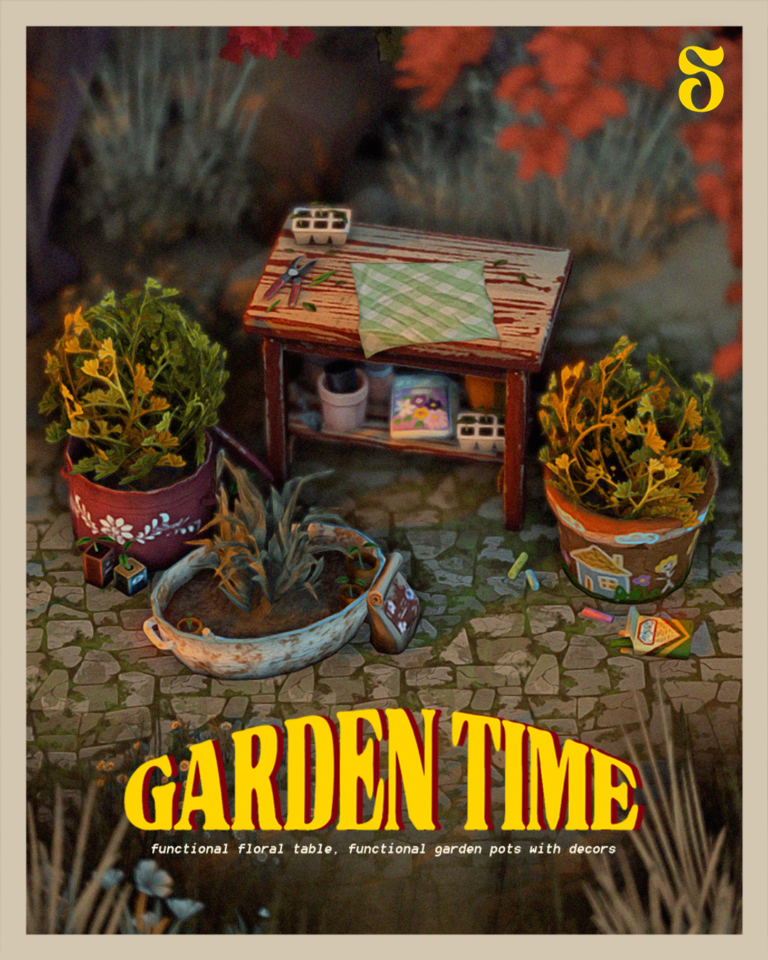
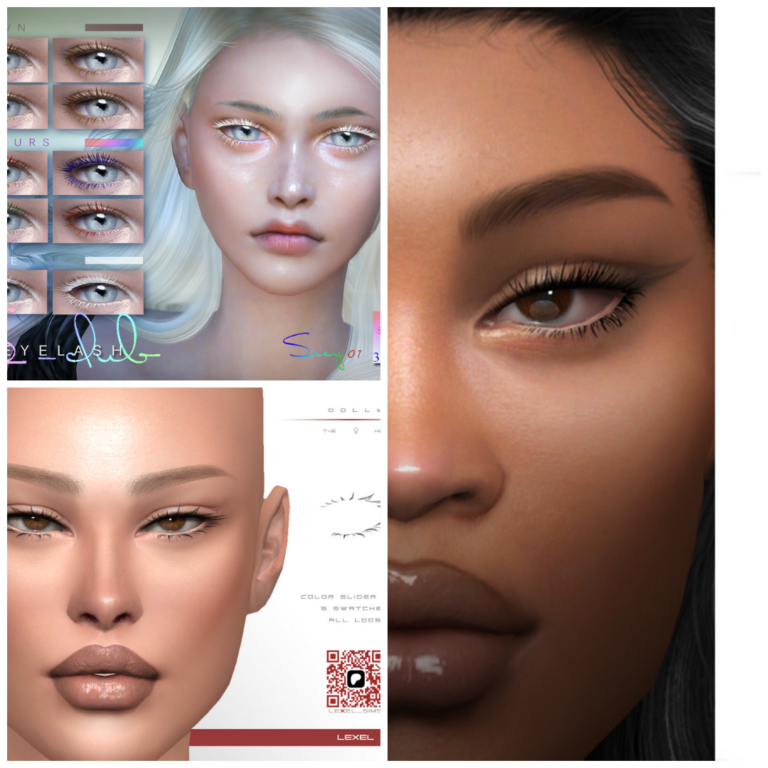
Looking for free Sims 4 CC and gameplay mods for your next family save? These eight finds from Poyo and SonozakiSisters cover detailed skins, children’s eyes, family genetics, swimming, and university life. There is a mix of CAS customization and practical gameplay changes, so you can pick what suits your Sims.
Each button takes you to the creator’s original public post, where you can read the instructions and choose the right files. All previews are credited to their creators. Public downloads were checked on October 1, 2026; these finds have not been play-tested by GamingWithPrincess.
1. Louis Skin and Nose Presets Pack
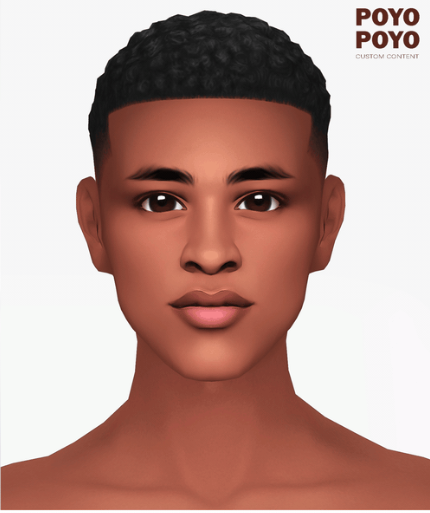
Give your male Sims a more detailed CAS look with Louis. This pack brings together a semi-realistic skin, a skinblend, a separate face mask, and four nose presets. The full skin has 15 swatches; the skinblend offers five swatches plus five face-mask swatches. It is a useful set for building a distinctive face while keeping several skin options on the same creator page.
Requirements and notes: The nose presets and full skins are for teens through elders. The standalone face mask supports all ages and genders. HQ-compatible skins and a linked non-HQ option are available.
2. Heterochromia Eyes for Kids
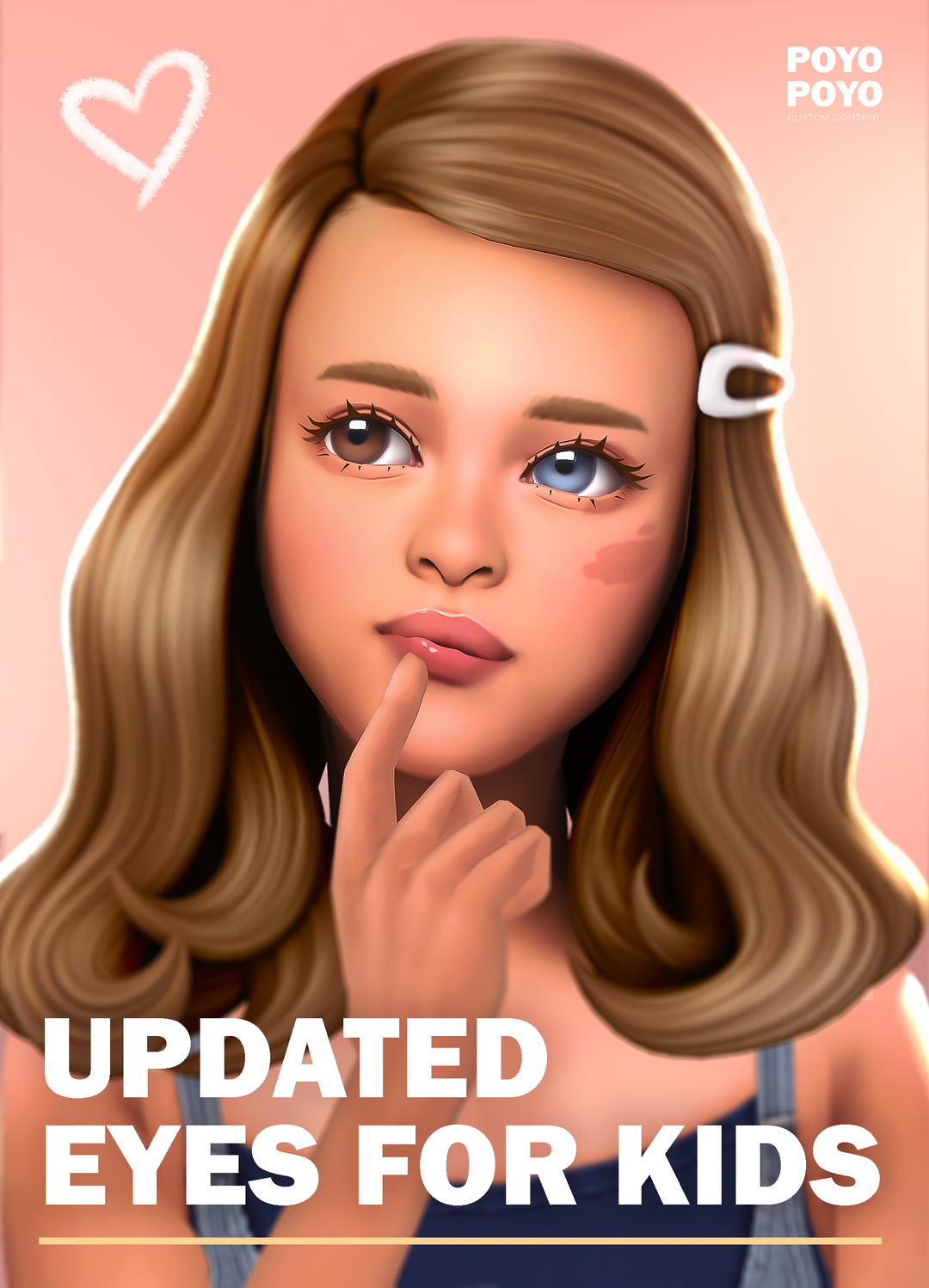
Two different eye colors can give a child Sim an instantly recognizable look. Poyo’s updated second-eye add-ons cover the N17, N18, N19, and N20 eye collections, with multiple swatch choices across the files. The add-ons sit in Skin Details, making them a handy finishing touch for family CAS sessions. Pick the add-on that matches the base eye collection you use rather than treating this release as a complete standalone eye set.
Requirements and notes: Children only. Download the matching base eyes from the links in Poyo’s post. HQ and non-HQ add-on files are provided.
3. Elderly Skin Defaults and Skinblends
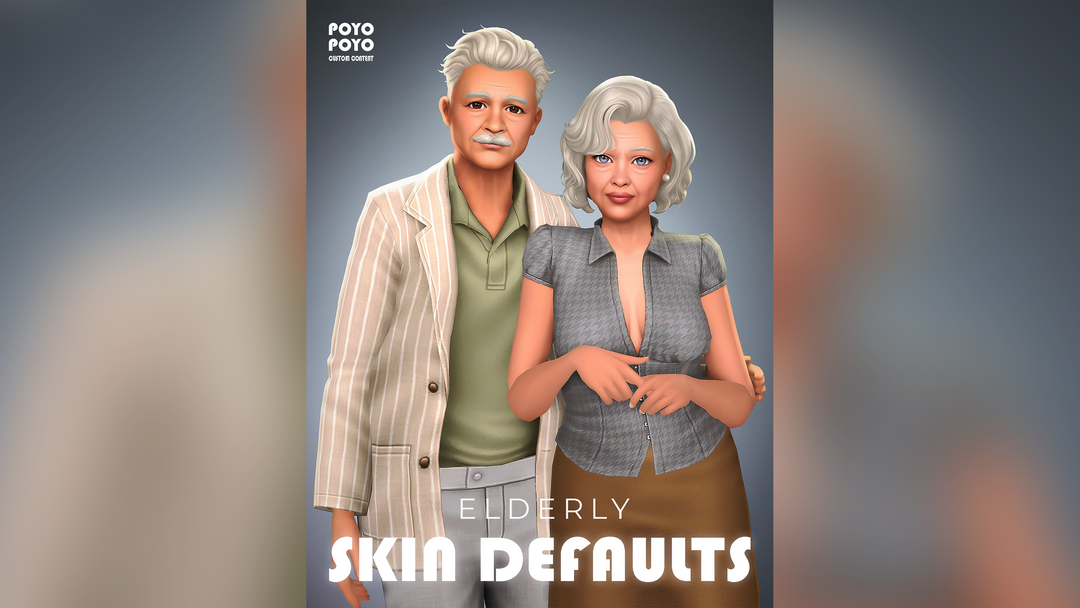
Elder Sims deserve thoughtful CAS details too. This collection includes replacement elder skins alongside manually applied skinblends and face masks. The creator combines reworked EA textures with earlier creations for a softer Maxis Match direction. Use the default version when you want to change the underlying elder texture, or choose an overlay when you prefer to customize individual Sims. Separate face masks let you focus on facial detail without changing the body.
Requirements and notes: Defaults are elder-only. Skinblends and face masks support adults through elders, both genders, with five swatches. Skinblends are not body-slider compatible. Choose HQ or non-HQ to match your setup.
4. Soft Skinblend for Elderly Sims
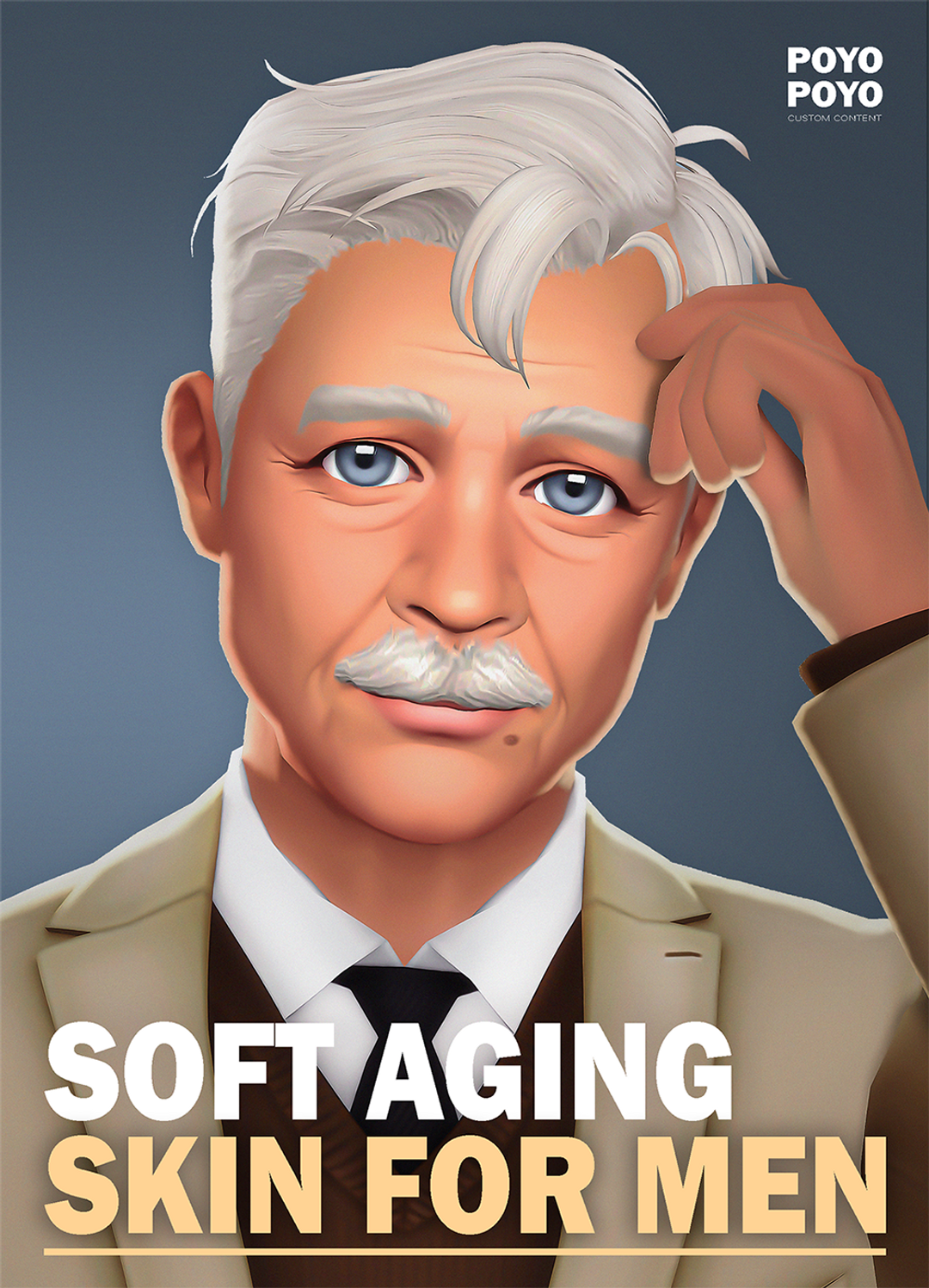
For a gentler aging effect, this non-default skinblend offers both a full-body overlay and a face-only option. Although the preview focuses on an older male Sim, Poyo lists support for all genders from adult through elder. A 70-percent transparency option helps the detail blend with the EA appearance. It is a flexible choice for a family save where you want some Sims to show softer age detail without replacing every Sim’s default skin.
Requirements and notes: Adult–elder, all genders, HQ compatible. This is a non-default overlay, not a global skin replacement.
5. Adult Skin Defaults and Skinblends
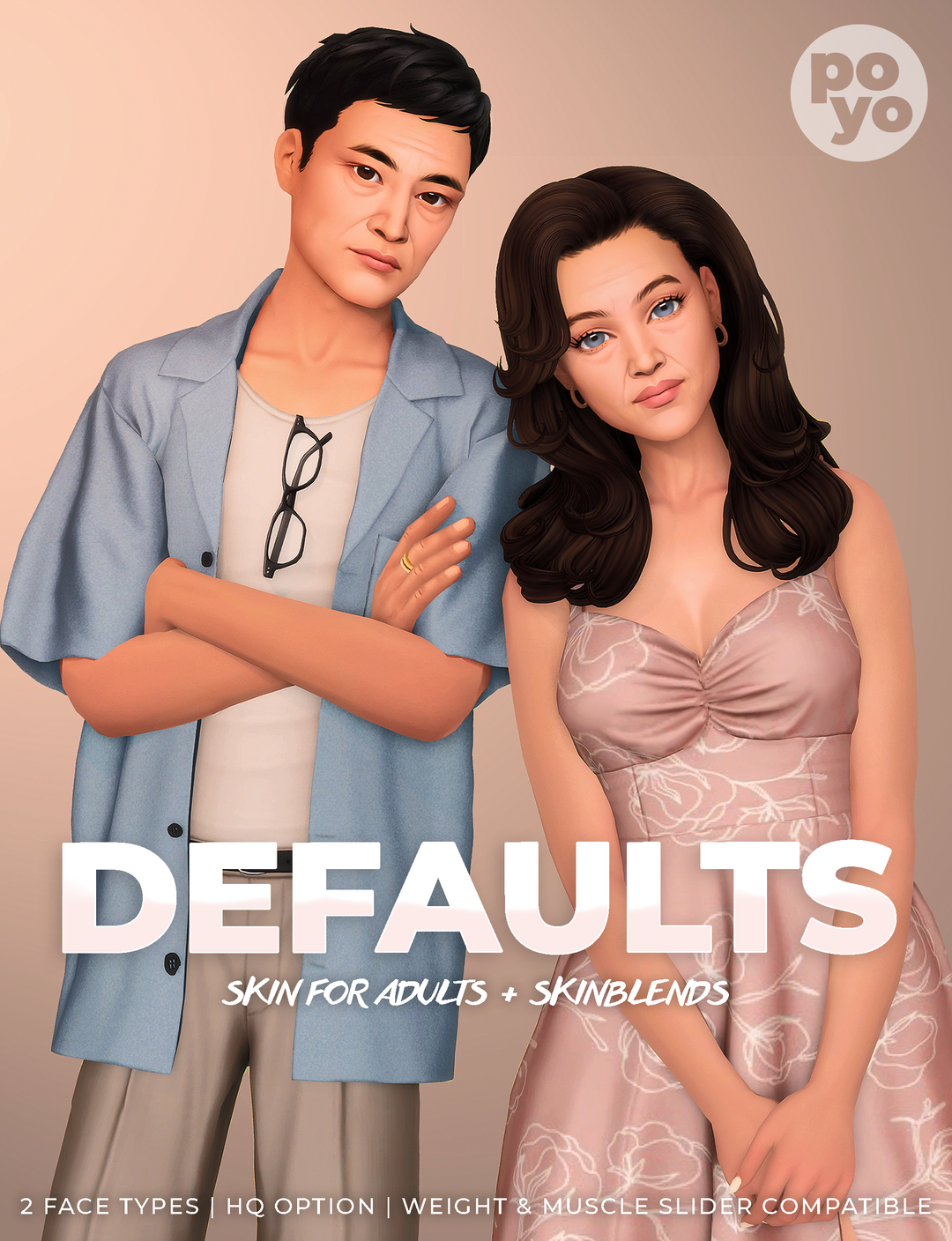
This adult skin collection pairs default replacements with skinblends and face masks for male and female Sims. The A and B face choices give you alternatives when deciding on the default appearance in your save. Poyo lists weight and muscle slider compatibility, which is useful when you customize different body shapes. Keep the distinction between defaults and overlays in mind: one replaces the underlying texture, while the other is selected for a particular Sim.
Requirements and notes: Choose only one default version per age/gender slot: A or B, never both. Skinblends and face masks are available in HQ; the default skins are not HQ.
6. Remove Shoes in Water
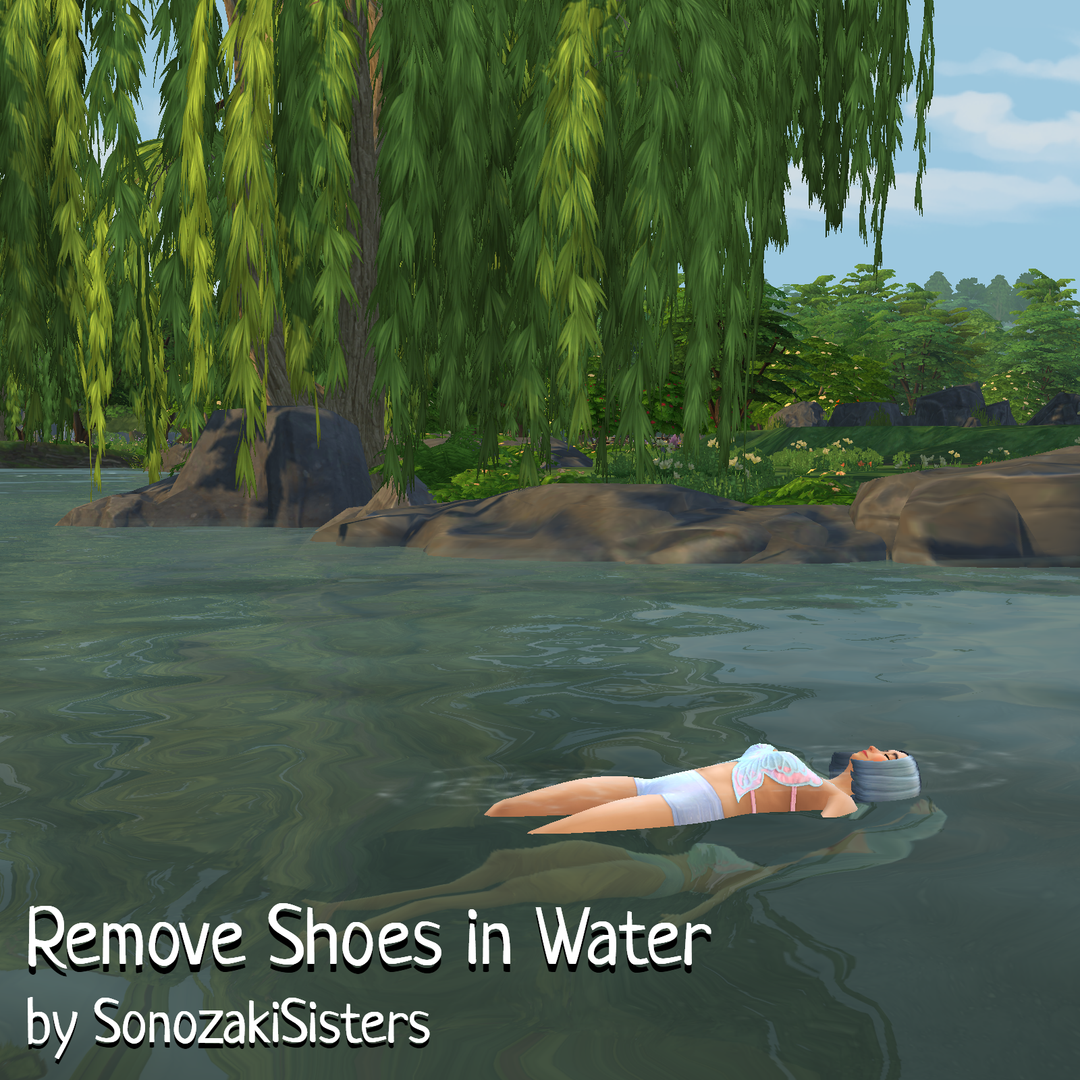
A small detail can make swimming scenes feel more natural. This mod hides shoes while Sims swim, wade, lie on water, or relax in hot tubs and hot springs. It is particularly handy when a Sim enters the water wearing an outfit that still includes footwear. The creator also explains how it handles custom feet, so check how your feet CC is categorized before adding it to your setup.
Requirements and notes: Base game compatible; requires Lot51 Core Library. Bare-foot default replacements are supported, but custom feet made as shoes or socks are hidden.
7. Genetics Overhaul: Main Mod 1.5
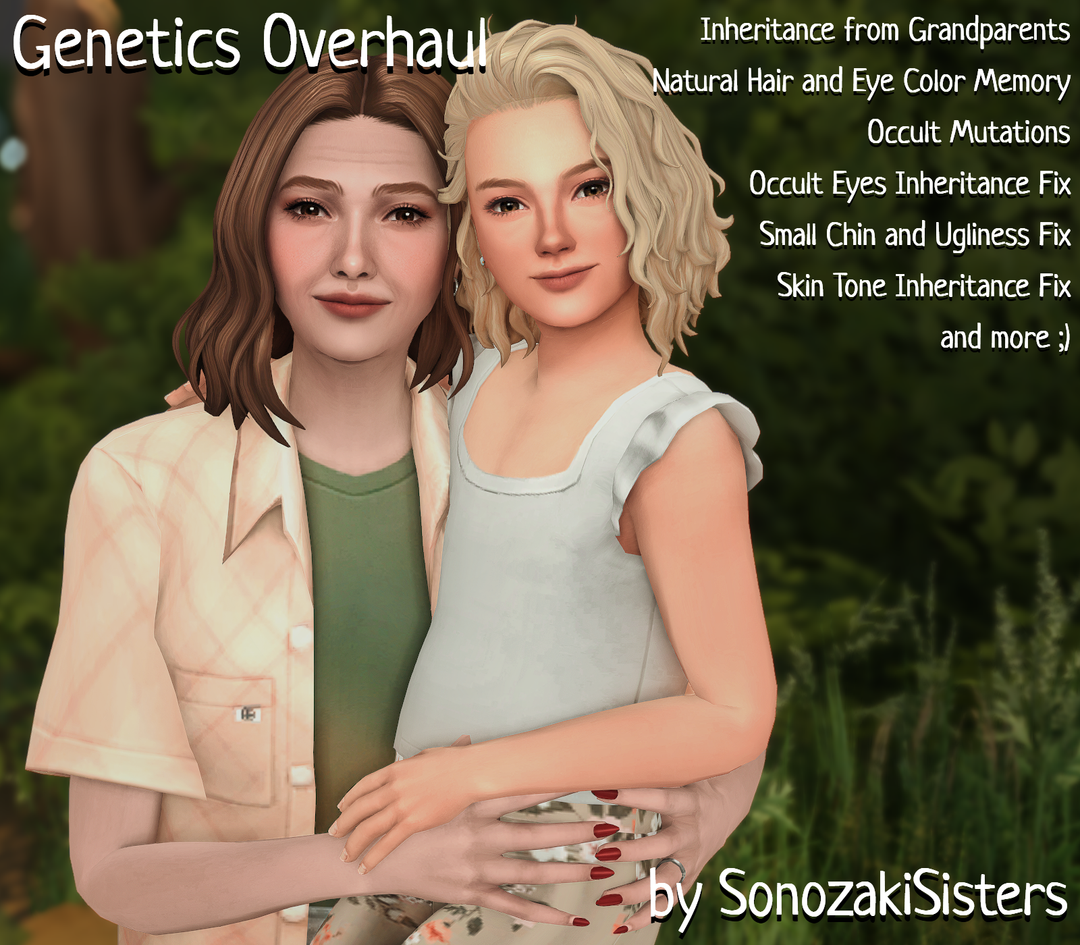
Family players can explore a more detailed inheritance system with Genetics Overhaul. The main mod introduces configurable influence from grandparents and separates natural hair and eye colors from a Sim’s current styling. Version 1.5 adds options for changing appearance using family genetics in Live Mode. The creator confirmed the update became public on September 29, 2026. Read the original documentation linked from the update page before adjusting an existing family.
Requirements and notes: Base game compatible; requires Lot51 Core Library. Follow the current reinstall instructions and MCCC settings in the creator documentation. CAS-created offspring and CC presets have limitations.
8. Longer University Terms: 2, 3, or 4 Weeks
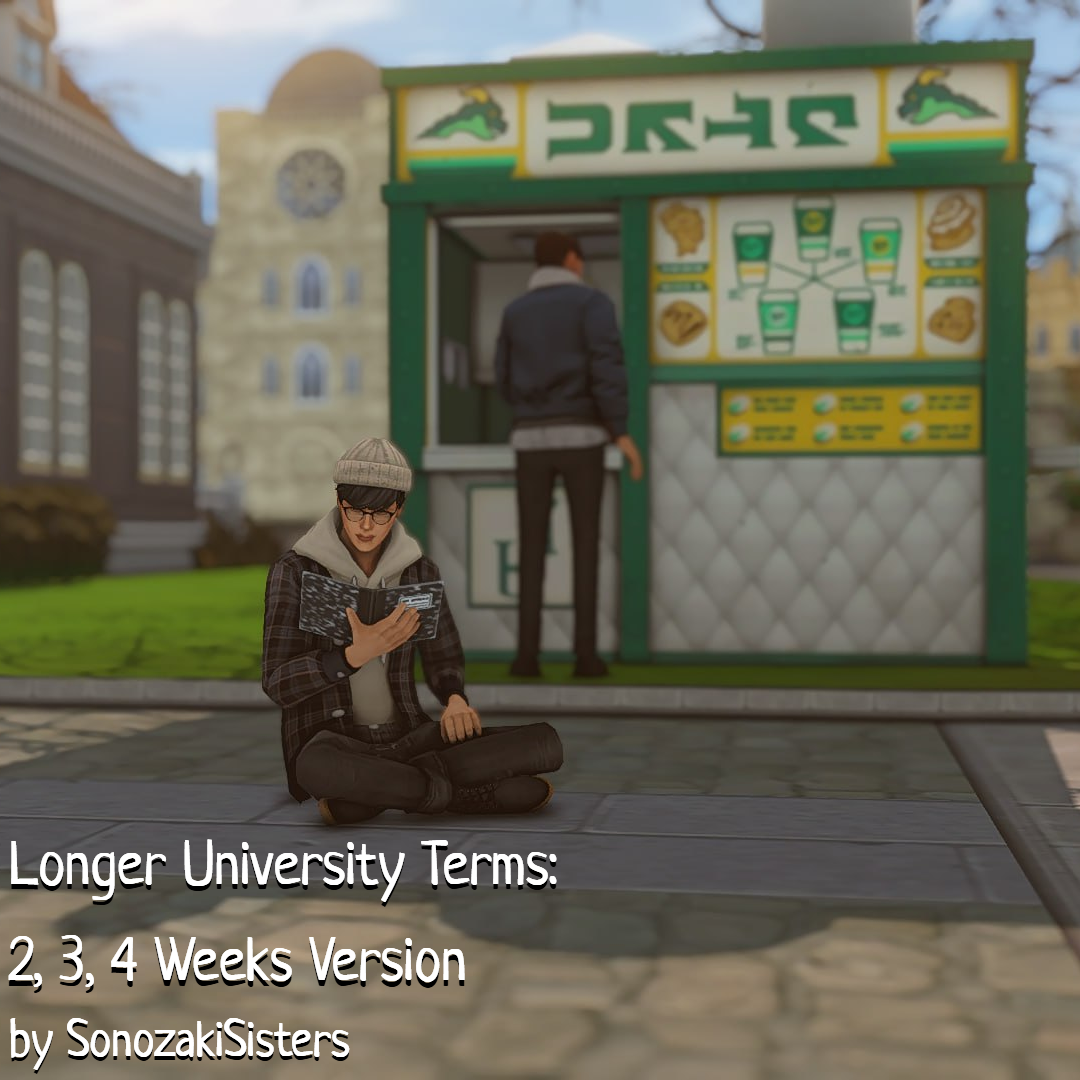
Give university life more room in your story with a longer term. This release offers two-, three-, or four-week options instead of the usual single week. It also reduces the effectiveness of study actions where possible, so excellent grades take more work. Choose the length that fits your save, whether you want extra time for campus relationships or a slower academic storyline alongside everyday life.
Requirements and notes: Requires Discover University. Install one version only, before enrollment or after the current term ends. Conflicts with similar mods and mods that change the degree tracker.
Before Adding the Gameplay Mods
The requirements above come from the creators. Current patch clearance for the three SonozakiSisters mods could not be independently confirmed from the status sheet, so check the official Mod Status Sheet against your game version before installing. Keep a backup of your save and follow each creator’s latest instructions.
Which find fits your next family save: a fresh CAS look, richer genetics, or a slower university story?