30 Sims 4 Skinblends & Skin Overlays
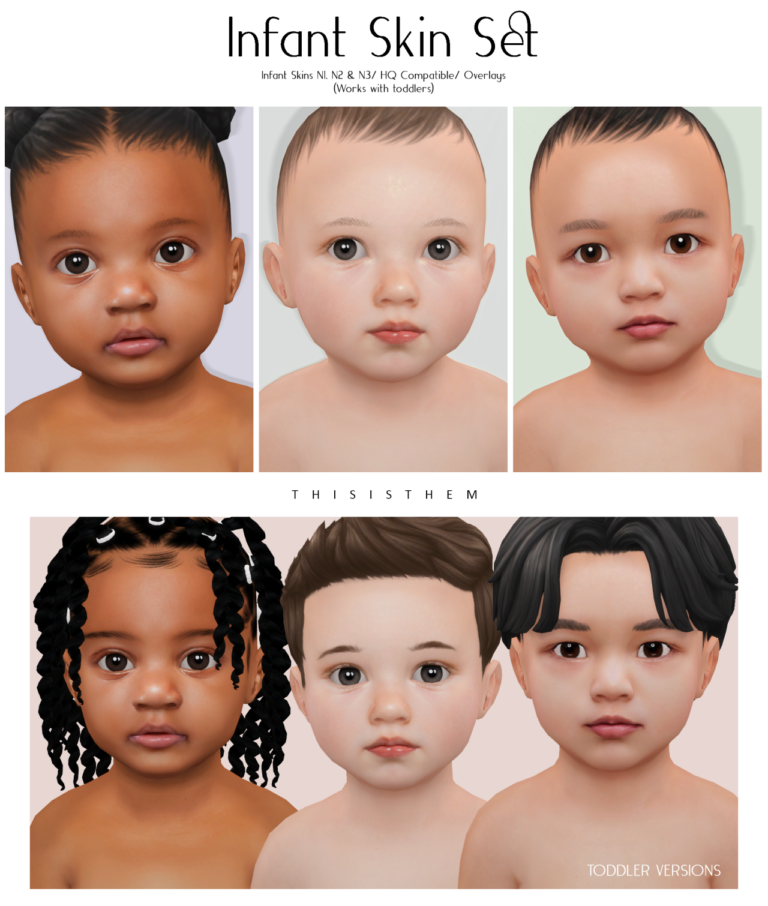
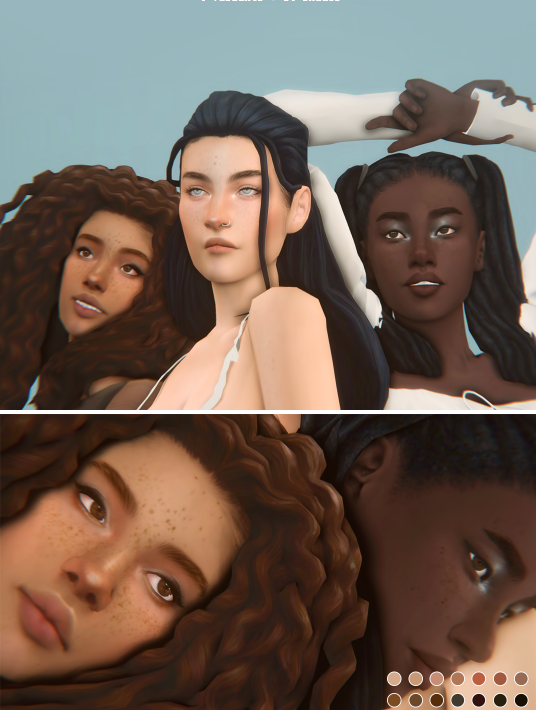
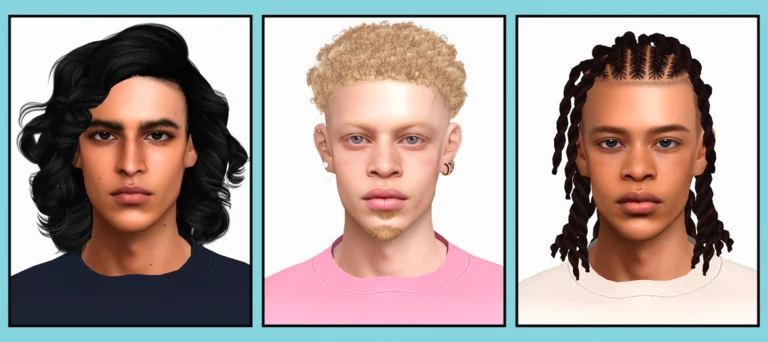
Looking for more Sims 4 skinblends and skin overlays? 💗 This collection brings together 30 creator downloads for softer Maxis Match faces, smooth overlays, default replacements, non-default skin details, face masks, and versatile genetics for different Sims.
The list includes popular creators such as Lamatisse, TwistedCat, Nesurii, Sammi XOX, PoyoPoyo, Kindlespice, ImVikai, Squea, and more. Every pink button below leads to the original creator post or original download folder supplied with the collection.
Important: files labeled default replace the EA default skin across your game. If you only want the look on selected Sims, choose the non-default, overlay, or face-mask version whenever the creator provides one.
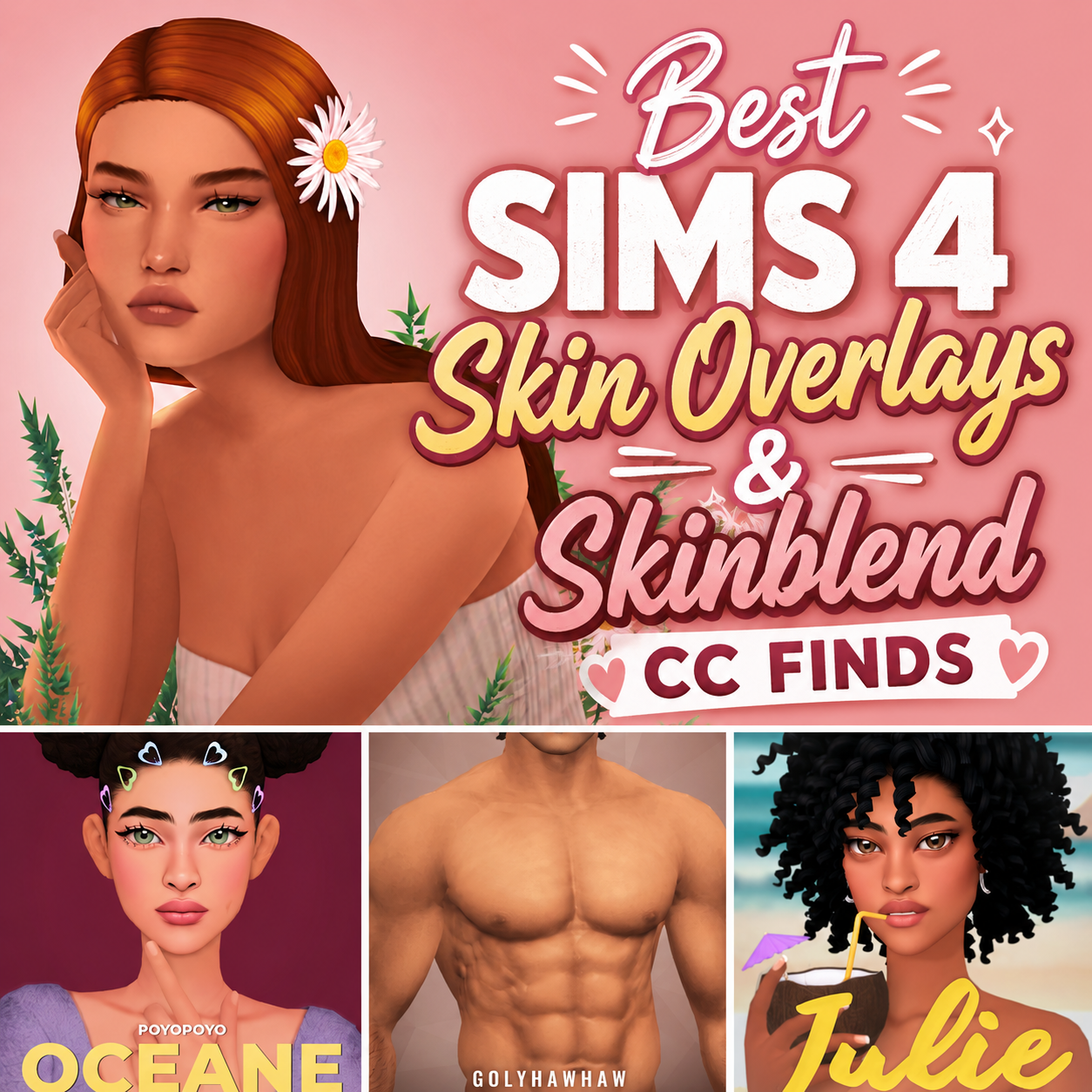
You can also visit my best Sims 4 skin overlays and skinblend finds or my Lamatisse skinblend collection for more CAS inspiration.
Quick List of All 30 Skin Downloads
1. Dusty Skinblend by Squea
2. Mercuria by Lamatisse
3. Privé by Lamatisse
4. Fresco by Lamatisse
5. Birdie V1 by Nintensims
6. Fleur Skinblend by Lunamoth
7. Gaia Skinblend by DivineCap
8. Faerie Fire Skinblend by Kindlespice
9. Billy Skinblend by ImVikai
10. Dana Skinblend by Sloedancing
11. 1000 Skinblend by Sunlitcrys
12. Saturnine Skinblend by Sammi XOX
13. DNA Skin by OasisGoth
14. Mocha Overlay by Sammi XOX
15. Sigrún Skin Overlay by Saya CC
16. Charlotte Skin Overlay by PoyoPoyo
17. Butterish Skinblend by Lamatisse
18. Aeonium Skin Overlay by Nesurii
19. So Creamy Skin Overlay by TwistedCat
20. Glass Skin by TwistedCat
21. Agave Skin Overlay by Nesurii
22. Scarlet Skinblend by Ghostputty
23. Myrica Skin Overlay by Nesurii
24. Oatmilk Skinblend by Elaina
25. Fawn Skin Overlay by TwistedCat
26. Hazel Skinblend by Sammi XOX
27. Face Masks by Sour Lemon Simblr
28. Skin N11 Overlay by Northern Siberia Winds
29. Little Heart Skinblend Face Mask by PoyoPoyo
30. Adeline Skinblend by PoyoPoyo
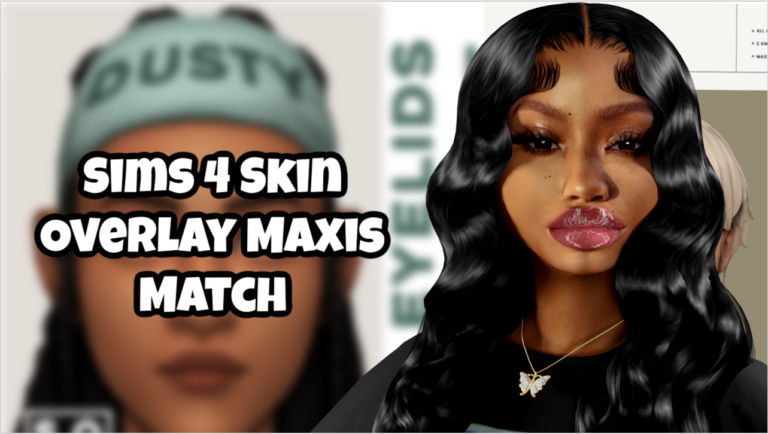
1. 💗 Dusty Skinblend by Squea
A soft skinblend option for players who want a smoother face while keeping a gentle Maxis Match look. Visit Squea’s original Tumblr post for the current files and creator notes.
2. 💗 Mercuria by Lamatisse
A popular Lamatisse skinblend for a clean, softly detailed finish. Check the creator page carefully to choose the version and slot that fit your game.
3. 💗 Privé by Lamatisse
Privé is another Lamatisse option for polished, subtle CAS detail. It works nicely in a folder built around smooth Maxis Match-style skin finishes.
4. 💗 Fresco by Lamatisse
Fresco gives you another soft skinblend choice from Lamatisse. Read the original post before installing so you select the intended default or non-default file.
5. 💗 Birdie V1 by Nintensims
Birdie V1 is a skinblend from Nintensims for players refreshing their everyday CAS genetics. The creator’s Tumblr page is the safest place to review the current download.
6. 💗 Fleur Skinblend by Lunamoth
Fleur includes default and non-default choices. If you do not want to replace EA’s default skin, avoid files clearly marked default and choose the overlay or non-default option instead.
7. 💗 Gaia Skinblend by DivineCap
Gaia is a creator skinblend linked from DivineCap’s original release page. It adds another distinct facial finish to a mixed skin-details folder.
8. 💗 Faerie Fire Skinblend by Kindlespice
Faerie Fire is available as a skinblend with a later face-only overlay update. The face overlay can be paired with other body textures and is listed for toddlers and children as well.
9. 💗 Billy Skinblend by ImVikai
Billy is a skinblend by ImVikai for players who want another versatile CAS base. Use the original Patreon post to check supported ages, frames, and available swatches.
10. 💗 Dana Skinblend by Sloedancing
Dana is presented as a simple smoothing skinblend. It is a helpful option when you want subtle refinement without stacking too many separate skin details.
11. 💗 1000 Skinblend by Sunlitcrys
The 1000 Skinblend comes from a creator gift bundle by Sunlitcrys. Review the linked post for the included files and the creator’s original terms.
12. 💗 Saturnine Skinblend by Sammi XOX
Saturnine is labeled for all ages and genders, making it useful for cohesive family makeovers. Confirm the available slots and versions on Sammi XOX’s original post.
13. 💗 DNA Skin by OasisGoth
DNA Skin is a revamped genetics option by OasisGoth. It suits players who enjoy revisiting older creator favorites while keeping the download tied to its original source.
14. 💗 Mocha Overlay by Sammi XOX
Mocha is a face overlay option stored in the creator’s SimFileShare folder. Because this is a direct file folder, keep the original filename so it is easier to identify later.
15. 💗 Sigrún Skin Overlay by Saya CC
Sigrún is a skin overlay from Saya CC. It can be layered into your skin-details setup when you want a different facial finish without replacing every EA skin.
16. 💗 Charlotte Skin Overlay by PoyoPoyo
Charlotte is linked through PoyoPoyo’s skin release page. Check the creator’s preview and file labels before downloading because skin numbers and collection names can vary between listings.
17. 💗 Butterish Skinblend by Lamatisse
Butterish adds another Lamatisse skinblend to this large collection. It is best for players who enjoy comparing several soft Maxis Match-inspired face textures from one creator.
18. 💗 Aeonium Skin Overlay by Nesurii
Aeonium includes a default-skin option. Download the overlay or non-default file if you want to keep EA’s original default skin in your game.
19. 💗 So Creamy Skin Overlay by TwistedCat
So Creamy is a smooth skin option from TwistedCat. It fits beauty-focused CAS folders where you want a clean base for freckles, blush, lashes, and other face details.
20. 💗 Glass Skin by TwistedCat
Glass Skin is another TwistedCat skin detail with a polished finish. Check the creator page for the available versions and recommended CAS category.
21. 💗 Agave Skin Overlay by Nesurii
Agave offers default and non-default skinblend choices. Avoid the DefaultSkin file when you only want an overlay and do not want to replace the EA default.
22. 💗 Scarlet Skinblend by Ghostputty
Scarlet is a skinblend by Ghostputty that adds another creator-specific face texture to this roundup. Use the original Patreon page for the proper download and details.
23. 💗 Myrica Skin Overlay by Nesurii
Myrica is another Nesurii release with default and overlay-style choices. Choose carefully if you want the effect only on selected Sims instead of across the whole game.
24. 💗 Oatmilk Skinblend by Elaina
Oatmilk is a base-game-compatible skinblend by Elaina. It is a cozy everyday choice for players building a softer Maxis Match genetics collection.
25. 💗 Fawn Skin Overlay by TwistedCat
Fawn is a TwistedCat skin option for subtle CAS enhancement. Pair it carefully with other overlays so several details are not competing for the same skin-detail slot.
26. 💗 Hazel Skinblend by Sammi XOX
Hazel is labeled for all ages and genders. That makes it a useful family-friendly option when you want related Sims to share a consistent skin style.
27. 💗 Face Masks by Sour Lemon Simblr
These face masks provide targeted facial detail rather than a full default replacement. Visit Sour Lemon Simblr’s original download post for the current files.
28. 💗 Skin N11 Overlay by Northern Siberia Winds
Skin N11 appears in Northern Siberia Winds’ female New Year collection. Check the full creator page because the linked release may include more than one genetics or CAS item.
29. 💗 Little Heart Skinblend Face Mask by PoyoPoyo
Little Heart is a face-mask skinblend included through PoyoPoyo’s Baby Face Kit page. Review the collection before downloading so you know exactly which package creates the skin effect.
30. 💗 Adeline Skinblend by PoyoPoyo
Adeline comes from PoyoPoyo’s Adeline set. Use the creator page to compare the included versions and select the package that best matches your preferred CAS style.
How to Install Sims 4 Skinblends and Overlays
Download the files you want from the original creator pages. If the download arrives as a ZIP or RAR archive, extract it first. Move the included .package files into Documents → Electronic Arts → The Sims 4 → Mods.
Open The Sims 4 and go to Game Options → Other. Turn on Enable Custom Content and Mods, then restart the game. Most non-default overlays appear under Skin Details, while default replacements apply automatically.
Default vs. Non-Default Skins
Default skins replace the EA skin texture used by Sims throughout your game. Non-default skinblends and overlays can be selected for individual Sims in Create-A-Sim. If you are unsure, begin with the overlay version because it is easier to apply and remove.
Avoid installing several default replacements at the same time. Also remember that two overlays assigned to the same CAS slot may conflict, so keep your genetics folder organized by creator and product name.
💖 You May Also Like
Best Sims 4 Skin Overlays & Skinblend CC Finds
|
Best Sims 4 Skinblend CC by Lamatisse
|
Sims 4 Male Skin CC Folder
✨ Keep Browsing
Save this list for your next Create-A-Sim makeover and choose the skinblend that best fits your Sim’s style. Always download from the original creator and keep the original filenames so updates are easier to manage. 💗