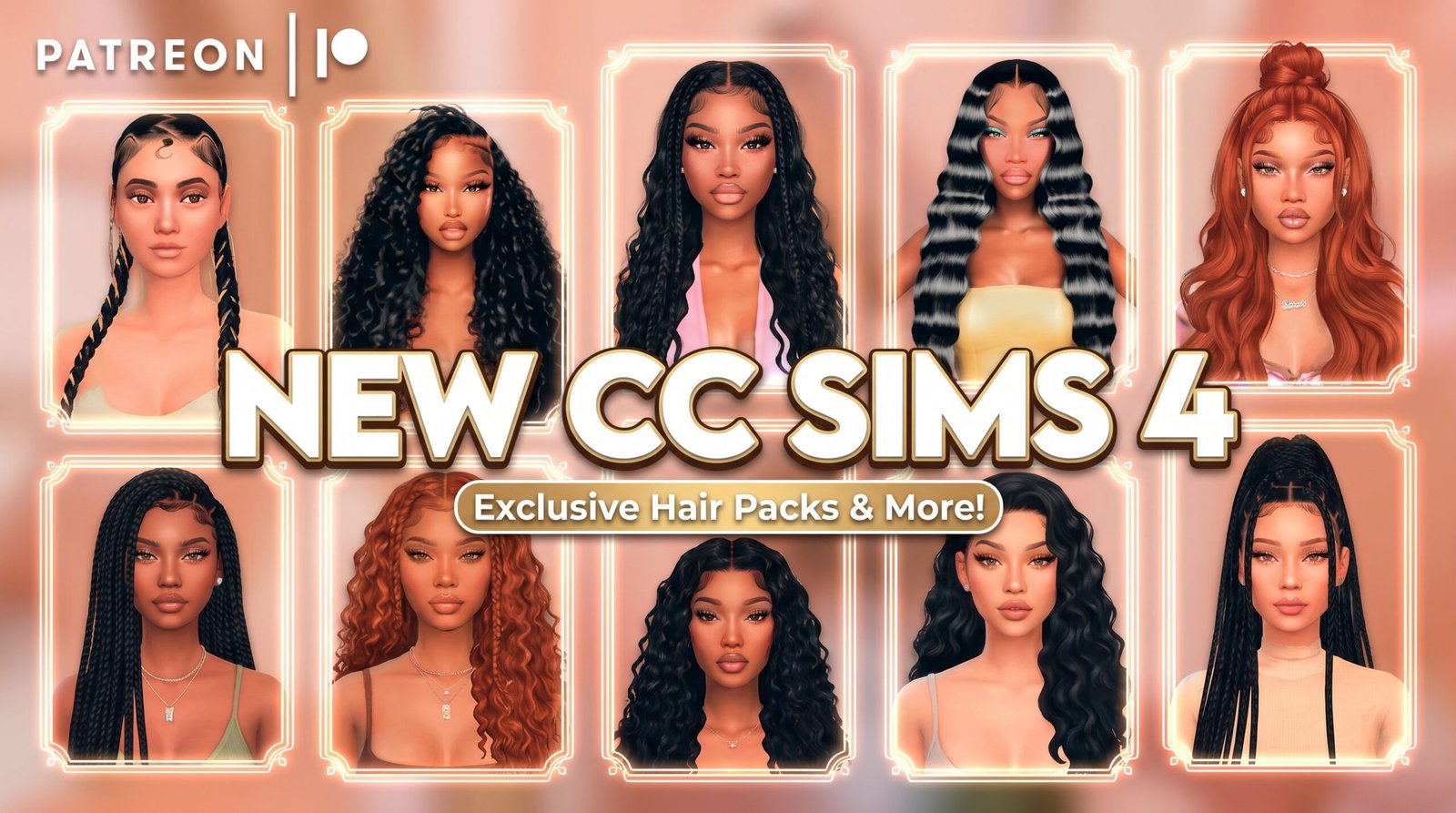
Sims 4 Hair and Clothing CC Folder Download
Looking for a Sims 4 hair and clothing CC folder? This folder is packed with cute CAS custom content for your female Sims, including hair, outfits, shoes, dresses, accessories, nails, lashes, and more.
This CC folder is perfect if you want to refresh your Mods folder with stylish pieces for baddie Sims, everyday outfits, girly Sims, realistic CAS makeovers, fashion screenshots, TikTok edits, Pinterest posts, and YouTube videos.
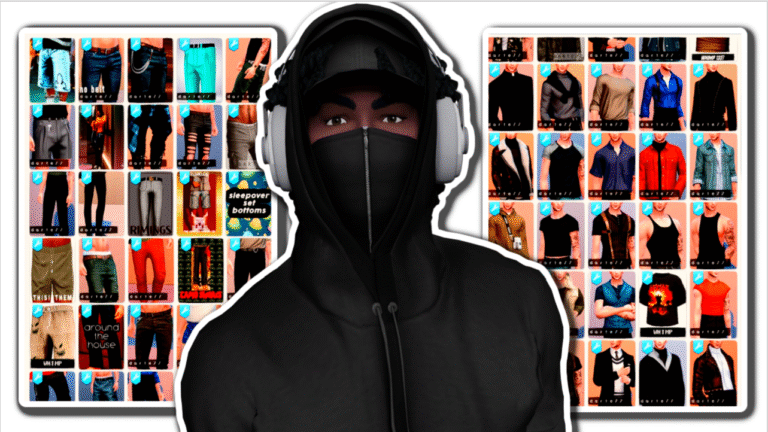
Sims 4 Hair and Clothing Folder Preview
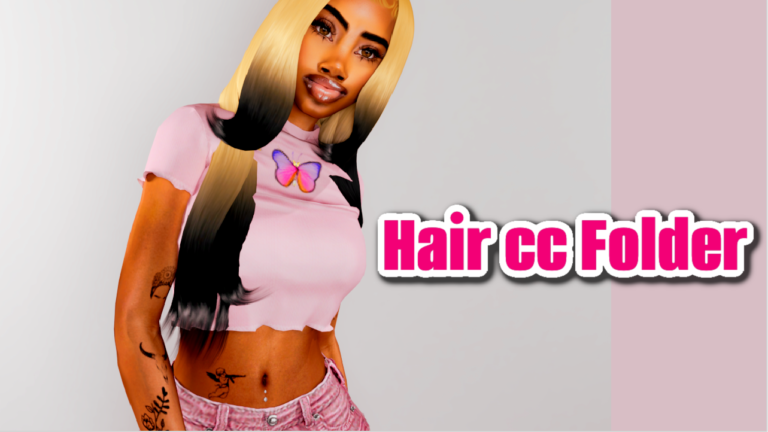
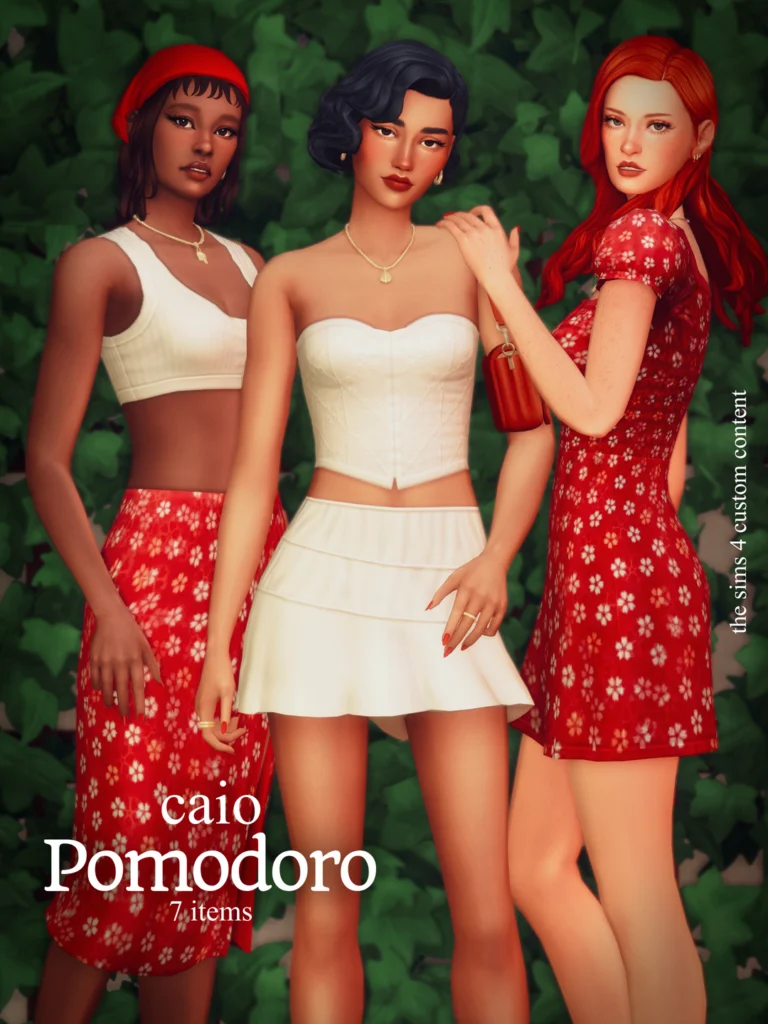
The screenshots show a preview of the items included inside the folder. This folder has a large mix of Sims 4 female hair, clothing, shoes, accessories, lashes, nails, dresses, bags, outfits, and CAS pieces.
What’s Inside This Sims 4 CC Folder?
This folder includes a variety of custom content from different creators and sets. Some visible items include hair CC, outfit sets, shoes, bags, dresses, nails, lashes, glasses, accessories, and full CAS looks.
Some of the visible file names include creators and items like AMARA, Bergdorf, DarkPink, Daylife Sims, Gawdly Games, MilaSmith, OOZE, CeceSimsXO, Babyetears, Cazhan, Serenity, Siikglobal, Magic Sims, and more.
Folder Includes
- Sims 4 female hair CC
- Sims 4 clothing CC
- Dresses and outfit sets
- Jeans, tops, shorts, and skirts
- Shoes, heels, and boots
- Bags and accessories
- Nails and lashes
- Glasses and earrings
- Baddie CAS custom content
- Everyday female Sims outfits
- Stylish CC for screenshots and gameplay
Sims 4 Hair and Clothing CC Folder Download
Use the button below to download the Sims 4 hair and clothing CC folder.
💖 Download Hair and Clothing CC Folder 💖
Why Download A Sims 4 Hair and Clothing CC Folder?
A Sims 4 hair and clothing CC folder makes it easier to add more style to your game without searching for every single item one by one. If your Sims need better hair, outfits, shoes, and accessories, this folder gives you plenty of CAS options in one place.
This download is great for players who love baddie Sims, realistic Sims, girly outfits, cute CAS makeovers, Sim dumps, lookbooks, and fashion gameplay.
How To Install This Sims 4 CC Folder
After downloading the folder, extract the files if they come in a zip or rar folder.
Then place the extracted .package files inside your Sims 4 Mods folder:
Documents → Electronic Arts → The Sims 4 → Mods
After adding the files, open The Sims 4 and go to Game Options → Other. Make sure Custom Content and Mods are enabled. Restart your game, then check Create-A-Sim for your new hair, clothes, shoes, and accessories.
Important CC Reminder
This is a large CC folder, so always back up your Mods folder before adding everything at once. If your game loads slowly or something does not show up correctly, test the files in smaller batches.
Some custom content may require a mesh or may need to be updated after Sims 4 patches. Always check for broken or outdated CC if your game starts acting strange.
You May Also Like
More Sims 4 CC Folders
Sims 4 Hair CC
Sims 4 Clothing CC
Sims 4 Baddie CC
More Sims 4 Custom Content
More CC Folders on Sims4CCFinds