Best AI Thumbnail Makers for YouTube (2025)
Best AI Thumbnail Makers for YouTube (2025)
Thumbnails can make or break your YouTube views. In 2025, you don’t need to be a pro designer to make
scroll-stopping thumbnails—AI tools can help you create click-worthy designs in minutes.
This guide breaks down the best AI thumbnail makers for YouTube, how they work, and which ones are perfect
for gaming channels, CC creators, and vlog-style content.
Why use AI for YouTube thumbnails?
A good thumbnail increases your click-through rate (CTR), which can boost views, watch time, and ad revenue.
AI thumbnail makers help you:
- Brainstorm fresh ideas when you’re stuck
- Apply consistent branding (colors, fonts, logo)
- Create multiple variations fast so you can A/B test
- Resize and repurpose thumbnails for Shorts, Reels, and community posts
Best AI thumbnail makers for YouTube (2025)
Canva AI Thumbnail Maker
Canva is beginner-friendly and perfect if you want cute, clean designs without learning Photoshop.
The AI features can generate layouts, remove backgrounds, and suggest styles based on your title.
Best for: Gaming channels, lifestyle, Sims 4 CC, and Pinterest-style thumbnails.
Templates • Background remover • Brand kit
Adobe Express (with Firefly)
Adobe Express uses Adobe Firefly AI to generate backgrounds, effects, and text styles. It’s great
if you like a more polished, “editor” look without going full Premiere + Photoshop.
Best for: Creators who want pro-looking thumbnails with quick AI help.
AI art • Text effects • Brand presets
Snappa / Fotor AI Thumbnail Tools
Tools like Snappa and Fotor offer dedicated YouTube thumbnail sizes, templates, and simple AI-powered
enhancements. They’re lightweight and good if you just want to drag, drop, and export fast.
Best for: Busy creators who want speed over deep customization.
Fast export • Ready-made layouts
vidIQ / TubeBuddy Assisted Thumbnails
While vidIQ and TubeBuddy are mostly YouTube growth tools, they also help with thumbnail ideas,
text overlays, and CTR optimization. Some plans include AI suggestions based on top-performing videos in your niche.
Best for: Creators who care about SEO, titles, and CTR all together.
YouTube analytics • A/B ideas • Keyword data
How to choose the right AI thumbnail maker
- Skill level: If you’re a beginner, start with Canva or Fotor.
- Budget: Use free tiers first, then upgrade once you find a tool you love.
- Branding: Pick a tool that lets you save your logo, colors, and fonts as a brand kit.
- Speed vs control: If you want total control, Adobe Express is better; for quick posts, stick with Canva-style tools.
Thumbnail tips for gamers & CC creators
- Use high contrast: bright text on dark background or vice versa.
- Keep text short: 2–4 words like “ULTIMATE CC FOLDER” or “OP CHEAT CODES”.
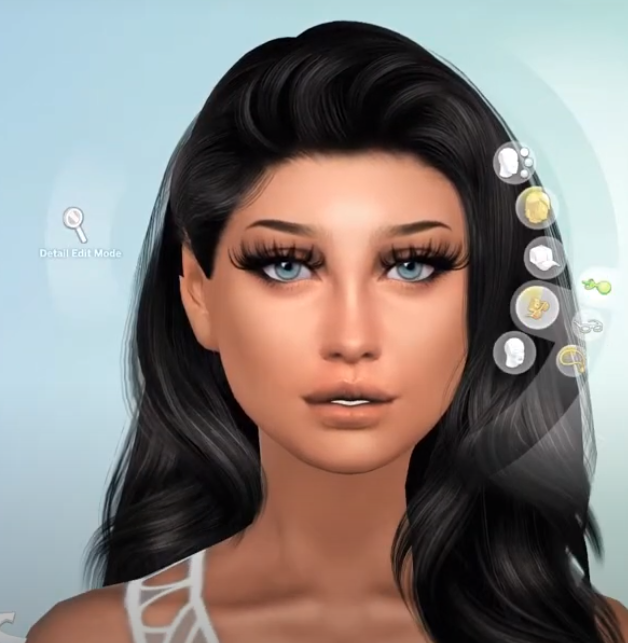
- Show a clear focal point: a Sim close-up, dramatic reaction face, or bold item.
- Use similar fonts and colors so people recognize your channel instantly.
- Update old thumbnails when you find a style that gets higher CTR.
Final thoughts
The best AI thumbnail maker for YouTube is the one that fits your workflow. If you’re a Sims 4 creator,
gamer, or CC finder, pairing a solid AI tool with your own style can dramatically improve your click-through
rate and help you earn more from the videos you’re already making.