Skip to content
  • sim Dumps
  • sims 4 cc finds
  • Hair
  • folder
  • Sims 4 CC
  • mods
  • Sims 4 Guides
  • clothing
  • Black girl cc
  • Sims 4 CC Downloads Library
  • Sims 4 CC Emergency Fixer
  • More cc Finds

Gamingwithprincess

Sims 4 CC Finds, Mods, Folders & Cozy Gaming

Gamingwithprincess
Sims 4 CC Finds, Mods, Folders & Cozy Gaming
mods

MC Command Center (MCCC)

To increase the number of Sims on a lot using the MC Command Center (MCCC), you can follow these steps:

How do you increase Sims on lot in MCCC
  1. Open the game and click on a computer in your Sim’s home.
  2. Navigate to the MCCC menu.
  3. Go to MC Population.
  4. Then select Other Settings.
  5. Here, you’ll find an option called Maximum Sims in Zone.
  6. You can manually enter the number of Sims you want to allow on the lot, up to a maximum of 200
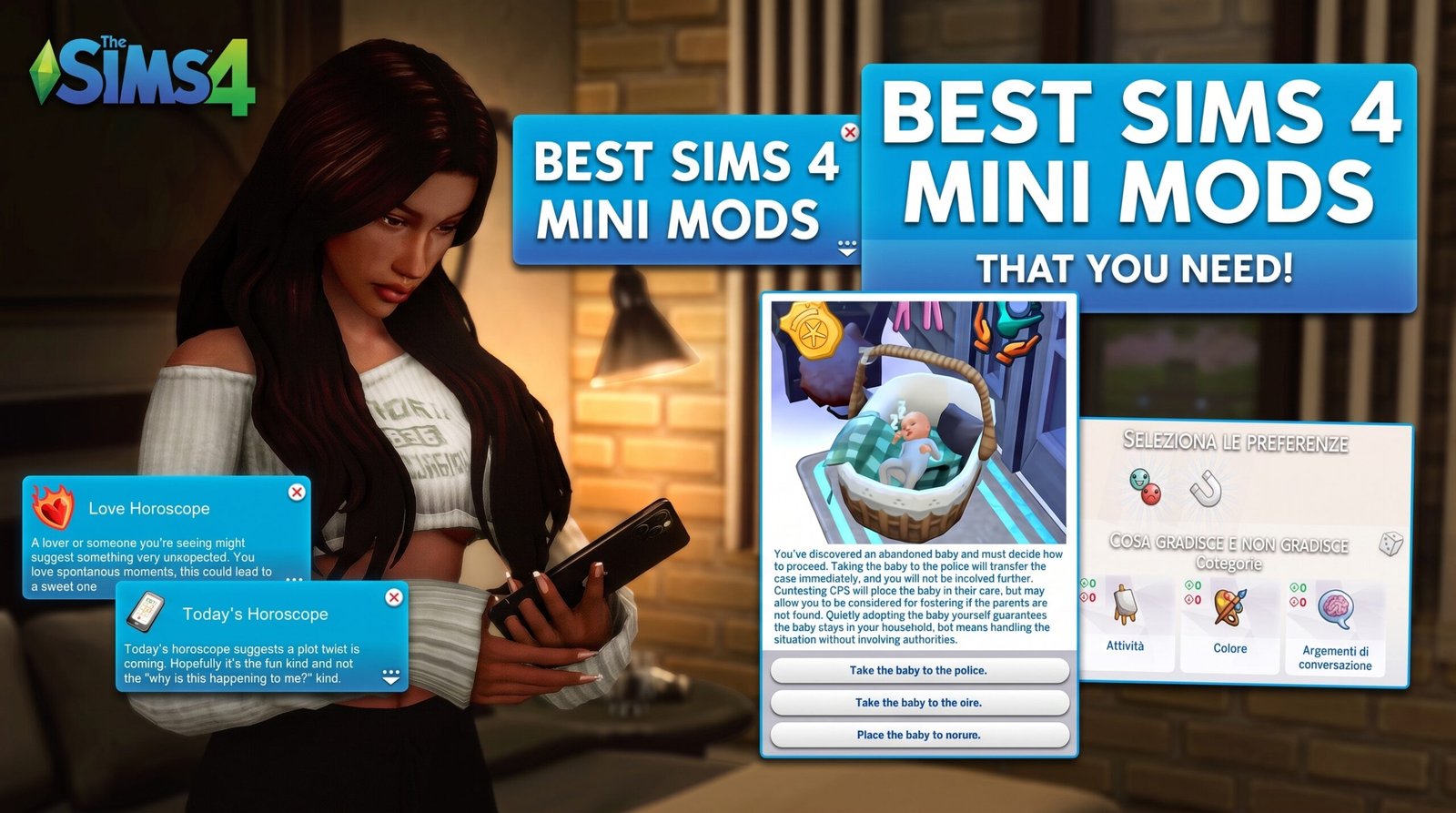
How To Use Mc Command Center

Share this:

  • Share on Facebook (Opens in new window) Facebook
  • Share on X (Opens in new window) X

Like this:

Like Loading…

Related

Post navigation

Previous Previous
How to use mc command center
NextContinue
unlimited likes and dislikes sims 4

Similar Posts

  • sims 4 cc folder, sims 4 downloads, maxis match cc, alpha cc, sims 4 mods folder, sims 4 organized mods

    sims 4 cc folder 2025 download

    Read More sims 4 cc folder 2025 downloadContinue

  • #ElleSimsWorld #PlumJobMiniCareer

    sims 4 mods download

    Read More sims 4 mods downloadContinue

  • Paralives Cheats Guide: ParaControl Commands

    Paralives Cheats Guide: ParaControl Commands

    Read More Paralives Cheats Guide: ParaControl CommandsContinue

  • dogangje sims 4 cc

    dogangje sims 4 cc finds

    Read More dogangje sims 4 cc findsContinue

  • sims 4 cc finds download mods

    sims 4 cc finds download mods

    Read More sims 4 cc finds download modsContinue

  • The Sims 4 Life Tragedies mod

    The Sims 4 Life Tragedies Mod: Experience the Drama and Emotion in Your Sims’ Lives

    Read More The Sims 4 Life Tragedies Mod: Experience the Drama and Emotion in Your Sims’ LivesContinue

Have Questions?

If you have questions please contact us.

Facebook Instagram Pinterest YouTube

Every Morning

Is A New Day

Let's Go!
  • About
  • About
  • About
  • Affiliate Disclosure
  • Blog
  • Blog
  • Contact
  • Contact
  • Disney Princess AI
  • Gallery
  • Gamingwithprincess
  • GamingWithPrincess
  • GamingwithPrincess Stuff
  • Image Options
  • Interior Painting
  • Jelly About
  • Jelly Contact
  • Jelly Homepage
  • Jelly Shop
  • Link In Bio
  • Poppy About
  • Poppy Contact
  • Poppy Shop
  • Pricing
  • Privacy Policy
  • Services
  • Sim Dump
  • Sims 4 CC Downloads Library
  • Sims 4 Finds
  • Sims DNA Series
  • The Sims 4 CC Finds
  • Typography
  • Welcome to Gamingwithprincess – Your Sims 4 Adventure Starts Here

© 2026 Gamingwithprincess

Scroll to top
  • sim Dumps
  • sims 4 cc finds
  • Hair
  • folder
  • Sims 4 CC
  • mods
  • Sims 4 Guides
  • clothing
  • Black girl cc
  • Sims 4 CC Downloads Library
  • Sims 4 CC Emergency Fixer
  • More cc Finds
Search
%d