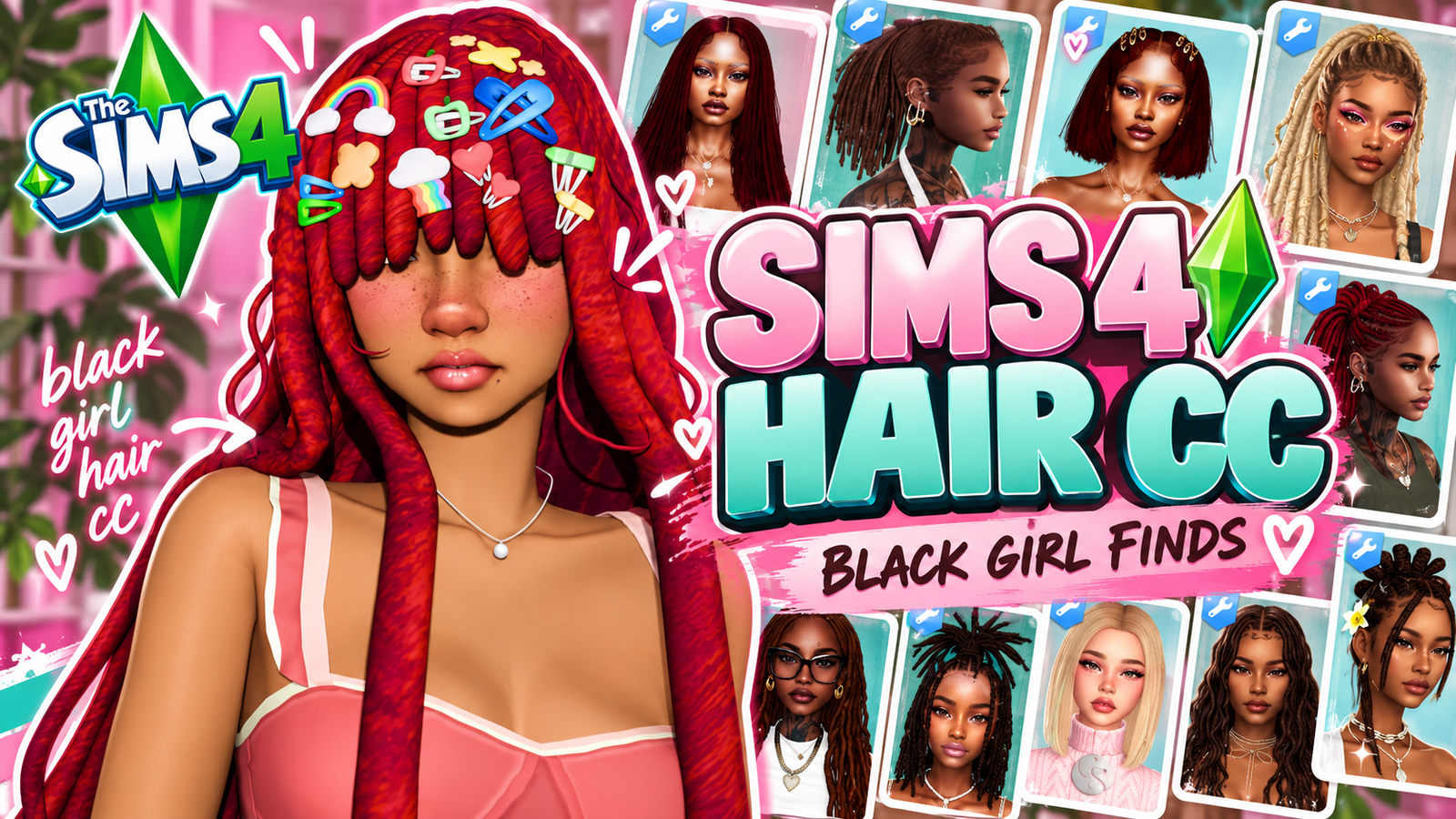
Sims 4 Black Girl Hair CC Folder | Alpha & Maxis Match
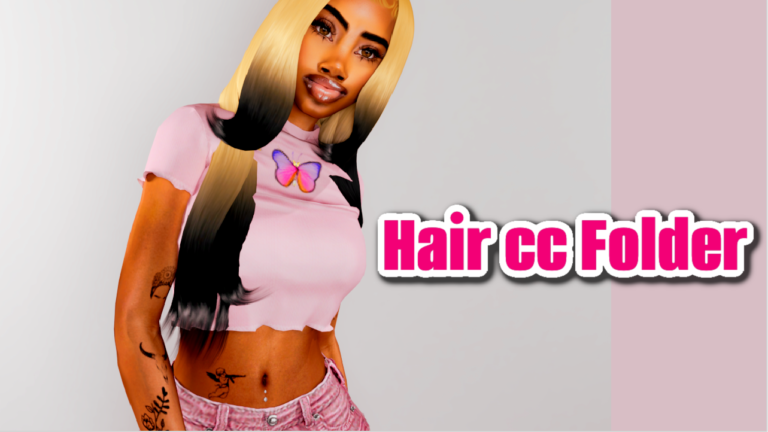
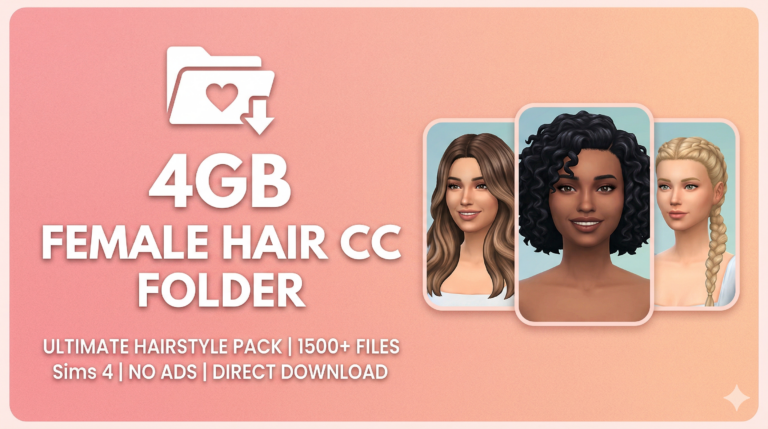
Looking for a big Sims 4 Black Girl Hair CC folder without having to hunt down every hairstyle separately? 💗 This download brings together a large collection of Black hair custom content and organizes it into separate folders so it is much easier to browse, install, and remove from your game.
The collection is already sorted into Alpha, Maxis Match, and Other CC. That means you do not have to open hundreds of random package files and try to figure out which style belongs where. If you prefer hair that blends closely with The Sims 4’s original look, start with the Maxis Match folder. If you like more detailed textures and realistic strands, the Alpha folder gives you another large selection.
The screenshots show 127 items in the Maxis Match folder and 85 items in the Alpha folder. That’s already 212 visible files between those two categories, with an additional Other CC folder included in the main download.
That does not mean there are 212 completely different hairstyles. Several hairs include multiple versions, age conversions, accessories, overlays, hair bases, texture files, or alternate styling options. The file count refers to the package files visible in the folders.
If you want even more hairstyles after downloading this collection, browse my fresh Sims 4 Maxis Match hair CC finds or check my Sims 4 hair CC roundup.
You can also explore Black hair CC on Sims4CCFinds. If you’re making younger Sims, browse kids hair CC on Sims4Kids for additional infant, toddler, and child hairstyles.
🖤 What’s Inside the Black Girl Hair CC Folder?
The main download is separated into three folders:
Alpha Hair
Maxis Match Hair
Other CC
The hairstyles visible in the screenshots include locs, dreads, curls, buns, ponytails, bob styles, long hair, short hair, layered locs, and several alternate versions.
There are also coordinating files such as hair accessories, overlays, texture packs, hair bases, and age-specific versions.
✨ Maxis Match Hair – 127 Items Shown
The Maxis Match folder shows 127 items in Windows Explorer.
This section contains hairstyles and supporting files designed to fit more naturally with The Sims 4’s original CAS style.
Some of the creators and filenames visible in the screenshots include AH00B, EH Sims, CAMO, Daylifesims, Khadiijah551, CandySims4, and others.
Visible AH00B files include several versions of:
Gia Hair
Jules Hair
Julius Hair
Kiri Hair
Some hairstyles have multiple numbered versions along with no-bangs, ombré, accessory, or other alternate package files. This is why the folder count should be described as files rather than unique hairstyles.
🌿 Locs, Dreads & Textured Hair
A major part of this folder is textured Black hair, especially locs and dread styles.
The screenshots show several CAMO releases, including files connected to:
Eurydice Locs
Kalypso Dreads
Niajah Locs
Quinn Dreads
Tanya Locs
Tia Locs
There are also accessory files and hair-base packages associated with several of these styles.
Some of the CAMO files are separated by age, with versions visible for adults, children, and toddlers.
🤎 EH Sims Hair Collection
A large number of EH Sims hairstyles are visible across the sorted folders.
The screenshots show filenames connected to styles such as:
Nia Locs
Normandie Locs
Avalon Locs
Curly Locs
Envy Locs
LOC Bob
Shae Locs
Sister Locs
Palm Tree Locs
Several of these include different lengths, styling positions, or adult and child versions.
For example, the visible Normandie files include versions labeled back, bun, front, and full, while Avalon includes different lengths.
💗 Alpha Hair – 85 Items Shown
If you prefer more detailed or realistic textures, the Alpha folder shows 85 items.
This folder contains a mixture of alpha hairstyles, locs, dreads, hair bases, and alternate versions.
Some visible filenames include:
IMVIKAI Phoenix Locs
Josh JO_SE_OH Tegan Hair
Brandysims Zyaire Loc Bun
Brandysims Zyaire Messy Bun Locs
DarkNightT Sims Alheri Hairstyle
EH Sims Loc Collections
CAMO hair-base packages also appear in the Alpha section, including several versions for Eurydice, Niajah, Quinn, Tanya, and Tia.
👧 Adult, Child & Toddler Hair
Another useful part of this collection is that some hairstyles include versions for more than one age group.
The screenshots show package names for adult, child, and toddler versions of certain loc and dread styles.
That makes the folder useful if you create family households and want parents, children, and younger Sims to have textured hairstyles that fit together.
For even more younger-Sim hairstyles, visit Sims 4 child hair CC on Sims4Kids.
🎨 Hair Bases, Accessories & Overlays
Not everything in this download is a standalone hairstyle.
Some files are supporting CC such as:
Hair bases
Loc accessories
Ombré accessories
Hair overlays
Texture packs
Clips
Alternate versions
These files are important because some hairstyles use separate accessories or texture options to create the full look.
That is also why I recommend keeping the folder structure intact when you first install the collection.
📦 How Many Files Are Included?
From the screenshots:
Maxis Match: 127 items
Alpha: 85 items
Other CC: Included, exact count not shown
That means the download contains at least 212 visible files across Alpha and Maxis Match alone.
The final total is higher because the download also contains the separate Other CC folder.
Again, these are file counts rather than unique hairstyle counts because many styles have multiple versions and supporting packages.
💕 Download Sims 4 Black Girl Hair CC Folder
The full sorted collection is available below.
💕 DOWNLOAD BLACK GIRL HAIR CC FOLDER
Folder organization: Alpha + Maxis Match + Other CC
📁 Keep the Folder Organized
The download is already sorted, so I recommend keeping its existing structure when you install it.
For example:
Mods → Black Girl Hair CC → Alpha
Mods → Black Girl Hair CC → Maxis Match
Mods → Black Girl Hair CC → Other CC
This makes it much easier to remove only Alpha hair, Maxis Match hair, or supporting CC without deleting the entire collection.
⚠️ Don’t Delete the Small Files Automatically
Some of the smallest package files visible in the screenshots are accessories, texture files, clips, overlays, or other supporting CC.
A file being only a few kilobytes or megabytes does not necessarily mean it is unnecessary.
If a hairstyle has a matching accessory, ombré, hair base, or texture package, removing that supporting file may remove part of the intended look.
How to Install the Hair CC Folder
Download the ZIP file using the button above.
Right-click the downloaded ZIP and choose Extract All.
Move the extracted folders into:
Documents → Electronic Arts → The Sims 4 → Mods
Then open The Sims 4 and go to:
Game Options → Other → Enable Custom Content and Mods
Apply the change and restart the game.
💡 Troubleshooting Hair CC
If one hairstyle shows bald spots, missing textures, strange colors, or appears incomplete in CAS, check whether that particular hair has an accompanying hair base, accessory, overlay, or texture file.
This is especially important for some loc and dread hairstyles where the hair and hair-base packages are separate.
Keeping the download in its original sorted folders will make it much easier to identify which files belong together.
💖 You May Also Like
Fresh Sims 4 Maxis Match Hair CC
✨ Keep Browsing
Locs CC |
Dreads CC |
Hair CC |
Sims4Kids