Best Sims 4 Clothing CC Finds This Week
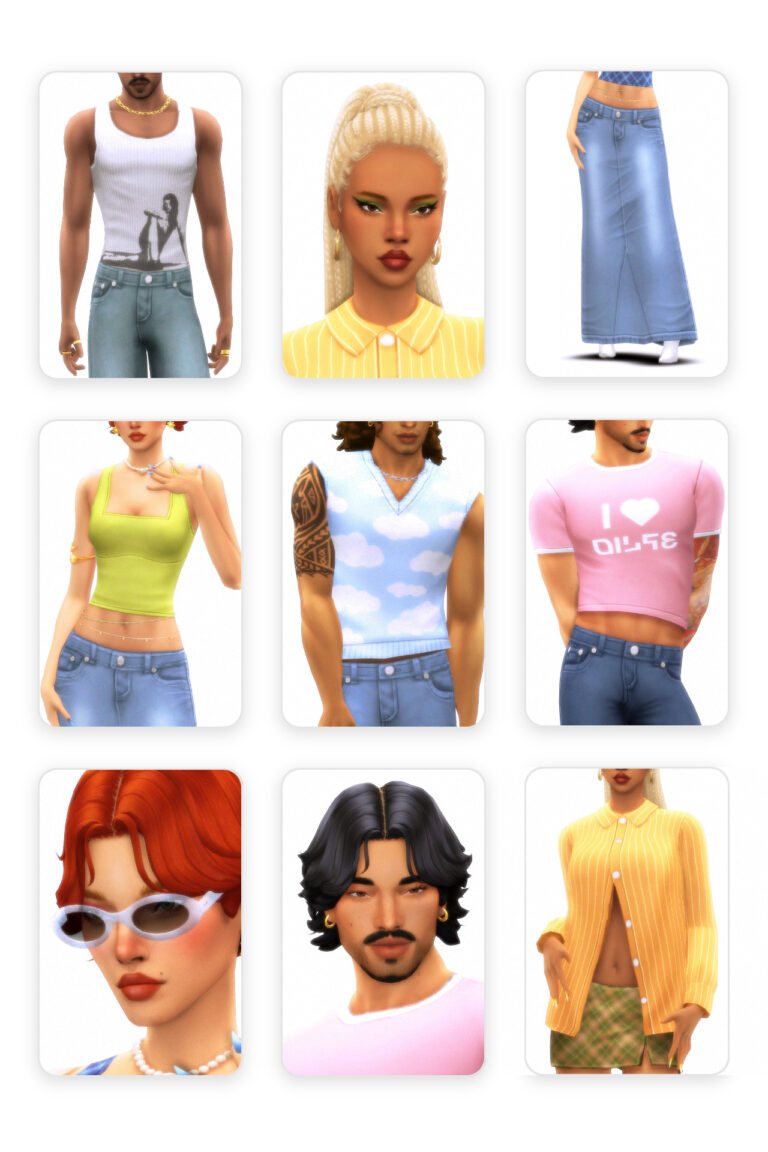
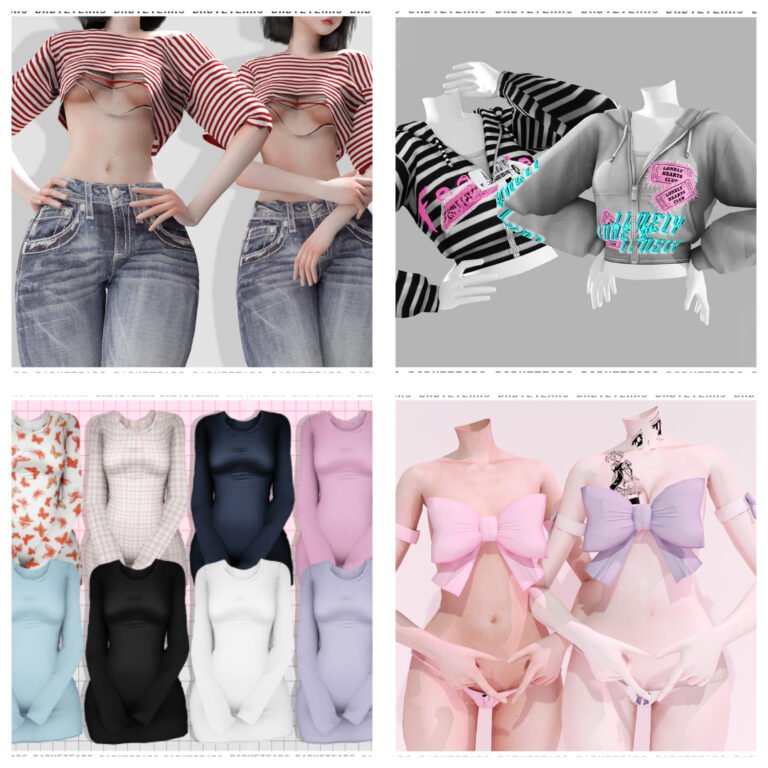
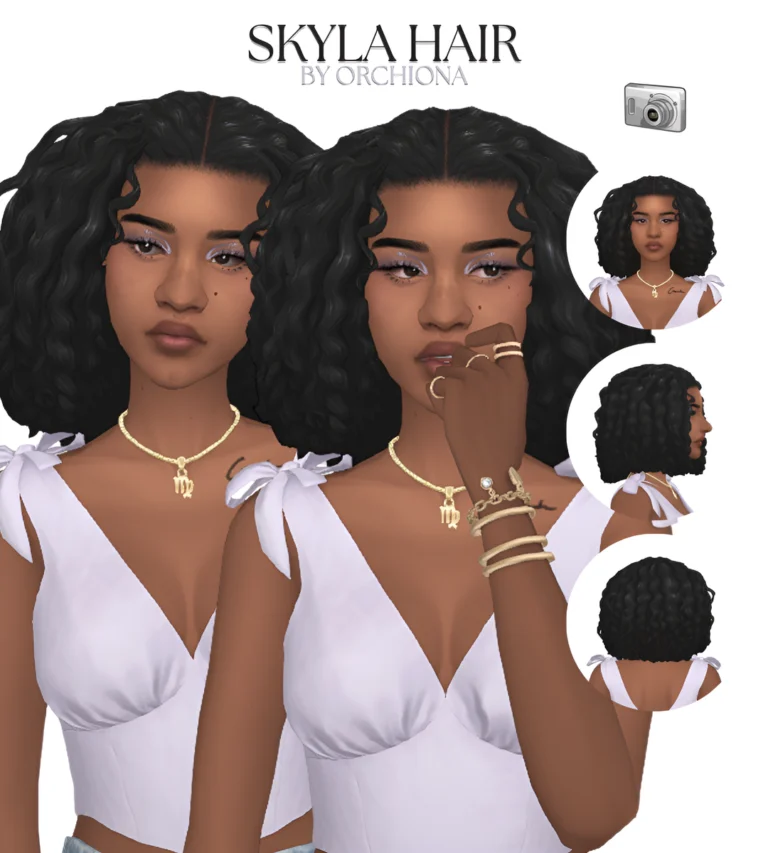
Here are some cute Sims 4 clothing CC finds to freshen up your CAS folder. This roundup includes outfit sets, sporty looks, and stylish pieces from talented Sims 4 creators.
Sims 4 Clothing Download Links

Picnic Se by Caio
Sul sul 👋 Picnic Set is out! Garden-inspired outfits perfect for cozy afternoons, countryside walks, and relaxing days outdoors. This collec
Created by Caio

Hot Shot Collectio by TwistedCat
Introducing the Hot Shot Collection! This sportswear set features five pieces, all with matching colors so that you can mix and match them t
Created by TwistedCat
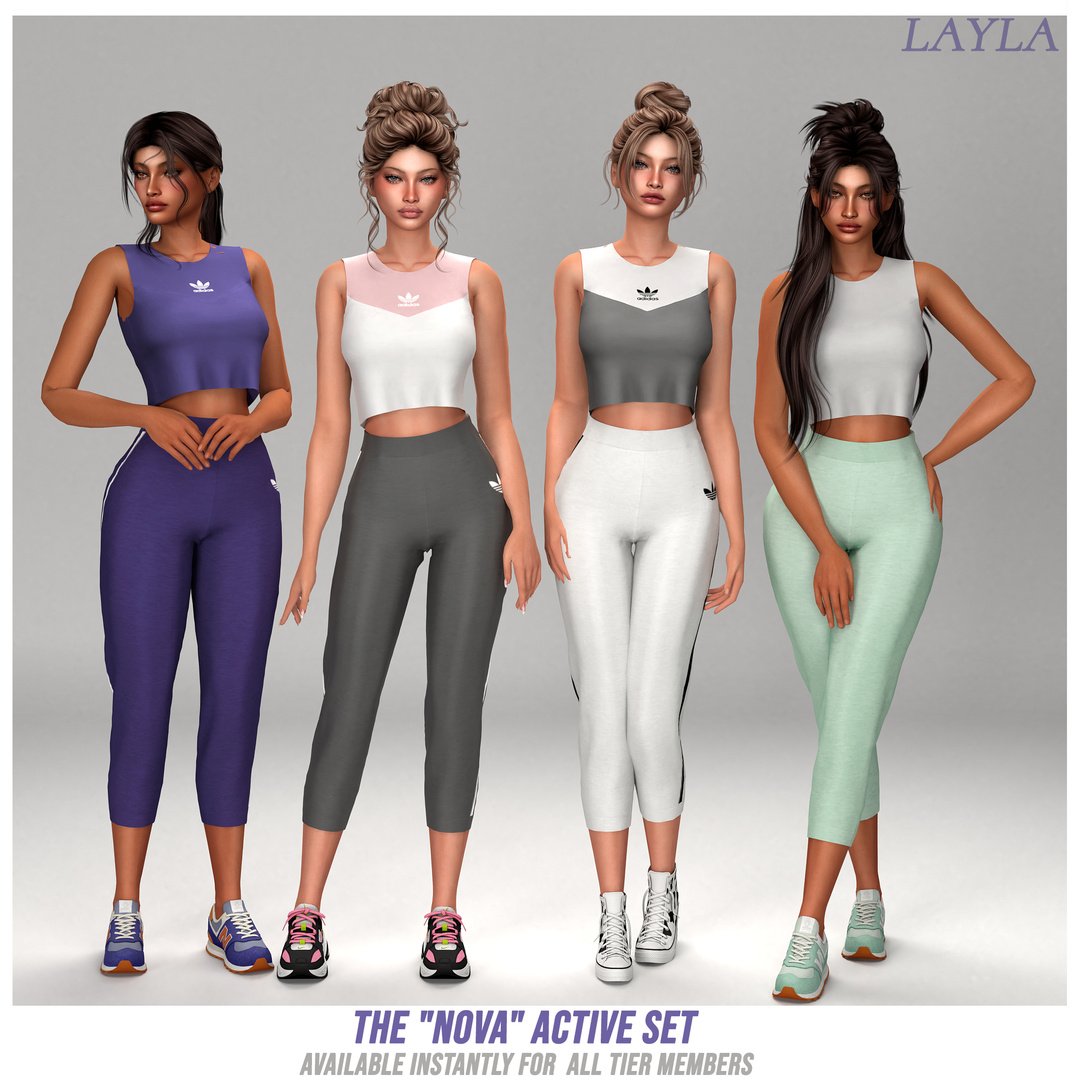
*Early Access*The “Nova” Active Se by Layla
What’s Included: Crop Tank Top: A sleeveless, mock-neck cropped tank with a striking, sharp color-blocked V-contrast chest design. Leggings:
Created by Layla
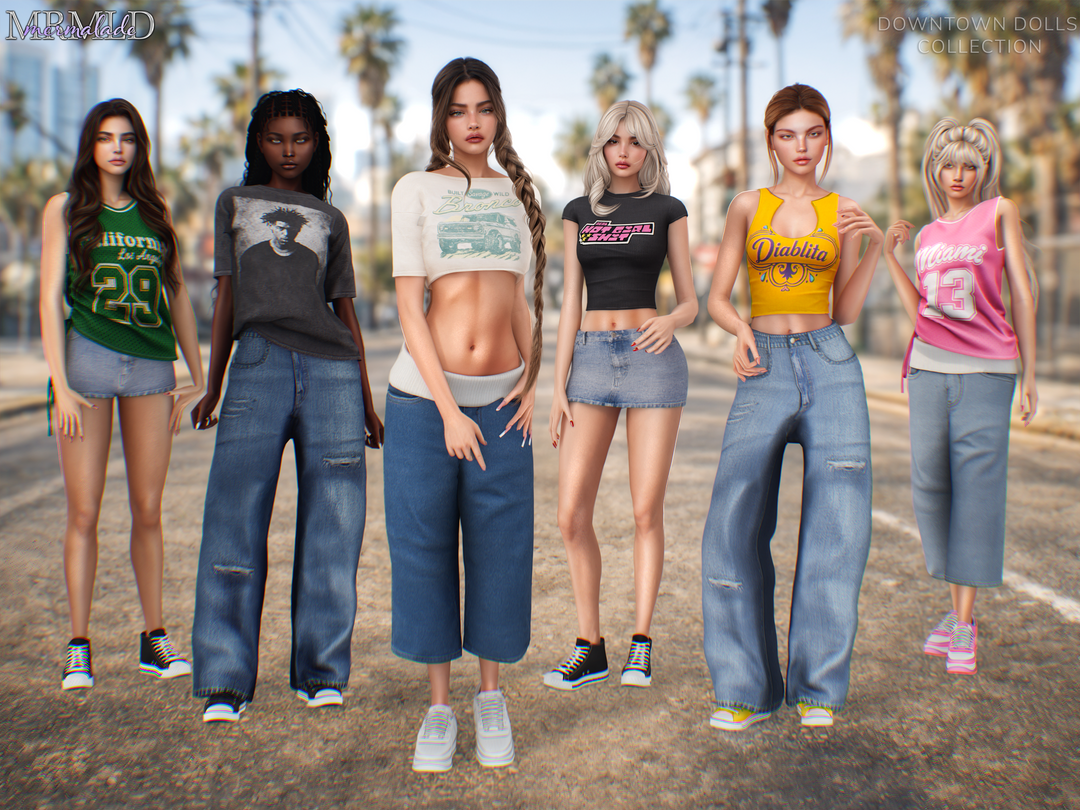
Downtown Dolls Collection (Early Access) by MERMALADE
Baggy High Waist Jean 20 Swatches For Female (Teen to Elder) Custom Thumbnail HQ Compatible All LODs Included Base Game Compatible Baggy Low
Created by MERMALADE
What Are Sims 4 Clothing?
Sims 4 clothing overrides are custom files that replace something already in the game. Instead of adding a brand-new item, an override changes a default outfit, animation, object, interaction, texture, pose, or moodlet.
Overrides are great when you want your game to look more realistic without needing to manually choose every detail. They can make hospital outfits look better, improve animations, replace default props, and make gameplay feel more modern.
Why Use Sims 4 Clothing?
Sims 4 clothing overrides are perfect for players who want small details to look better during gameplay. They are especially useful for realistic gameplay, storytelling, screenshots, medical saves, family gameplay, infant care, beauty routines, and romance drama.
Instead of changing everything in your game, overrides can fix or improve specific things you do not like. That makes them great for players who want more control over the way The Sims 4 looks and feels.
How To Install Sims 4 Clothing
To install Sims 4 clothing overrides, download the file from the creator page. If the download comes as a zip or rar file, extract it first.
Place the extracted .package files inside your Sims 4 Mods folder:
Documents → Electronic Arts → The Sims 4 → Mods
Then open The Sims 4 and go to Game Options → Other. Turn on Custom Content and Mods. If the override includes a script file, also turn on Script Mods Allowed. Restart your game after changing these settings.
Important Override Reminder
Overrides can conflict if you install two files that replace the same thing. For example, do not use two doctor outfit overrides at the same time unless the creator says they work together.
After every Sims 4 update, check if your overrides still work. If something looks broken, remove the newest override first and test your game again.
You May Also Like
More Sims 4 Clothing
Realistic Sims 4 Mods
Sims 4 Infant Mods
Sims 4 Healthcare Mods
Sims 4 Animation Overrides
More Overrides on Sims4CCFinds