Sims 4 Skin CC Folder Download | Realistic Skins, Overlays & Face Details
What’s Inside This Sims 4 Skin CC Folder?
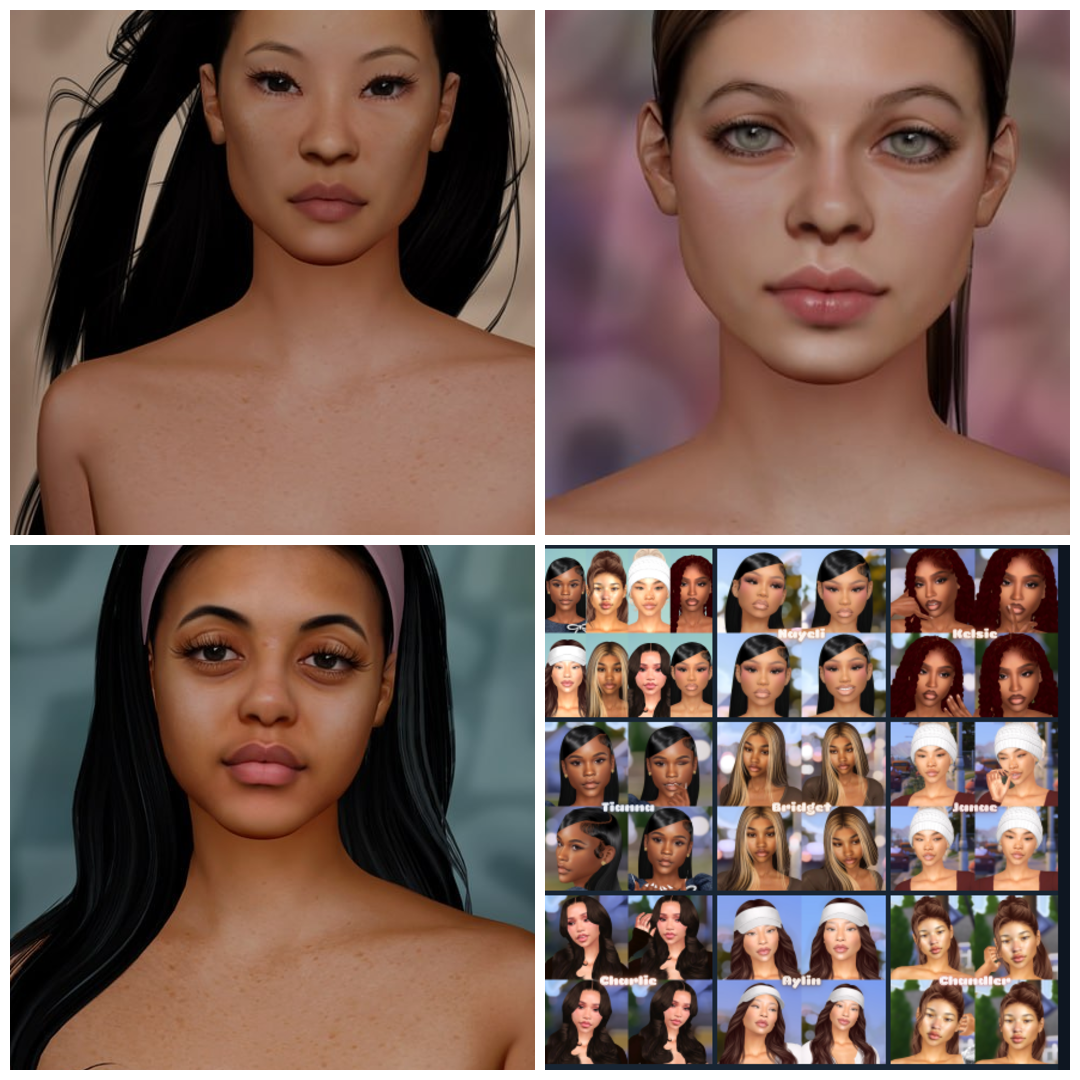
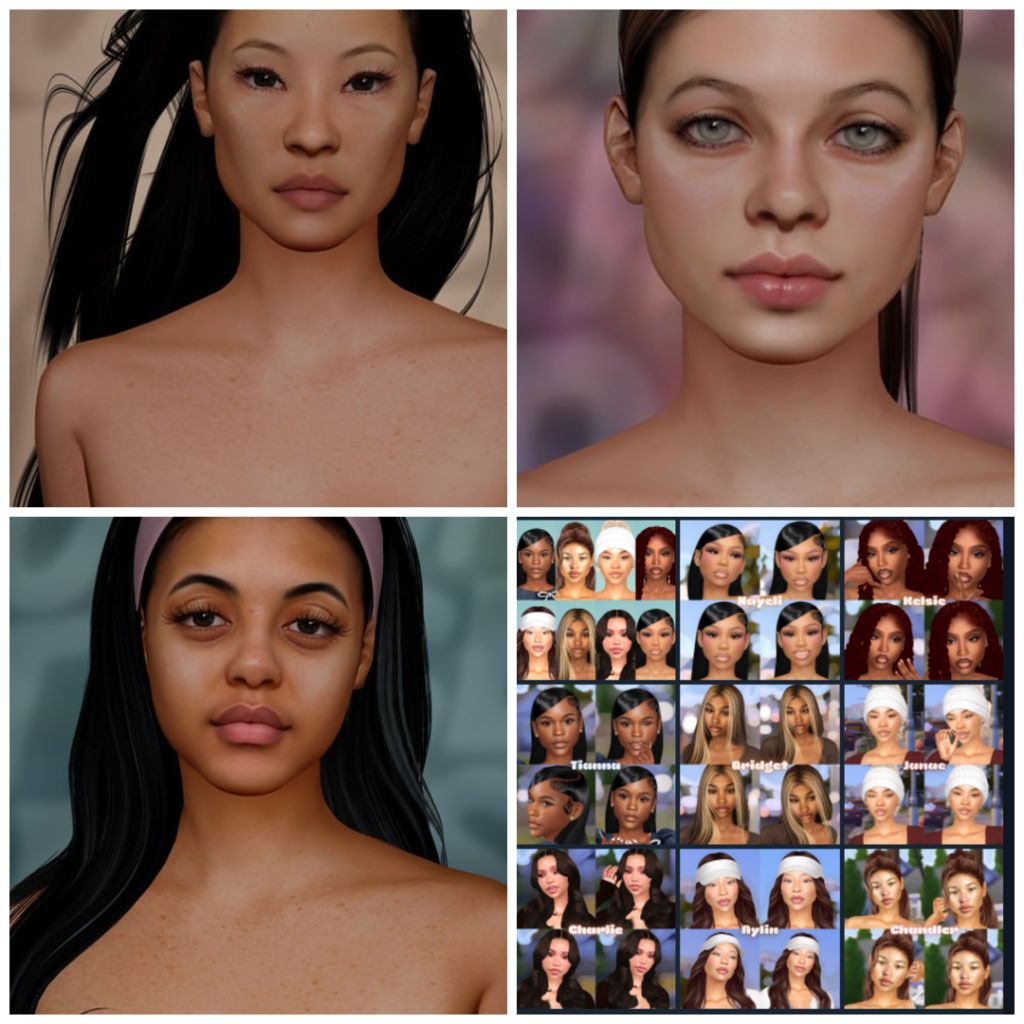
If you love creating beautiful Sims with smooth skin overlays, realistic details, and high-quality custom content, this Sims 4 Skin CC Folder is a must-download. This folder includes a huge collection of skins, overlays, blushes, face details, and makeup-style enhancements that instantly upgrade your Create-A-Sim experience.
Inside this collection, you will find popular skin creators including ClaiKimSim, euno, and OOTD Angel. The folder includes soft realistic skins, glossy overlays, detailed face masks, lip presets, nose masks, eyelids, and glowing cheek details that make Sims look more polished and realistic in-game.
This CC folder is perfect for players who enjoy making aesthetic Sims, influencer Sims, realistic gameplay, screenshots, TikTok edits, or Sim dumps. Whether you prefer soft Maxis Match blends or more Alpha-inspired realistic looks, these skins work beautifully with different hairstyles, makeup, and outfits.
Another great thing about this folder is convenience. Instead of searching for individual skin downloads one by one, everything is already organized together and ready to place into your Mods folder. Simply drag and drop the files into your Sims 4 Mods folder, enable custom content in-game, and enjoy a full skin makeover instantly.
Featured CC Included
- ClaiKimSim Skins
- euno Skin Overlays
- OOTD Angel Skin Collection
- Blush & Face Masks
- Lip Presets & Gloss
- Nose Masks & Eyelids
- Realistic Skin Details
How To Install
Download the folder, extract the files using WinRAR or 7Zip, then move the package files into:
Documents > Electronic Arts > The Sims 4 > Mods
Make sure “Enable Custom Content and Mods” is turned on inside your Sims 4 game settings.
You May Also Like