The Ultimate Sims 4 Hairstyle Upgrade: 200 Maxis Match Hairs for Your Game
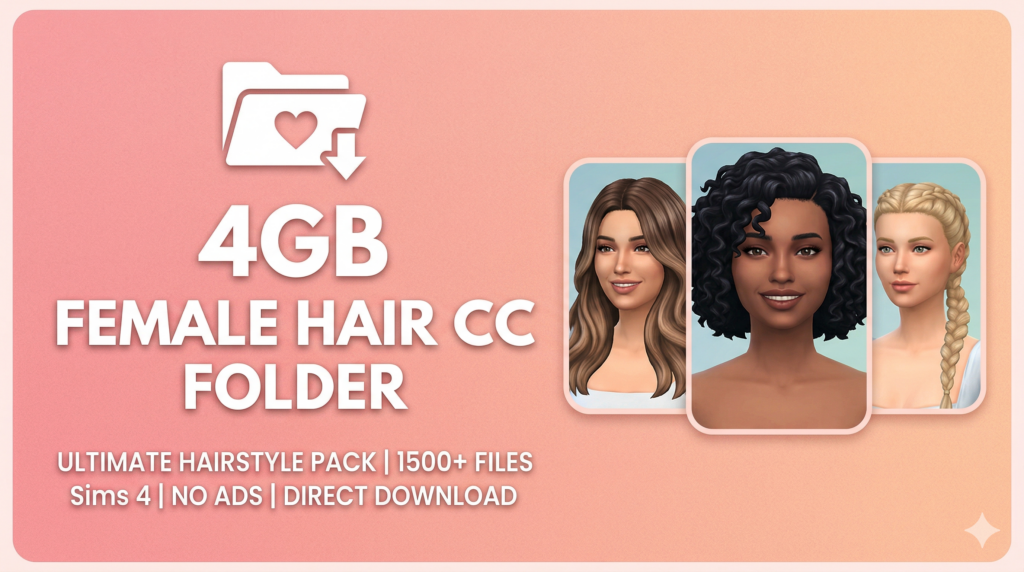
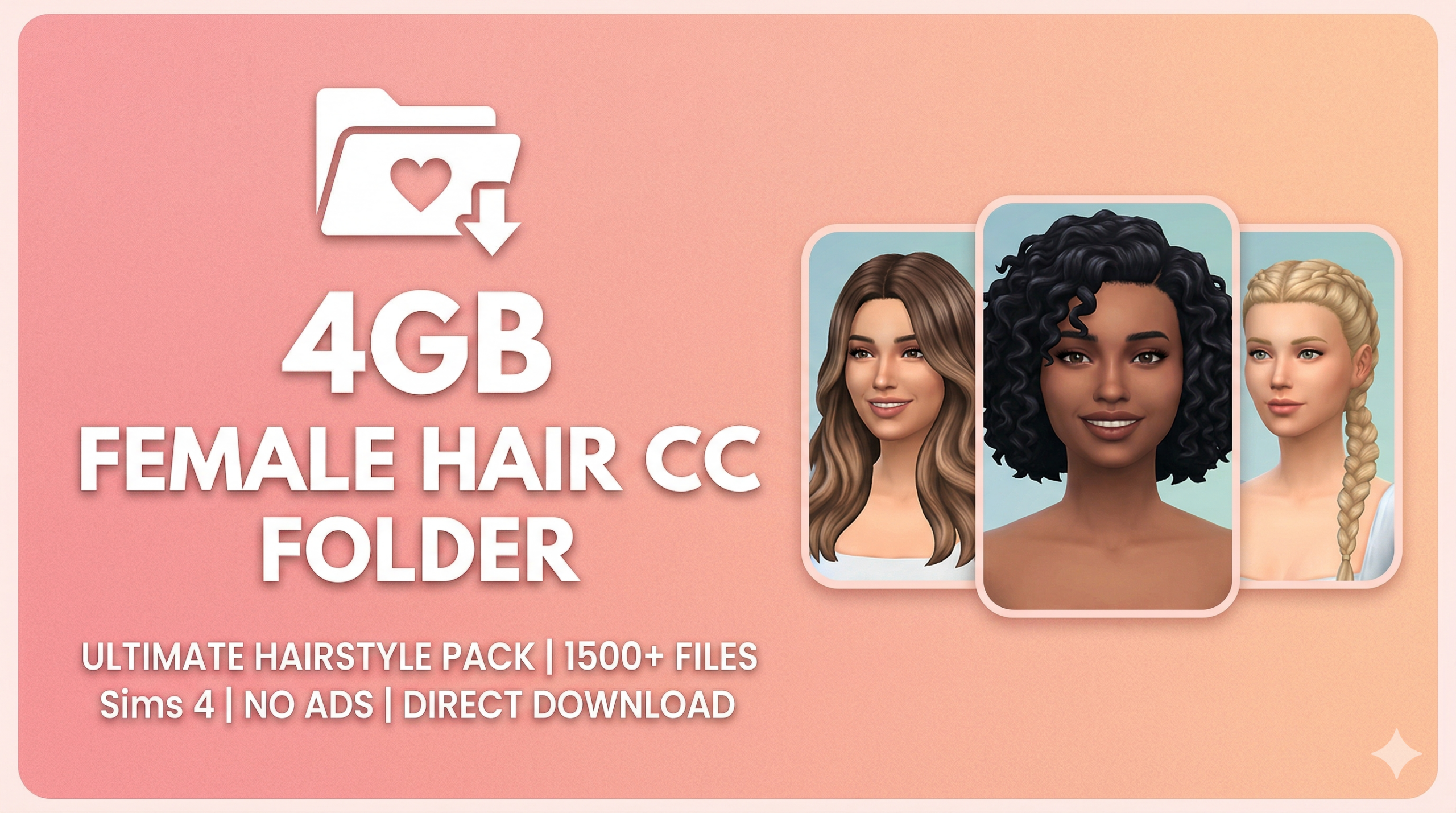
Are you tired of your Sims sporting the same three hairstyles? If your “Create-A-Sim” sessions feel repetitive, it’s time for a digital makeover. We’ve curated an incredible 4GB Female Hair CC Folder featuring over 200 Maxis Match hairs to breathe new life into your Sims 4 gameplay.
Why Choose Maxis Match?
Maxis Match (MM) custom content is designed to mimic the original art style of The Sims 4. Unlike “Alpha” CC, which aims for hyper-realism, MM hair features smooth textures and clay-like strands that blend seamlessly with the game’s environment. This ensures your Sims look like they belong in Willow Creek, not a high-fashion editorial.
What’s Inside the 4GB Folder?
Best Sims 4 Hair Folder (500+ CC Hairstyles) Free Download
This massive collection covers every aesthetic imaginable. Whether you are styling a toddler, a rebellious teen, or a sophisticated elder, this folder has you covered:
-
Everyday Essentials: Classic bobs, sleek ponytails, and effortless messy buns.
-
Diverse Textures: A wide range of braided styles, curls, and natural coils to ensure every Sim is represented.
-
Formal Elegance: Intricate updos and flowing waves perfect for weddings or high-end galas.
-
Trendy Cuts: Modern wolf cuts, curtain bangs, and dyed streaks for the fashion-forward Sim.
Optimized for Performance
A common fear with a 4GB CC folder is game lag. However, because these are Maxis Match, they are generally lower in polygon count compared to Alpha hair. This means you can enjoy a huge variety of styles without sacrificing your frame rate.
How to Install
-
Download the compressed folder.
-
Extract the
.packagefiles. -
Place them into your Documents > Electronic Arts > The Sims 4 > Mods folder.
-
Ensure “Custom Content and Mods” is enabled in your game settings!
If you are not using a Mac please delete the __MACOSX folder and the .DS_Store file or else your game may crash