Best Sims 4 Settings for Low-End Computers
Best Sims 4 Settings for Low-End Computers (No More Lag)
You do NOT need an expensive gaming PC to enjoy The Sims 4. Most lag comes from incorrect graphics settings, not your computer.
Turn On Laptop Mode
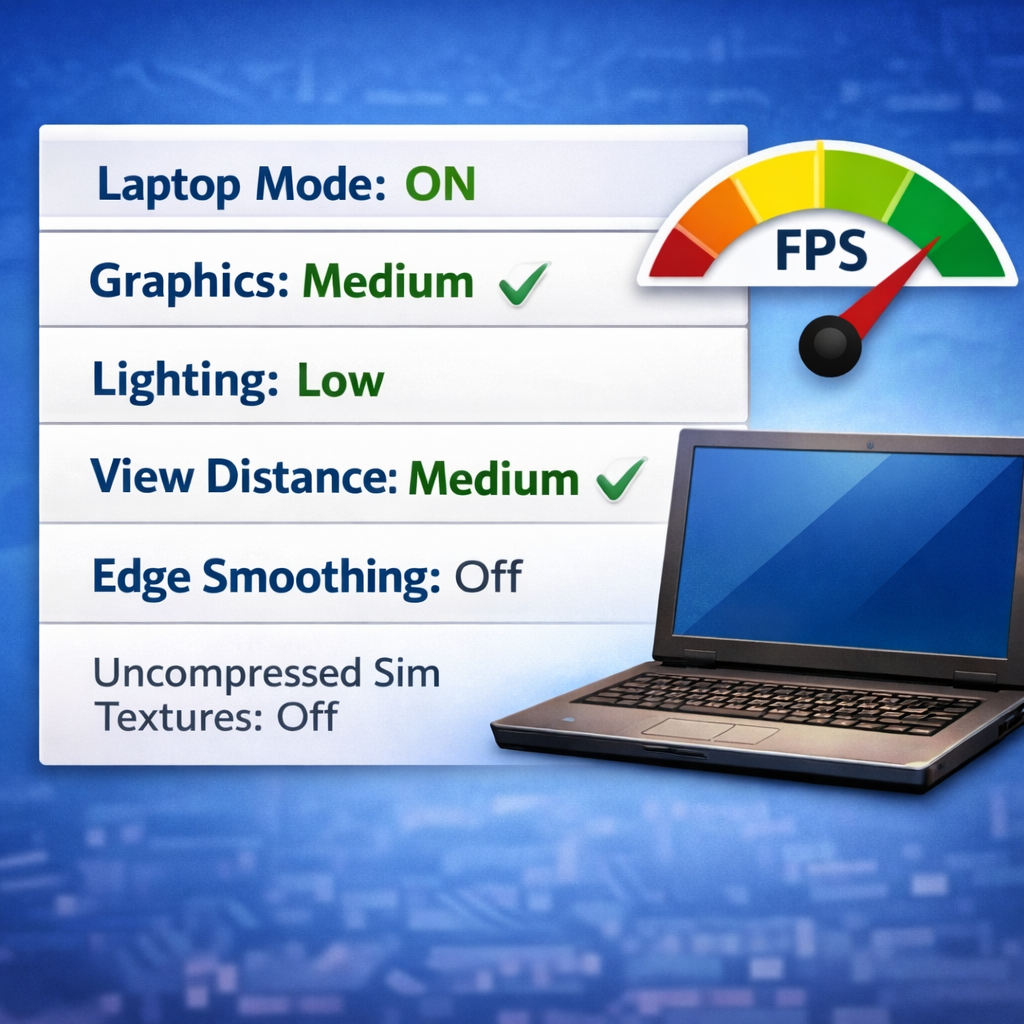
This is the most important setting. Laptop Mode lowers texture usage and instantly improves FPS on weaker PCs.
Recommended Settings
- Graphics Quality: Medium
- Lighting: Low
- View Distance: Medium
- Reflections: Off
- Edge Smoothing: Off
- Uncompressed Sim Textures: Off
Why CAS Lags
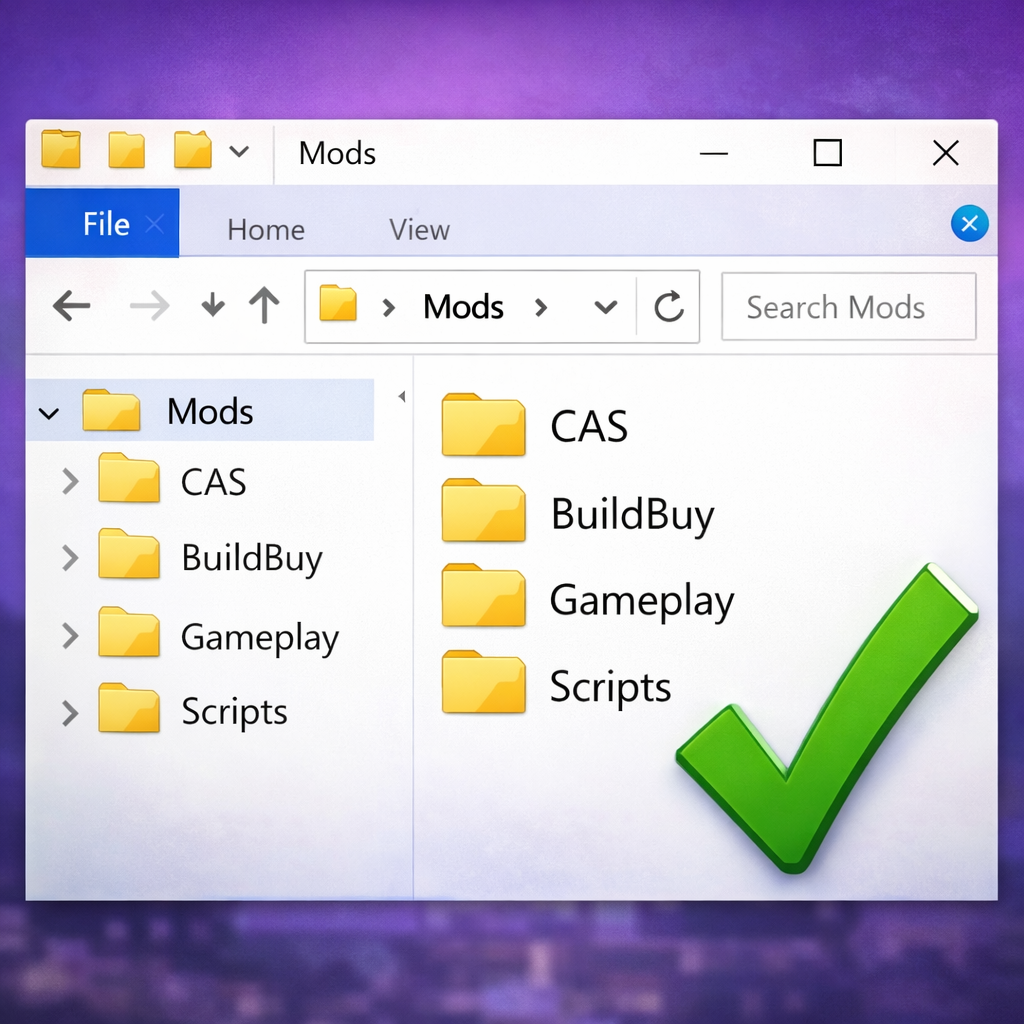
Create-a-Sim loads every clothing item and hair in your Mods folder. If you have thousands of items, CAS will freeze. Organizing CC dramatically improves performance.
Extra Performance Boost
Limit background apps while playing. Browsers and recording software use large amounts of RAM.
After applying these settings, most players see faster loading screens and smoother gameplay even on older laptops.