Must-Have Sims 4 CC Finds That Will Transform Your Game
If you’re looking for must-have Sims 4 CC finds to refresh your game, this custom content collection is a great place to start. 💗 Custom content can completely change the way your Sims look and give Create-A-Sim so much more variety than using only the base-game options.
Whether you love realistic Alpha CC, Maxis Match custom content, or a mixture of both styles, building a good Sims 4 CC folder gives you more hairstyles, clothing, accessories, shoes, makeup, and other CAS options to choose from whenever you create a new Sim.
💗 Must-Have Sims 4 CC Finds
One of my favorite things about downloading Sims 4 custom content is being able to mix pieces from different creators. You can combine a new hairstyle with a cute outfit, accessories, skin details, makeup, and shoes to create a Sim that feels completely different from anything already in your game.
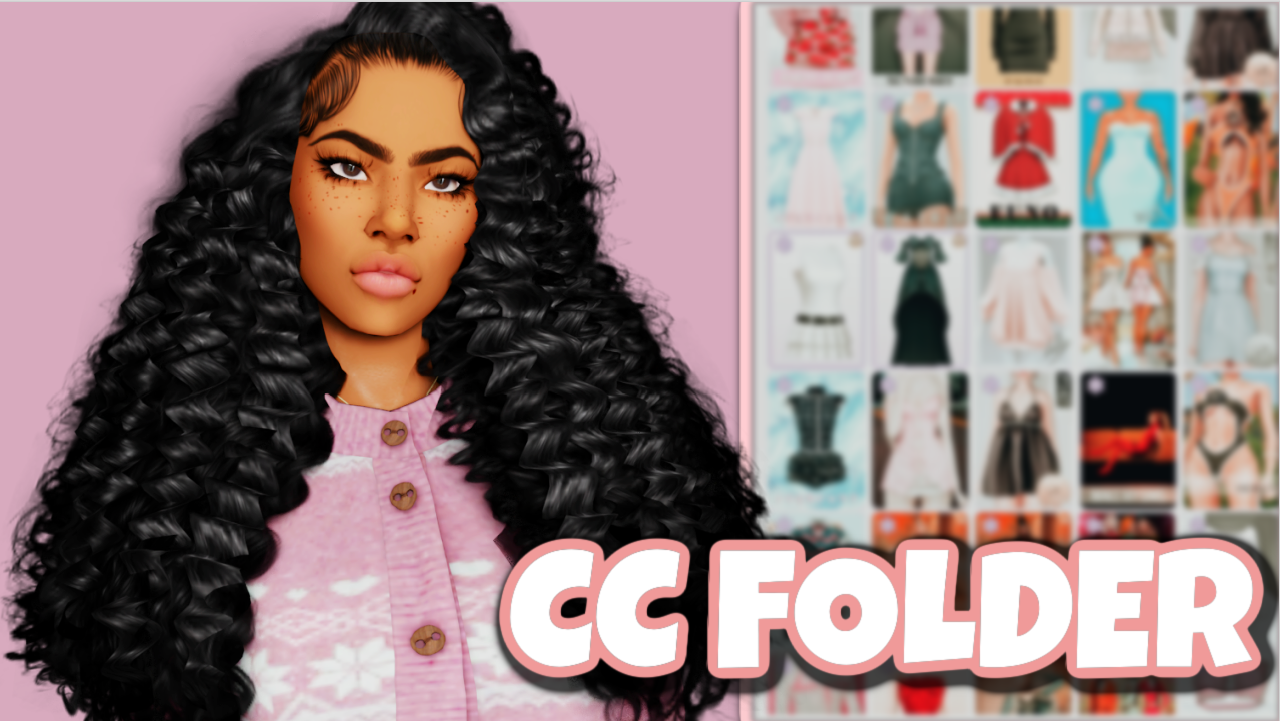
This Sims 4 CC folder is perfect for players who enjoy discovering new content and adding more variety to their CAS collection. It can also save you time if you don’t want to search through dozens of creator pages individually while trying to build a new custom content folder.
CC is especially useful when you’re creating Sims for gameplay, storytelling, lookbooks, Pinterest screenshots, TikTok videos, YouTube thumbnails, or Sim dumps. Having more options makes it easier to give every Sim their own personality and aesthetic instead of repeatedly using the same hairstyles and clothing.
✨ Refresh Your Sims 4 CC Folder
Another great thing about Sims 4 CC is how many different aesthetics you can create. You can build a soft and feminine Sim, a realistic baddie, a casual everyday Sim, a Maxis Match family, or an entirely Alpha-style household depending on the custom content you choose.
If your Mods folder has started feeling repetitive, adding a new CC collection can give you inspiration for your next CAS makeover. You may even discover hairstyles, clothing pieces, or accessories that become some of your new favorites.
Bookmark this post so you can come back to it whenever you’re updating your Sims 4 custom content collection. I’m always sharing more Sims 4 CC finds, folders, hairstyles, clothing, mods, and downloads on GamingWithPrincess. 💕
⬇️ Download The Sims 4 CC Folder
How to Install Sims 4 CC
After downloading the folder, extract the downloaded archive if it is compressed. Do not place ZIP or RAR files directly into your Sims 4 Mods folder.
Move the extracted .package files into:
Documents → Electronic Arts → The Sims 4 → Mods
Then open The Sims 4 and go to Game Options → Other. Make sure Enable Custom Content and Mods is turned on. Restart your game after changing the setting so your newly installed CC can appear.
⚠️ Important CC Reminder
Large Sims 4 CC folders can contain a lot of files, so it is always a good idea to keep your Mods folder organized. If something stops working after a game update, temporarily remove recently added CC and check your Mods folder for outdated or conflicting files.
You can also organize your custom content into folders such as Hair, Clothing, Shoes, Accessories, Makeup, and Skin Details to make future updates and troubleshooting much easier.
💗 You May Also Like
Sims 4 CC Hair Folder Download
|
Sims 4 Kids CC Folder
|
More Sims 4 CC Folder Downloads
|
Sims 4 Hair CC Finds
✨ Keep Browsing
Hair CC
|
Clothing CC
|
More Sims 4 CC Finds