10 AI Tools That Save Gamers & Creators HOURS
Being a creator in 2025 means doing a lot: recording, editing, making thumbnails, posting on socials,
and trying to stay consistent. The good news? AI tools can save you HOURS of boring
work so you can focus on playing, building, and creating. These 10 AI tools are perfect for
gamers, YouTubers, streamers, and bloggers who want to work smarter, not harder.
1. Opus Clip – Turn Long Videos into Viral Shorts
Opus Clip takes your long YouTube or stream VODs and automatically finds the best moments, cuts them,
adds captions, and formats them for Shorts, TikTok, and Reels. It’s amazing for gaming
creators who don’t have time to manually cut every funny or clutch moment.
2. CapCut AI – Auto Editing for Gaming Clips
CapCut’s AI tools help with auto-cuts, silence removal, captions, and filters. You can
drop in your gameplay, let the AI clean it up, then add text and sounds. Great for highlight reels,
tutorials, and TikTok-style edits.
3. ChatGPT – Scripts, Ideas & Descriptions
Need a video script, a list of video ideas, or a pinned comment that actually gets clicks?
ChatGPT helps you brainstorm titles, hooks, descriptions, blog posts, and even
monetization ideas for your content. It’s like having a tiny content assistant you can talk to anytime.
4. Canva Magic Studio – Thumbnails & Banners
Canva’s AI features can generate layouts, remove backgrounds, and suggest designs based on your niche.
You can quickly make YouTube thumbnails, channel banners, overlays, and Pinterest pins
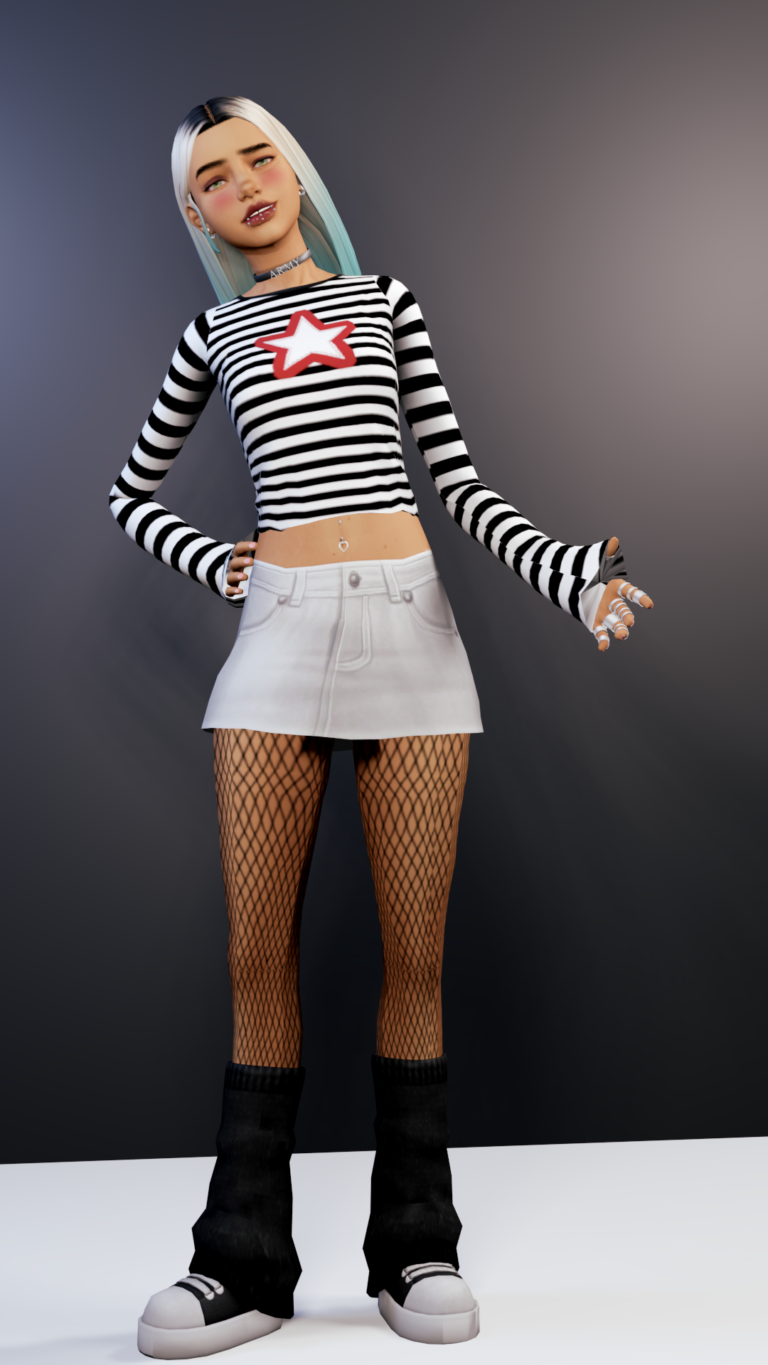
without needing Photoshop-level skills. Perfect for Sims 4 screenshots and gaming thumbnails.
5. Adobe Podcast Enhance – Fix Bad Audio
Recorded with a cheap mic or a noisy room? Adobe’s Enhance tool cleans up your voice, reduces noise, and
makes your audio sound way more professional. Great for commentary, Let’s Plays, and voiceovers.
6. Clipchamp Auto Captions – Faster Video Edits
Clipchamp (owned by Microsoft) can auto-generate captions and cuts for your videos.
It’s especially useful for YouTube Shorts, TikToks, and quick talking videos where subtitles matter.
7. ElevenLabs – AI Voice & Voice Clean-Up
ElevenLabs can help polish your voice, create AI voiceovers, or keep your channel going on days you
don’t feel like talking on camera. It’s also useful for faceless channels and story-time videos.
8. Notion AI – Content Planning & Organization
Notion AI helps you organize your content calendar, plan uploads, store ideas, and turn messy notes into
structured plans. You can use it to track video ideas, CC drops, blog posts, and sponsorships
all in one place.
9. Thumbnail AI Analyzers – Improve Click-Through Rate
There are AI tools that scan your thumbnail and give feedback on text size, contrast, faces,
and clarity. They show you how likely people are to click, so you can test and upgrade your designs
instead of guessing.
10. Remove.bg – Instant Background Removal
Remove.bg lets you remove the background from screenshots, selfies, and Sim pics with one click. This is
perfect for thumbnails, CC previews, and blog graphics, especially when you want clean
cut-out characters or items on colorful backgrounds.
Why These Tools Matter for Gamers & Creators
All of these AI tools have one goal: save you time. Instead of spending hours editing,
cutting, cleaning audio, or designing thumbnails from scratch, you can let AI handle the boring parts and
focus on recording, building in The Sims, streaming, or writing. More output with less burnout means more
chances to grow, get monetized, and turn your content into income.