Sims 4 BADDDIESIMS CC Folder Download
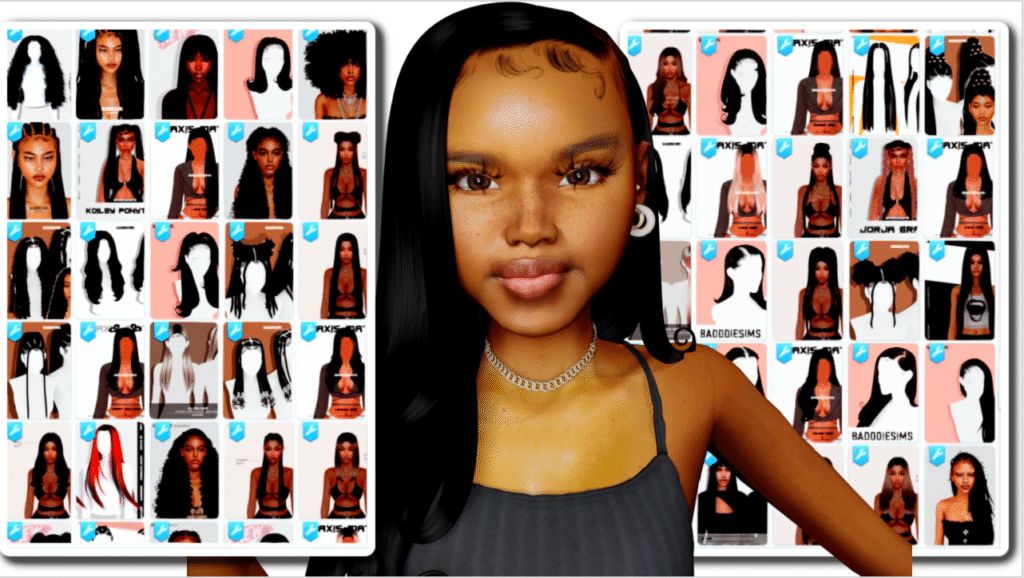
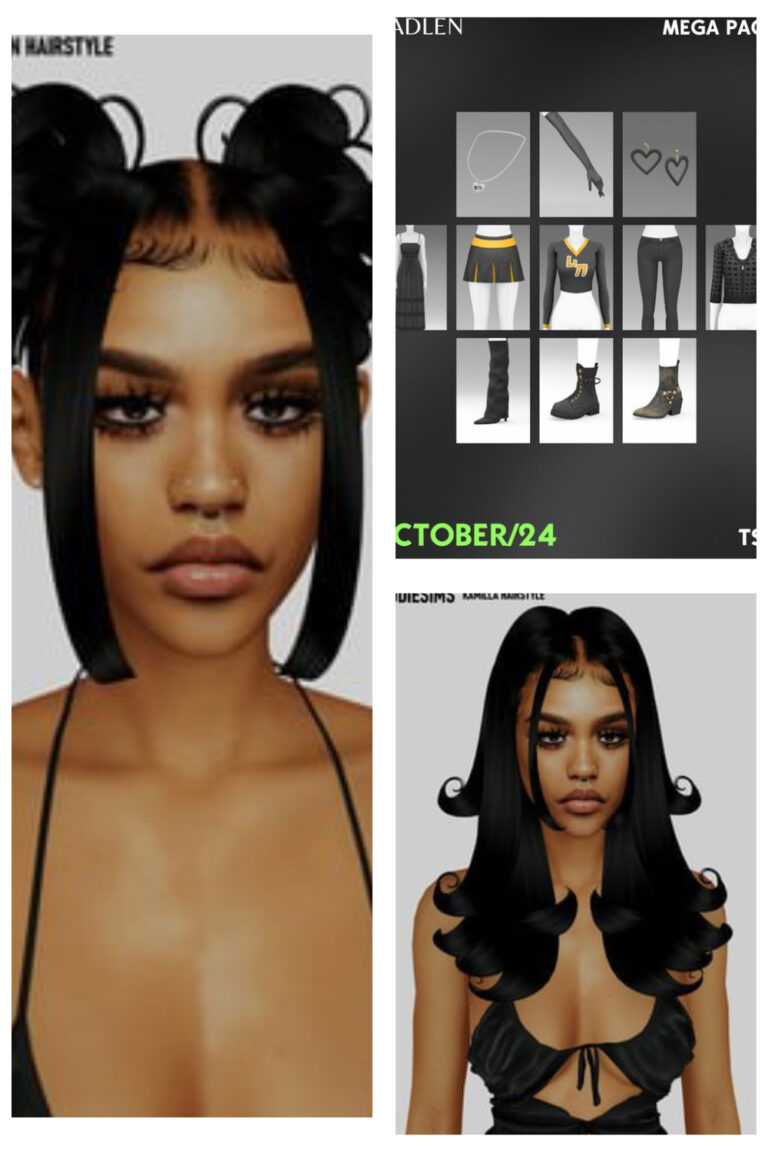
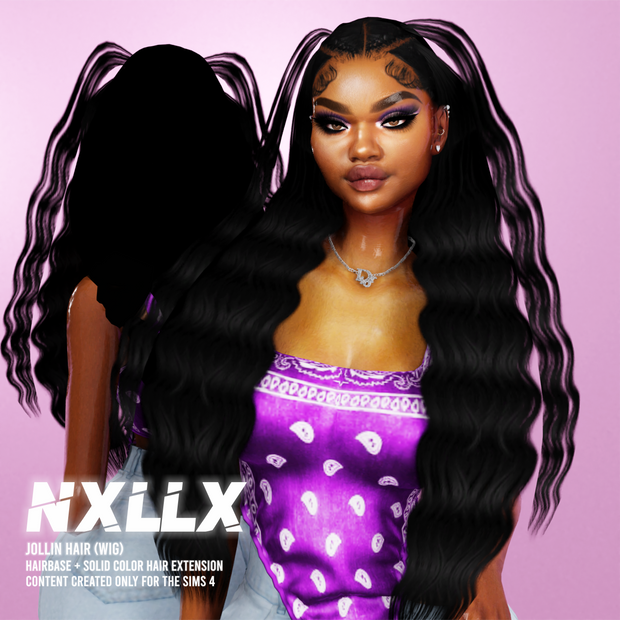
Looking for a Sims 4 BADDDIESIMS CC folder? 💗 This download brings BADDDIESIMS custom content together in one folder so you can add the collection to your game without searching for every individual file separately.
BADDDIESIMS is a popular name among Sims 4 custom-content players, especially if you enjoy adding more CAS options to your game. A creator folder like this can also make it much easier to keep your Mods folder organized because the files stay grouped under the original creator name.
The exact number of package files and individual pieces inside this folder was not provided with the download information, so I am not assigning an item count or listing specific pieces that have not been confirmed.
💗 Download the Sims 4 BADDDIESIMS CC Folder
Use the button below to open the supplied Google Drive download.
⬇️ DOWNLOAD BADDDIESIMS CC FOLDER
📦 What Is a BADDDIESIMS CC Folder?
Instead of downloading custom content one piece at a time, a BADDDIESIMS CC folder groups creator files together in one download.
This can be especially useful if you already know you like the creator’s work and want an easier way to build your Sims 4 custom-content collection.
Once you download and extract the folder, you can look through the included package files and decide whether you want to keep the collection together or separate the content into smaller categories.
📁 How I Would Organize This CC Folder
The easiest option is to keep everything inside one folder named:
BADDDIESIMS
Then place that folder inside your main Sims 4 Mods folder. Keeping creator folders intact makes it much easier to find files later if you need to remove, replace, or update custom content.
I also recommend keeping the original package filenames whenever possible. Creator names in filenames are extremely useful when you are troubleshooting a large Mods folder.
How to Install the BADDDIESIMS CC Folder
Download the folder using the Google Drive button above. If the download arrives as a ZIP, RAR, or another compressed archive, extract it first.
Move the included .package files into:
Documents → Electronic Arts → The Sims 4 → Mods
Then open The Sims 4 and go to Game Options → Other. Make sure Enable Custom Content and Mods is turned on.
Restart the game after changing this setting so your custom content can appear.
⚠️ Before Adding a Large CC Folder
If you already have a large amount of custom content installed, check for duplicate BADDDIESIMS files before adding the entire folder. You may already own some of the same CC.
Large creator folders can also contain pieces that belong together, so avoid randomly deleting package files until you know exactly what each one belongs to.
The supplied download information does not confirm exact meshes, swatches, age compatibility, or additional requirements for every file inside the folder.
🎥 Sims 4 CC Video
You can also check out the video below for more Sims 4 custom content.
💖 You May Also Like
Sims 4 Hair by Ar3chive
|
Sims 4 Hair CC Finds & Clothing
|
Best Sims 4 Custom Content Hair CC Finds
✨ Keep Browsing
Sims 4 CC Folders
|
Sims 4 Female CC
|
Sims 4 Hair CC
|
More GamingWithPrincess