The Ultimate CeceSimsXO Kids Hair CC Folder: A Complete Sims 4 Guide
If you are a Sims 4 player who loves creating adorable families, you know that the base game options for younger Sims can be a bit limited. To fix this, we’ve put together a massive, high-quality CeceSimsXO Kids Hair Folder that is a total game-changer for infants, toddlers, and children.
What’s Inside the CeceSimsXO Collection?
This folder is packed with diverse, Maxis Match styles specifically designed by CeceSimsXO. Based on the files, this collection focuses heavily on realistic textures, beautiful braids, and essential overlays.
Key highlights in the folder include:
-
Infant & Toddler Essentials: Styles like the Shayla Hair, Micah Hair, and Camy Hair ensure your smallest Sims look stylish from day one.
-
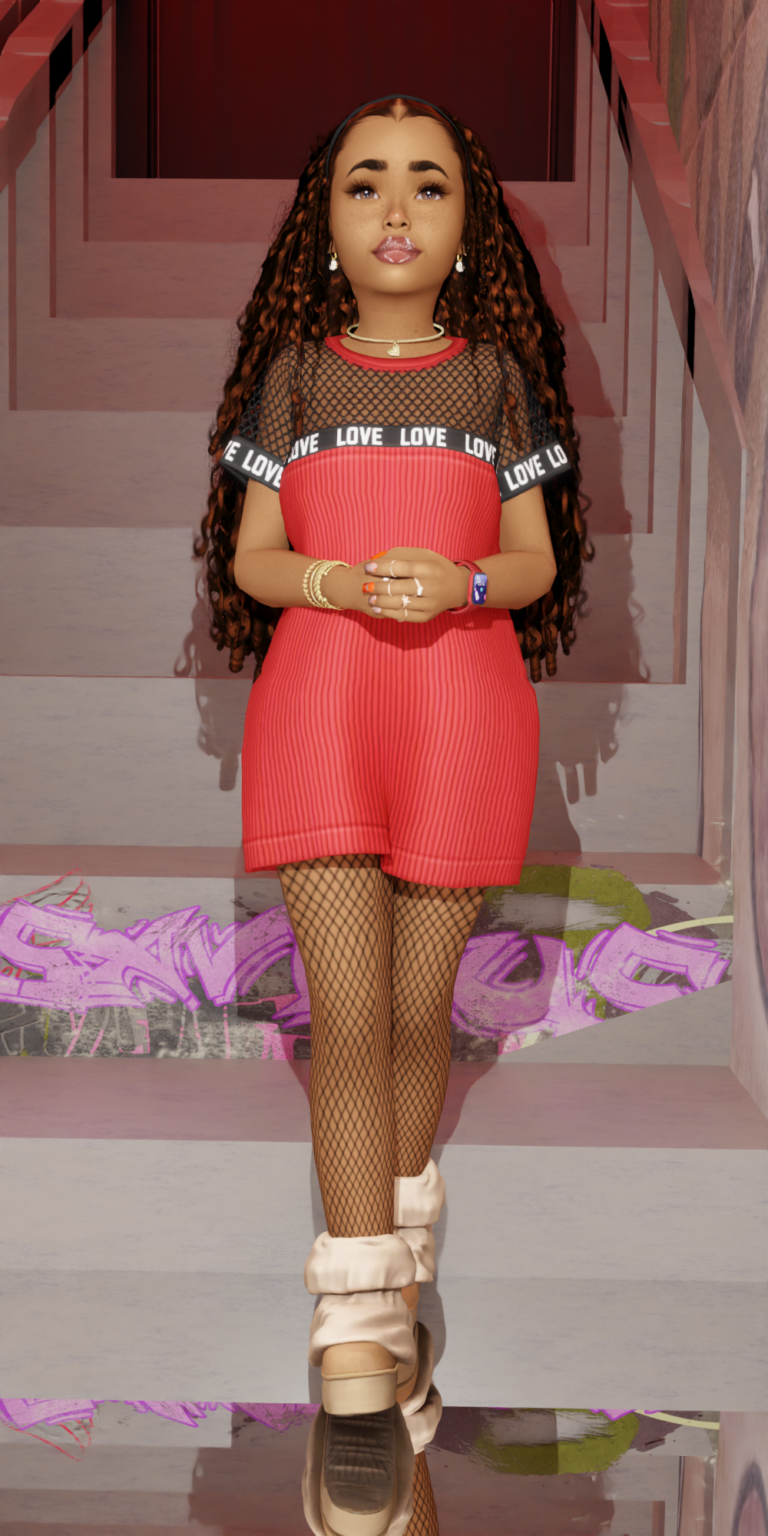
Diverse Braided Styles: Features like the Sophie Braids, Kacey Braids, and Nyah Butterfly Braids offer intricate detail and cultural representation.
-
Customization Options: The folder includes Color Overlays for the Nyah and Elle hairs, allowing for maximum flexibility in Create-A-Sim (CAS).
-
Versatile Age Ranges: Most styles come with specific versions for Infants, Toddlers, and Children (e.g., the Serina and Yuri hairs), making it easy to keep a consistent look as your Sims grow up.
Why CeceSimsXO CC?
CeceSimsXO is known for creating “Maxis Match” content that looks like it was made
by EA but with much higher attention to detail. These hairs use the game’s native “clay” texture, meaning they won’t cause lag or look out of place next to standard game assets.
How to Install
Simply extract the .package files from your download and move them into your Documents > Electronic Arts > The Sims 4 > Mods folder. Don’t forget to enable “Custom Content and Mods” in your game options!