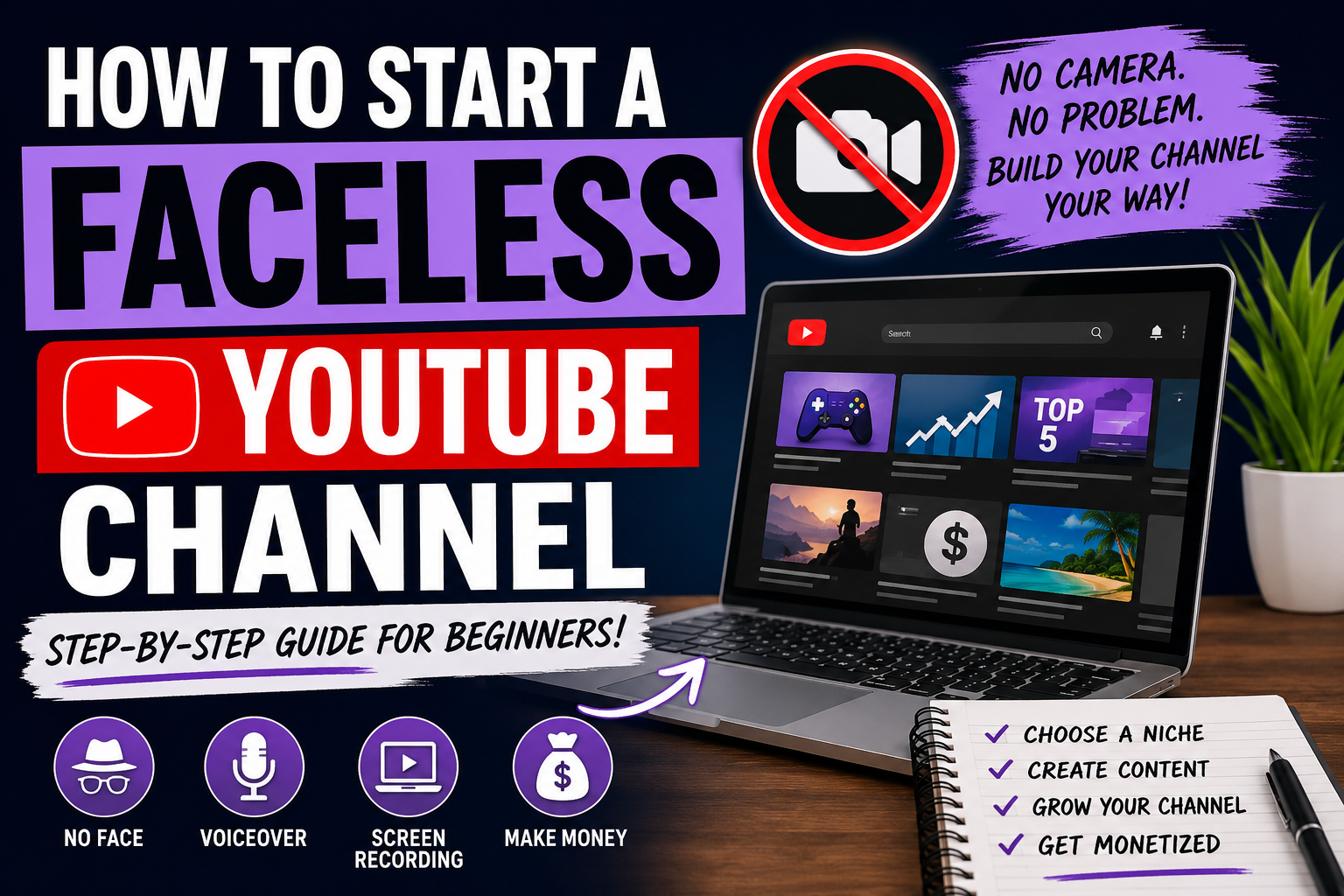
How to Start a Faceless YouTube Channel in 2026
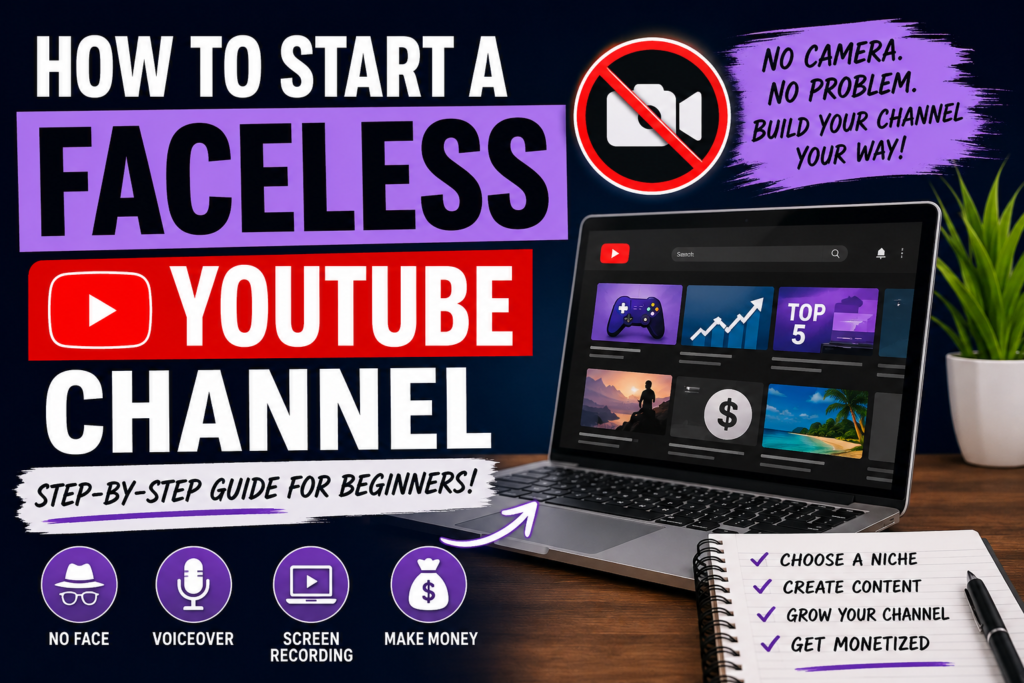
Many people want to start a YouTube channel but don’t feel comfortable appearing on camera. The good news is that you can build a successful YouTube channel without ever showing your face. These are called faceless YouTube channels, and they continue to grow in popularity because they allow creators to focus on content instead of personal branding.
What Is a Faceless YouTube Channel?
A faceless YouTube channel is any channel where the creator does not appear on camera. Instead, videos use screen recordings, gameplay footage, stock videos, animations, slideshows, AI-generated visuals, tutorials, or voiceovers.
Some of the most successful channels on YouTube are completely faceless.
Why People Choose Faceless Channels
There are many reasons creators prefer faceless content:
- More privacy
- No need for professional cameras
- Easier to scale content production
- Less pressure to look perfect
- Can be created from home
- Works well with AI tools
For many beginners, a faceless channel is the fastest way to get started.
Best Faceless YouTube Channel Ideas
Gaming Content
Gaming is one of the easiest faceless niches to enter. You can create:
- Gameplay videos
- Mod reviews
- Sims 4 custom content showcases
- Build tutorials
- Game tips and tricks
- Challenge videos
AI and Technology
Technology channels perform well because advertisers often pay higher rates.
Popular topics include:
- AI tools
- Software reviews
- Website builders
- Content creation tools
- VPN reviews
- Creator resources
Tutorials
Tutorial videos remain highly searchable.
Examples include:
- How-to guides
- Software walkthroughs
- Troubleshooting videos
- App tutorials
- Blogging tutorials
Tools You Can Use
You don’t need expensive software to start.
CapCut
CapCut is one of the easiest video editors for beginners. It includes:
- Auto captions
- Video templates
- AI editing tools
- Mobile and desktop editing
Canva
Canva helps create:
- YouTube thumbnails
- Channel banners
- Pinterest graphics
- Social media posts
OBS Studio
OBS Studio allows you to record:
- Screen tutorials
- Gameplay footage
- Software demonstrations
How to Monetize a Faceless Channel
Once your channel grows, there are multiple ways to make money:
YouTube Ad Revenue
After meeting YouTube Partner Program requirements, you can earn from ads shown on your videos.
Affiliate Marketing
Recommend tools, software, games, or products and earn commissions when viewers purchase through your links.
Sponsorships
Brands often pay creators to feature products or services in videos.
Digital Products
Many creators sell:
- Templates
- Guides
- Presets
- Checklists
- Courses
Tips for Faster Growth
- Upload consistently
- Focus on searchable topics
- Create eye-catching thumbnails
- Use strong titles
- Study successful channels
- Improve one thing every week
Remember that success on YouTube is usually the result of consistency, not luck.
Final Thoughts
Starting a faceless YouTube channel has never been easier. With tools like CapCut, Canva, and AI-powered software, anyone can create professional-looking content without showing their face.
Whether you choose gaming, tutorials, technology, or AI content, the most important thing is to start. Your first videos won’t be perfect, but every upload helps you improve and grow your channel.
The creators who succeed are the ones who keep publishing.