Sims 4 Maxis Match CC Folder Download | Cozy Clothes, Hair & Aesthetic CAS Finds
⬇ DOWNLOAD MAXIS MATCH CC FOLDER ⬇
What’s Inside This Sims 4 Maxis Match CC Folder?
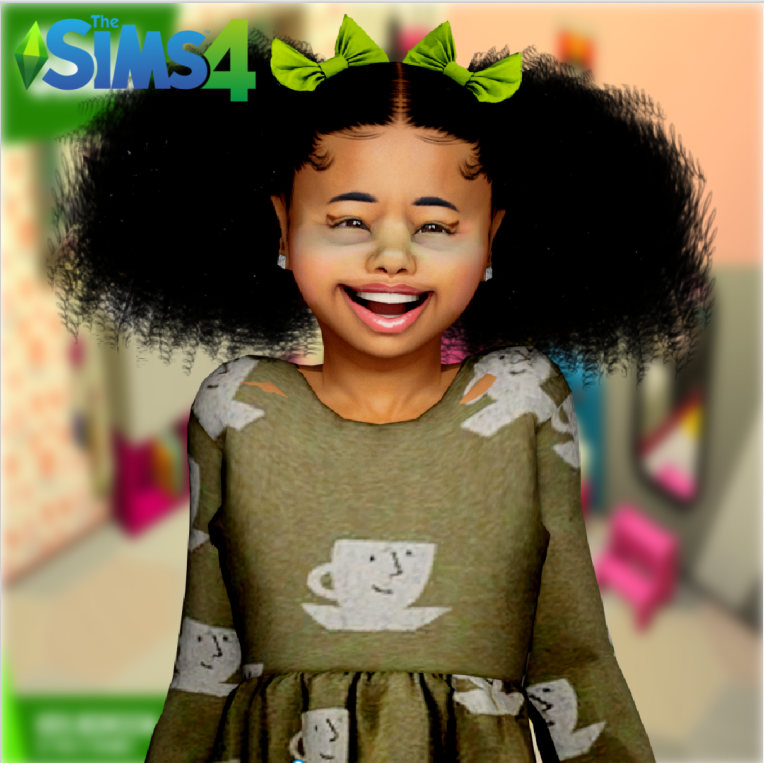
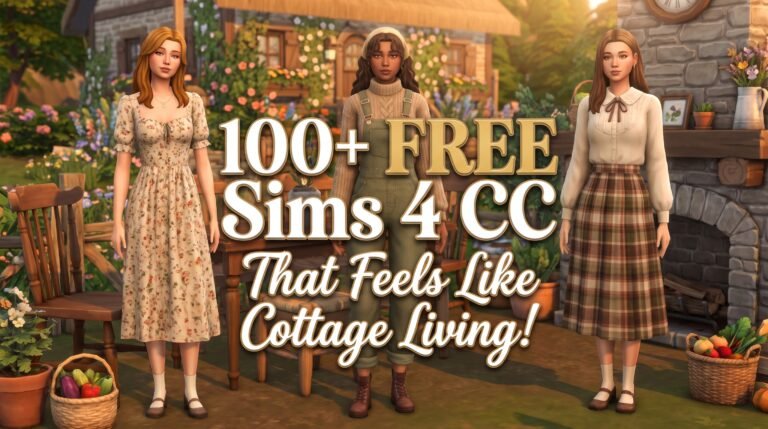
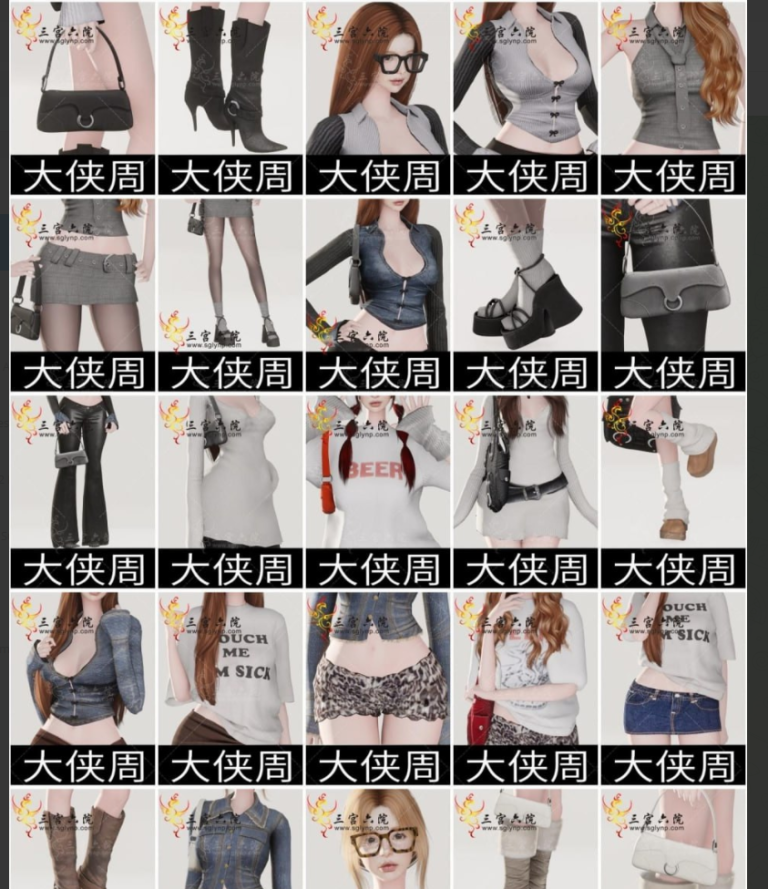
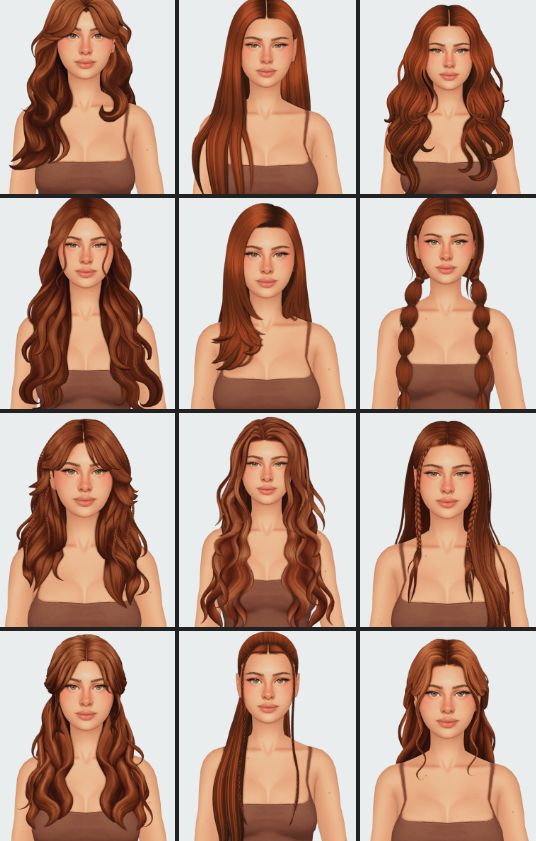
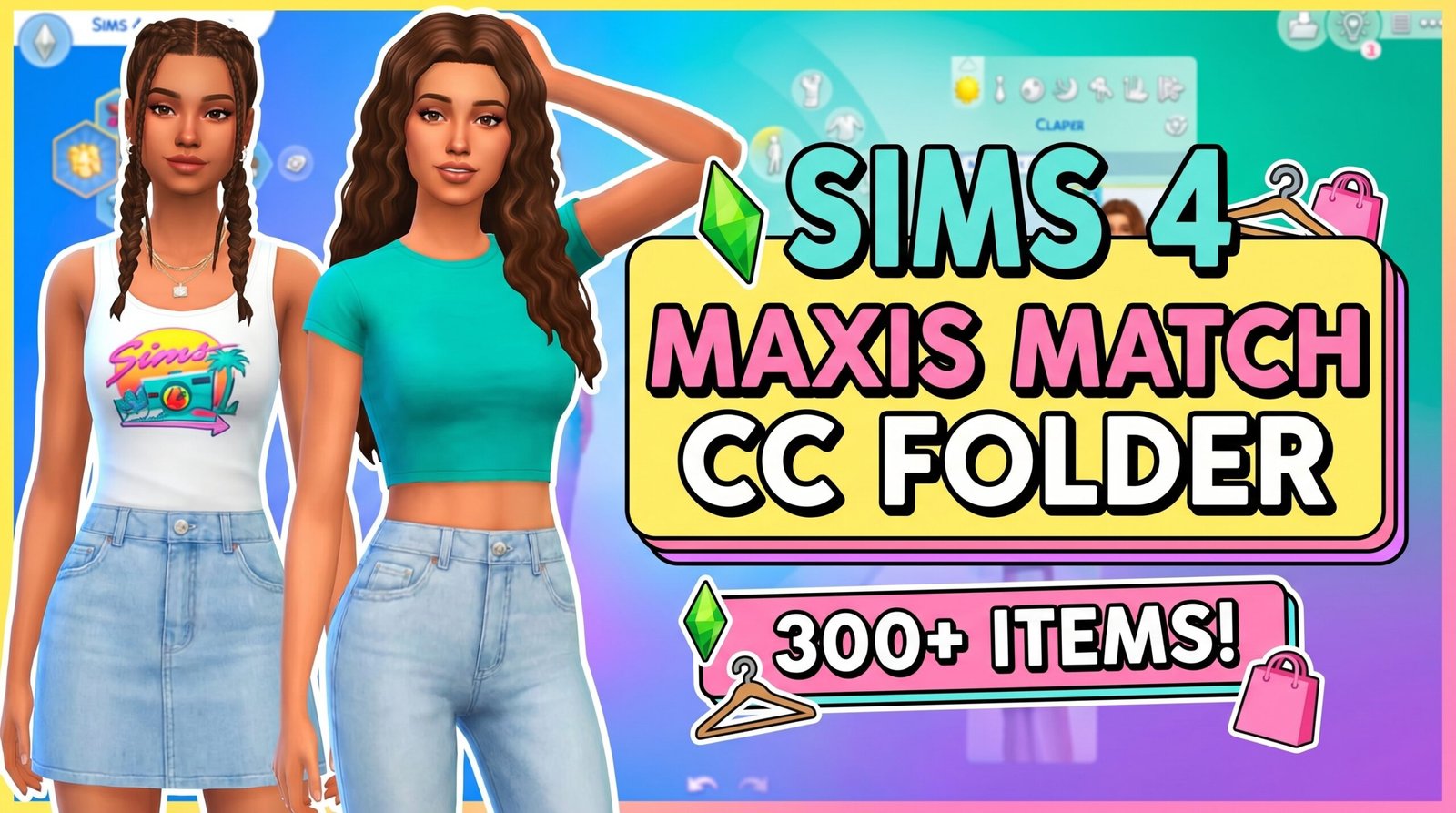
This Sims 4 Maxis Match CC Folder is packed with cozy aesthetic custom content for players who love clean and stylish CAS looks that blend perfectly with the game. Inside the folder you’ll find over 300 Maxis Match files including hairstyles, dresses, tops, skirts, sweaters, cardigans, accessories, and everyday outfits.
The collection features content from creators like ClumsyAlien, Joliebean, Serenity, and more. Expect soft girl aesthetics, oversized sweaters, layered outfits, casual dresses, cute skirts, and detailed hairstyles that fit beautifully into modern Sims gameplay.
Unlike Alpha CC, this folder focuses on a softer Maxis Match style that keeps your Sims looking polished while still matching the original Sims 4 art style. It’s perfect for players who want aesthetic Sims without making the game look overly realistic.
This folder is also ideal for storytelling, TikTok-style Sims, family gameplay, screenshots, and creating cozy CAS outfits quickly without downloading files one by one. Everything is already organized together, making installation simple and beginner friendly.
Featured CC Included
- ClumsyAlien Hairstyles & Clothing
- Joliebean Fashion Sets
- Serenity Cozy Outfits
- Maxis Match Hairstyles
- Soft Girl Aesthetic Clothing
- Cardigans, Sweaters & Dresses
- Cute Skirts & Accessories
- Everyday CAS Essentials
How To Install
Download the folder, extract it using WinRAR or 7Zip, then place the package files into:
Documents > Electronic Arts > The Sims 4 > Mods
After that, enable “Custom Content and Mods” in your Sims 4 game settings and restart your game.
You May Also Like