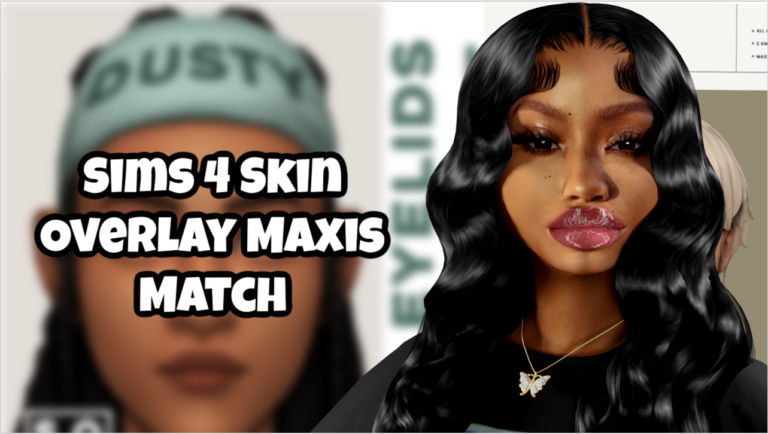
Sims 4 Aesthetic CC Folder Download 💗
Want your Sims 4 game to look pretty, organized, and fun — without spending hours downloading CC?
I made a fully organized starter CC folder you can download instantly and put directly into your game.
What This CC Folder Includes
- Beautiful Maxis Match Hair
- Aesthetic Female & Male Clothing
- Makeup & Presets
- Beginner Friendly Mods
- Organized Categories (No Messy Mods Folder)
- Game Tested
This is perfect if:
- You are new to custom content
- Your game looks boring
- Your mods folder is messy
- You want an aesthetic Sims game fast
How To Install The Folder
- Download the folder below
- Unzip the file
- Open Documents → Electronic Arts → The Sims 4
- Drag the “Mods” folder inside
- Turn on Mods + Script Mods in game settings
- Restart your game
Done! Your game will now have new hair, clothes, and mods.
Download The CC Folder
(If the download opens a page, just press the download button on that screen.)
Why I Made This
I know how overwhelming Sims 4 custom content can feel.
There are thousands of mods and it’s hard to know what actually works together.
So I created a beginner friendly starter pack that gives your game an instant glow-up without needing 50 different websites or hours of searching.
Everything inside this folder was chosen to work nicely together and keep your game organized.