Transform Your Sims 4 Game: Must-Have Custom Content Finds!
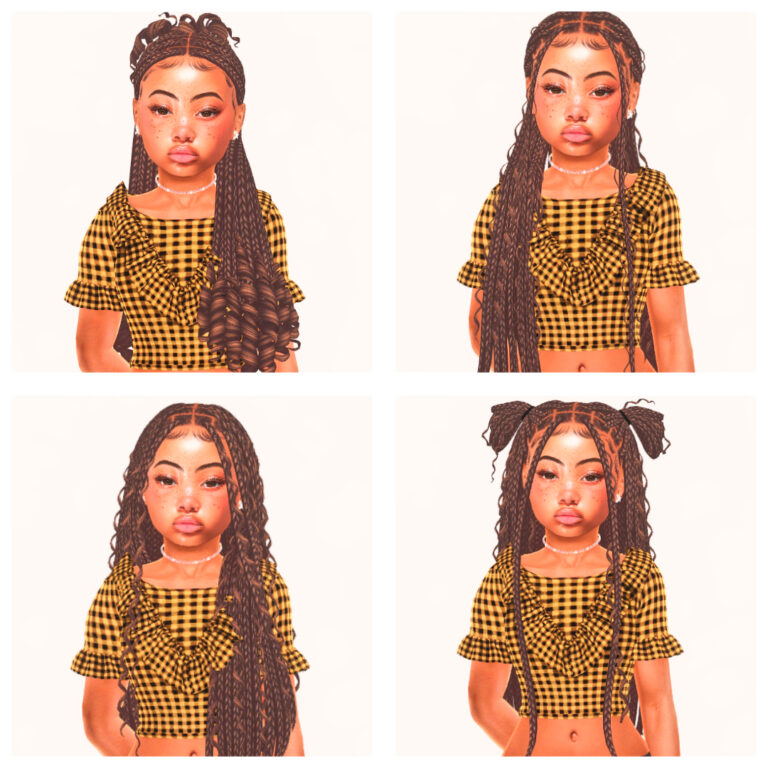
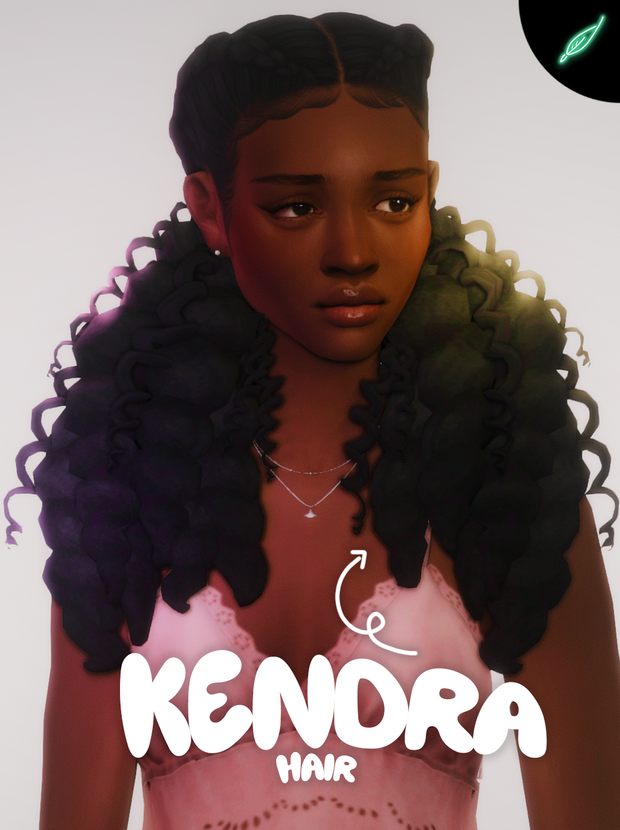
Transform your Sims 4 gameplay experience with must-have custom content finds that instantly elevate your Sims’ style and personality. One of the most impactful ways to upgrade your game is by adding high-quality Sims 4 hair custom content, especially from talented creators known for detailed and realistic designs. Hair CC creators like Dogsill are popular for blending modern aesthetics with in-game compatibility, offering hairstyles that range from sleek everyday looks to bold, fashion-forward designs. These custom hairstyles add depth
and individuality to your Sims, allowing you to create characters that feel more expressive, diverse, and unique. Whether you prefer long flowing hair, chic bobs, textured curls, or trendy updos, Sims 4 hair CC provides endless options for every storyline and aesthetic. High-quality hair custom content is designed to work seamlessly in Create-a-Sim, often featuring
smooth textures, multiple color swatches, and Maxis Match or Alpha styles to suit different preferences. Adding hair CC not only enhances screenshots and storytelling but also makes everyday gameplay more visually exciting. Many creators release free Sims 4 hair CC alongside early-access content, making it easy to grow your collection over time. By carefully
How to Download & Install Sims 4 Custom Content Hair: A Step-by-Step Guide
Installing custom content (CC) hair in The Sims 4 is simple once you know where to place the files. Follow the steps below to safely download and install Sims 4 hair CC into your game.
- Download the Hair CC File
Click the provided download link and save the file to your computer. Most hair CC comes as a.zipor.rarfile. - Extract the Files
Use a program like WinRAR or 7-Zip to unzip the downloaded file. Inside, you should see one or more.packagefiles. - Locate Your Mods Folder
OpenDocuments > Electronic Arts > The Sims 4 > Modson your computer. - Move the Hair Files
Drag and drop the extracted.packagefiles into your Mods folder. You can organize them into subfolders (up to one folder deep). - Enable Mods in Game
Launch The Sims 4, go to Game Options > Other, and make sure both Enable Custom Content and Mods and Script Mods Allowed are checked. Restart the game. - Find the Hair in Create-a-Sim
Open Create-a-Sim and look for your new hairstyle under the Hair category. Use filters like “Custom Content” to find it faster.
Tip: If your hair includes a mesh requirement, make sure the mesh is also installed in your Mods folder, or the hairstyle may not appear correctly.
choosing trusted creators and organizing your Mods folder, you can keep your game running smoothly while enjoying beautifully crafted hairstyles. If you’re looking to refresh your Sims 4 experience, exploring hair CC from creators like Dogsill is a must. These custom content finds help bring your Sims to life, making every household, makeover, and photoshoot feel brand new.

lillibeth hairs

rage hair

augusta hair


Honeymoon Hairstyle