7 Must-Have Sims 4 Gameplay Mods & Overrides
Looking for more Sims 4 gameplay mods? 💗 This roundup includes seven different mods and overrides that add more control, storytelling options, occult gameplay, pet interactions, pose tools, and smaller quality-of-life changes to your game.
The collection includes the Sim Story Mod, Better Midlife Crisis Goals, Sim Control Hub, Occult Hybrid Mod, Pottery Sponge Override, Selectable Pets Always, and Pose Alignment Interactions.
These downloads do very different things, so I kept each one in its own section below. Use the original creator links to check the exact requirements, dependencies, and current version before installing.
📖 Sim Story Mod
The Sim Story Mod is the first gameplay mod in this roundup. Based on the creator title, this mod is focused on giving players more ways to build or manage Sim stories during gameplay.

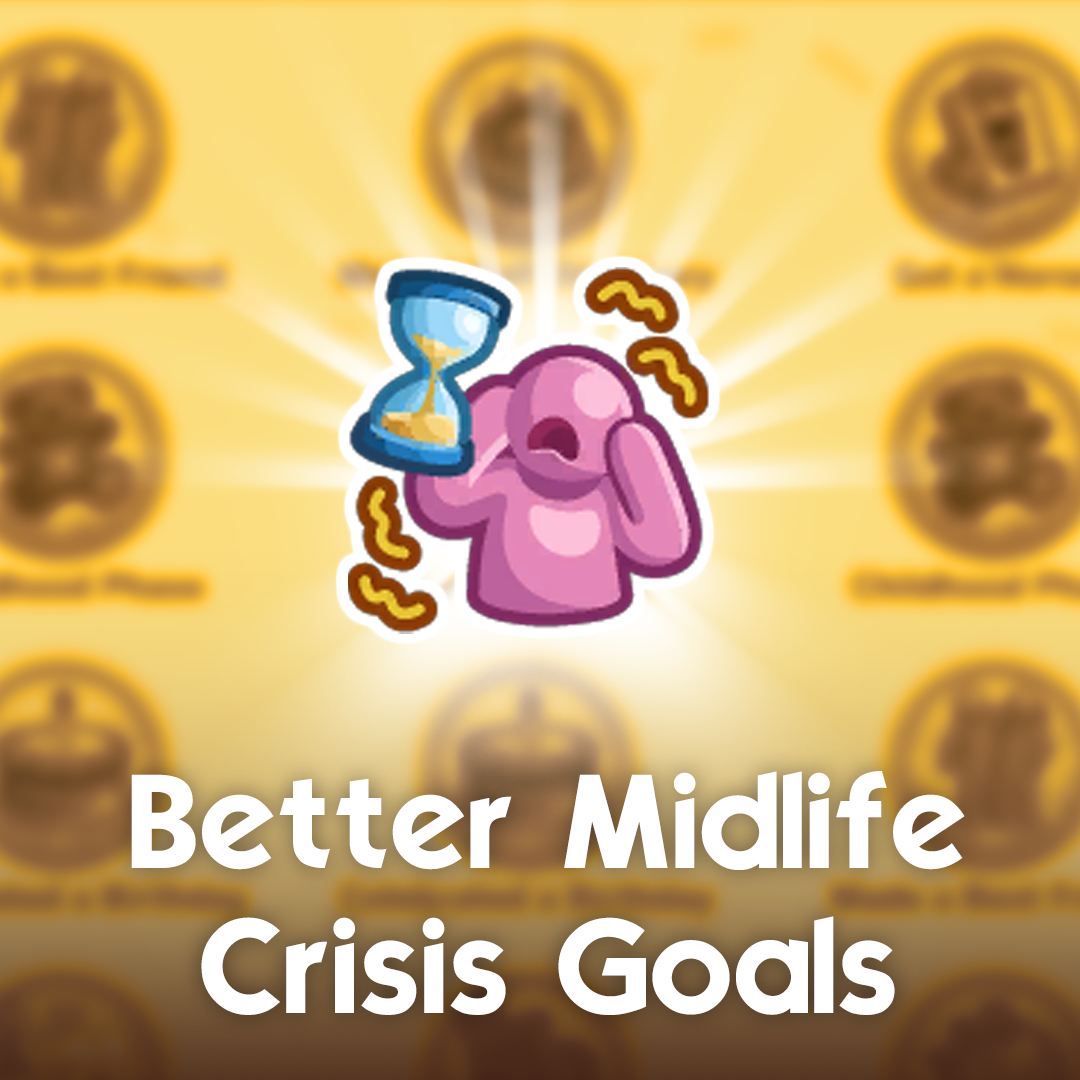
🧠 Better Midlife Crisis Goals
Better Midlife Crisis Goals is a gameplay-focused mod built around the game’s midlife-crisis system.
If you enjoy life-stage gameplay and want another option for how those goals work, this is the creator page to check for the full feature list and current requirements.
💗 View Better Midlife Crisis Goals
🎮 Sim Control Hub
The Sim Control Hub is another gameplay utility included in this list. Its name specifically points to more control over Sims, making it one of the broader gameplay-management downloads in the roundup.
Because utility mods can have several options and settings, check the CurseForge page for the creator’s complete instructions before adding it to an existing modded save.
🌙 Occult Hybrid Mod
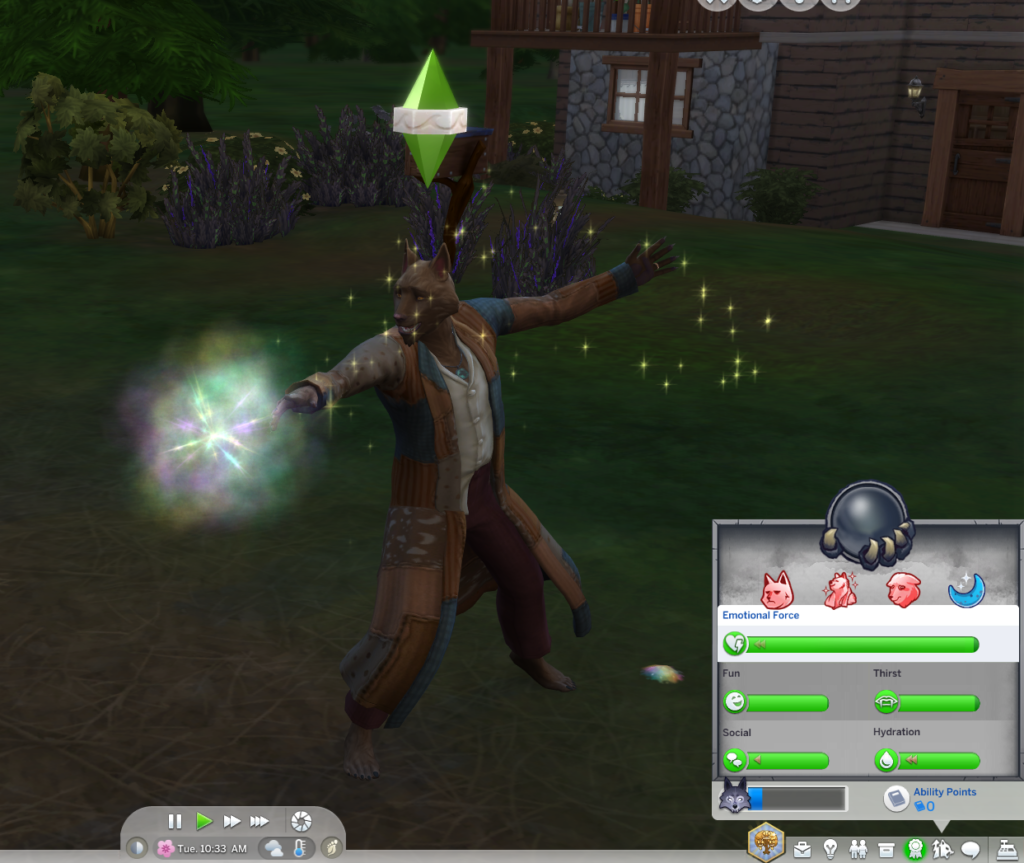
The Occult Hybrid Mod is the supernatural gameplay option in this collection.
The mod title specifically identifies it as an occult hybrid system, making it useful for players who like playing with supernatural Sims and want more flexibility around occult combinations.
🏺 Pottery Sponge Override
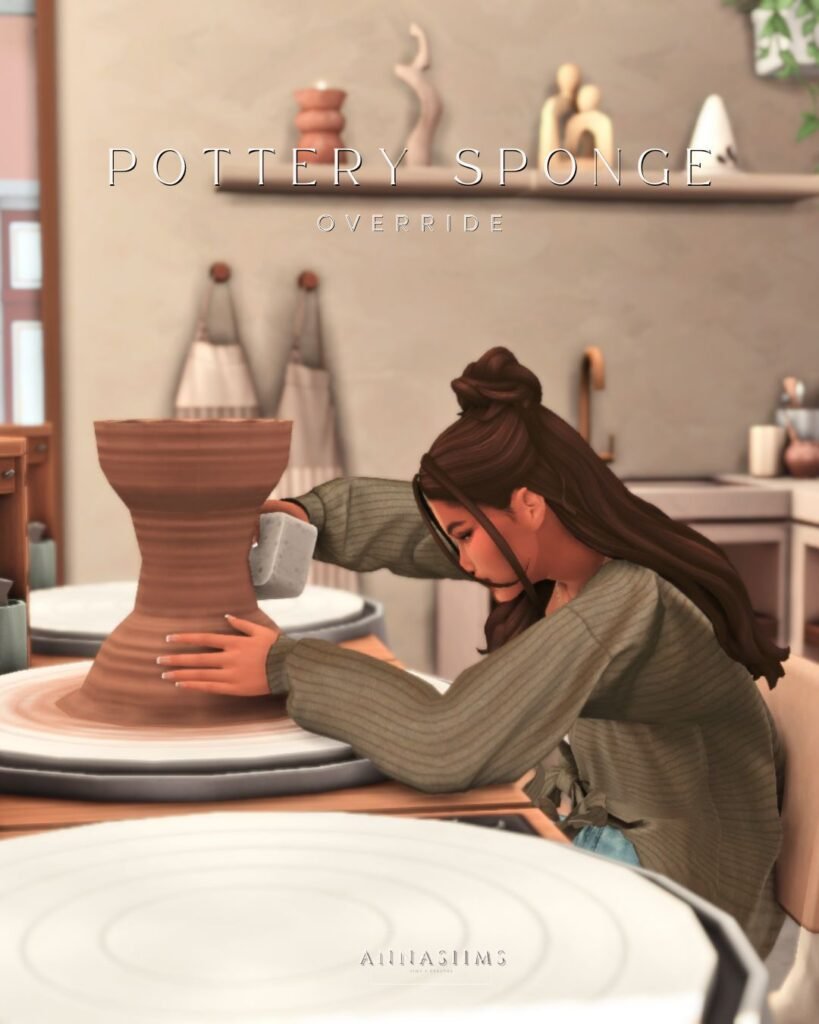
The Pottery Sponge Override by Annasiims is different from the larger gameplay mods above because this one is specifically an override.
Overrides replace or change an existing game asset rather than adding a completely separate system, so keep this file organized separately from larger script mods.
🏺 View Pottery Sponge Override
🐶 Selectable Pets Always
Selectable Pets Always is the pet-focused gameplay mod in this roundup.
The title identifies its purpose around making pets selectable, giving players another option for interacting with and managing pets during gameplay.
📸 Pose Alignment Interactions
The Pose Alignment Interactions mod is aimed at players who use poses for screenshots, storytelling, Sim photography, or scene setup.
Rather than being a clothing or CAS download, this is a gameplay utility built around aligning Sims for poses and interactions.
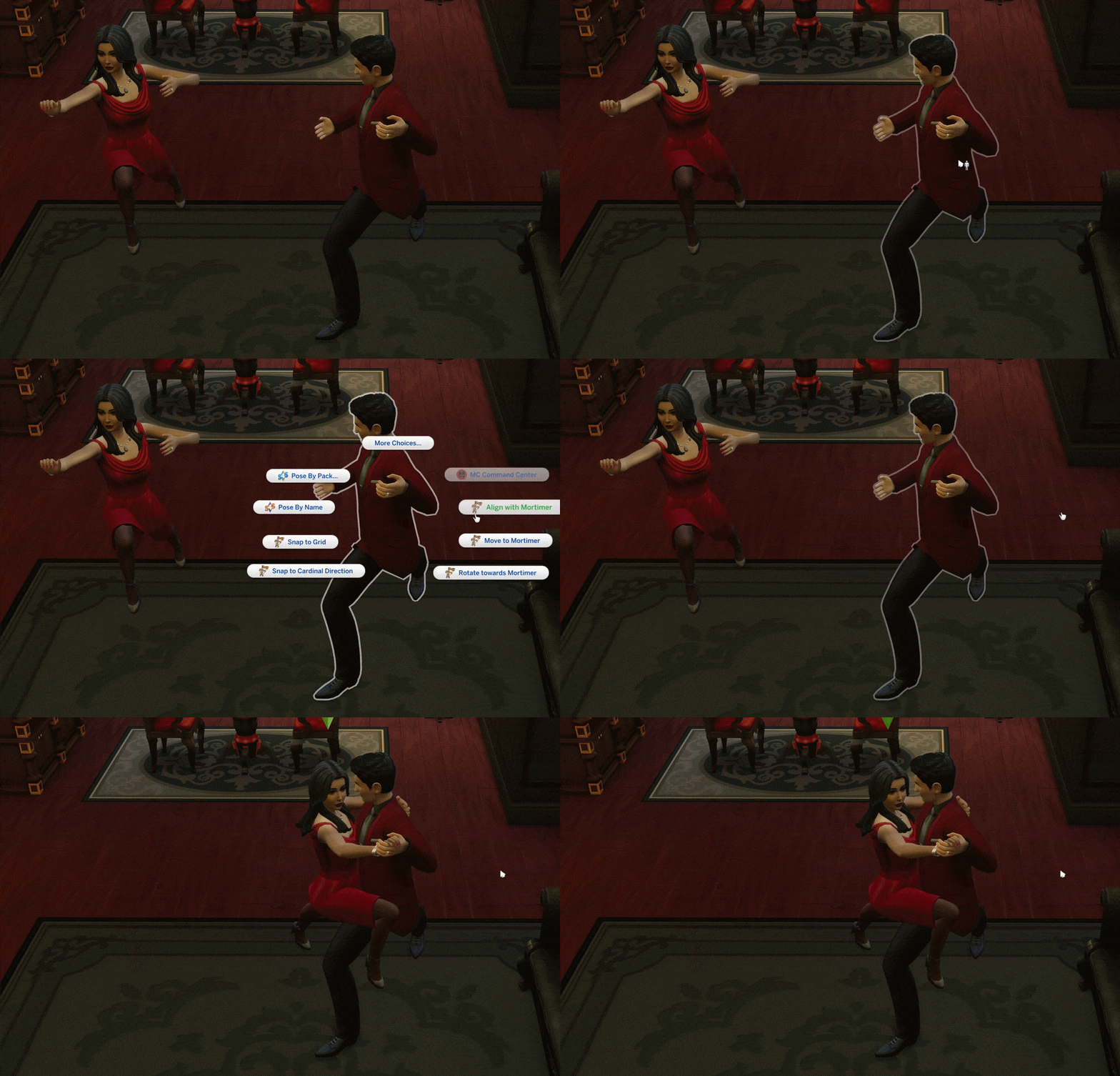
📸 View Pose Alignment Interactions
📦 What’s Included in This Gameplay Mod Roundup?
This post contains 7 separate Sims 4 mod and override links.
The collection covers several different areas of gameplay: storytelling, life-stage goals, Sim control, occult gameplay, pets, pose tools, and a smaller visual override.
Because these downloads come from different creators and do different things, they should not all be treated the same when installing or troubleshooting.
📁 How to Organize These Sims 4 Mods
I would keep these downloads separated by creator or mod name instead of placing all seven loose inside your Mods folder.
For example:
Sim Story Mod
Better Midlife Crisis Goals
Sim Control Hub
Occult Hybrid Mod
Pottery Sponge Override
Selectable Pets Always
Pose Alignment Interactions
This makes it much easier to update or remove one mod without affecting everything else.
How to Install Sims 4 Gameplay Mods
Download each mod from the original creator page and extract ZIP or RAR archives first.
Move normal .package files into:
Documents → Electronic Arts → The Sims 4 → Mods
If a download contains a .ts4script file, keep it in the Mods folder without burying it too many folders deep.
Then open The Sims 4 and go to Game Options → Other. Enable both Custom Content and Mods and Script Mods Allowed when required.
⚠️ Important Mod Reminder
Gameplay mods can be affected by Sims 4 game updates. If a mod suddenly causes errors or stops working, check the original creator page for an updated version before assuming your entire Mods folder is broken.
Some mods can also require additional files or specific packs. Always read the creator’s installation instructions and requirements before installing.
💖 You May Also Like
27 Sims 4 Gameplay Mods You Need
|
5 New Sims 4 Gameplay Mods
|
Sims 4 Functional Gameplay Mods
✨ Keep Browsing
More Gameplay Mods
|
Realistic Sims 4 Mods
|
Sims 4 Occult Mods
|
More GamingWithPrincess