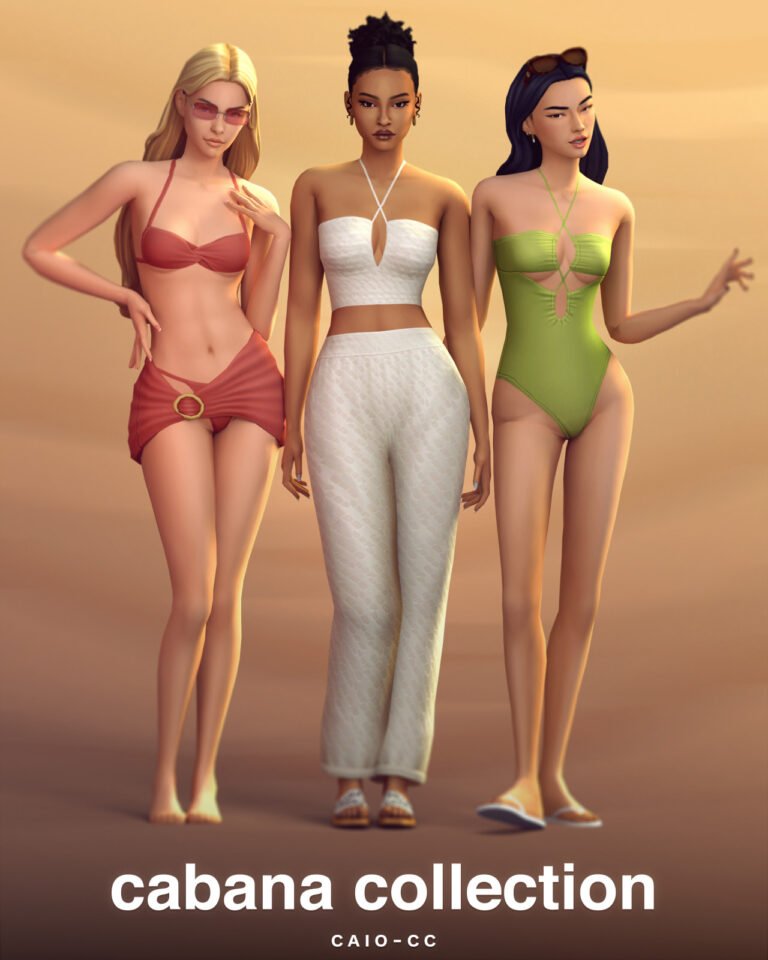
Babyetears sims 4 folder
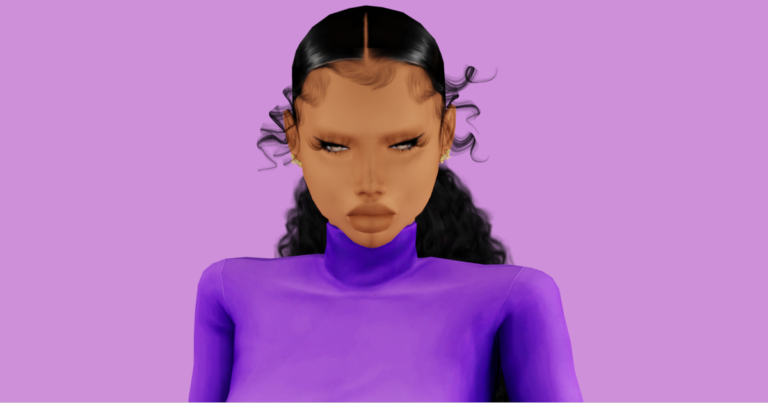
Babyetears is one of those Sims 4 CC creators that instantly gives your game that “pretty Sim” vibe — clean, trendy, and perfect for CAS. If you love aesthetic looks, soft glam, and easy-to-style pieces, this Babyetears Sims 4 CC folder is a must-have download. I put this together for players who want a simple way to add new content without hunting links for hours.
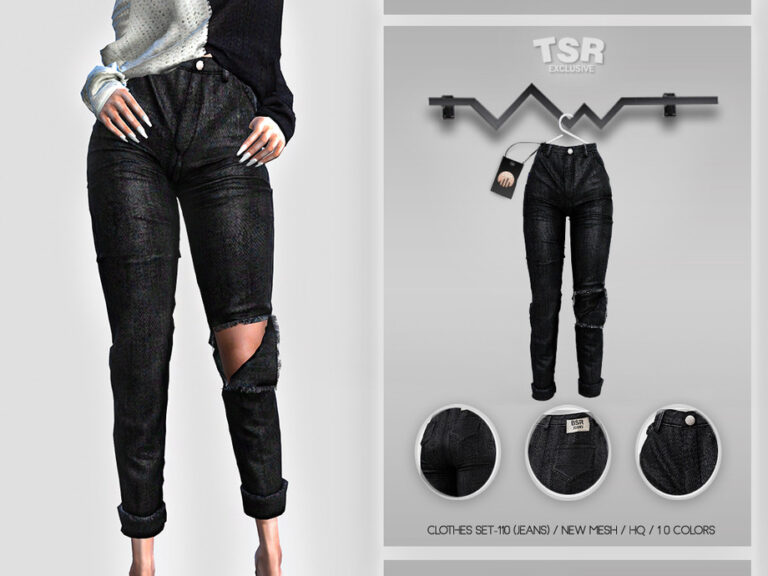
This folder is great for building a full CAS refresh: hairstyles, outfits, and everyday pieces that work for lookbooks, story gameplay, and screenshots. Whether you play with Maxis Match, Alpha, or a mix of both, Babyetears CC blends well with popular skins, lashes, and makeup styles. It’s also a solid choice if you like creating multiple Sims with different vibes — baddie, soft girl, casual cute, or glam.
Tip: After downloading, place your package files into your Mods folder (and keep creator folders organized). Always remember to enable “Custom Content and Mods” in your game settings, then restart the game to load everything properly.
If you’re building a full Babyetears collection, I also linked more Babyetears posts below so you can keep collecting mini sets, finds, and extra downloads. Save this page so you can come back anytime you want to update your CC and keep your Sims looking fresh.
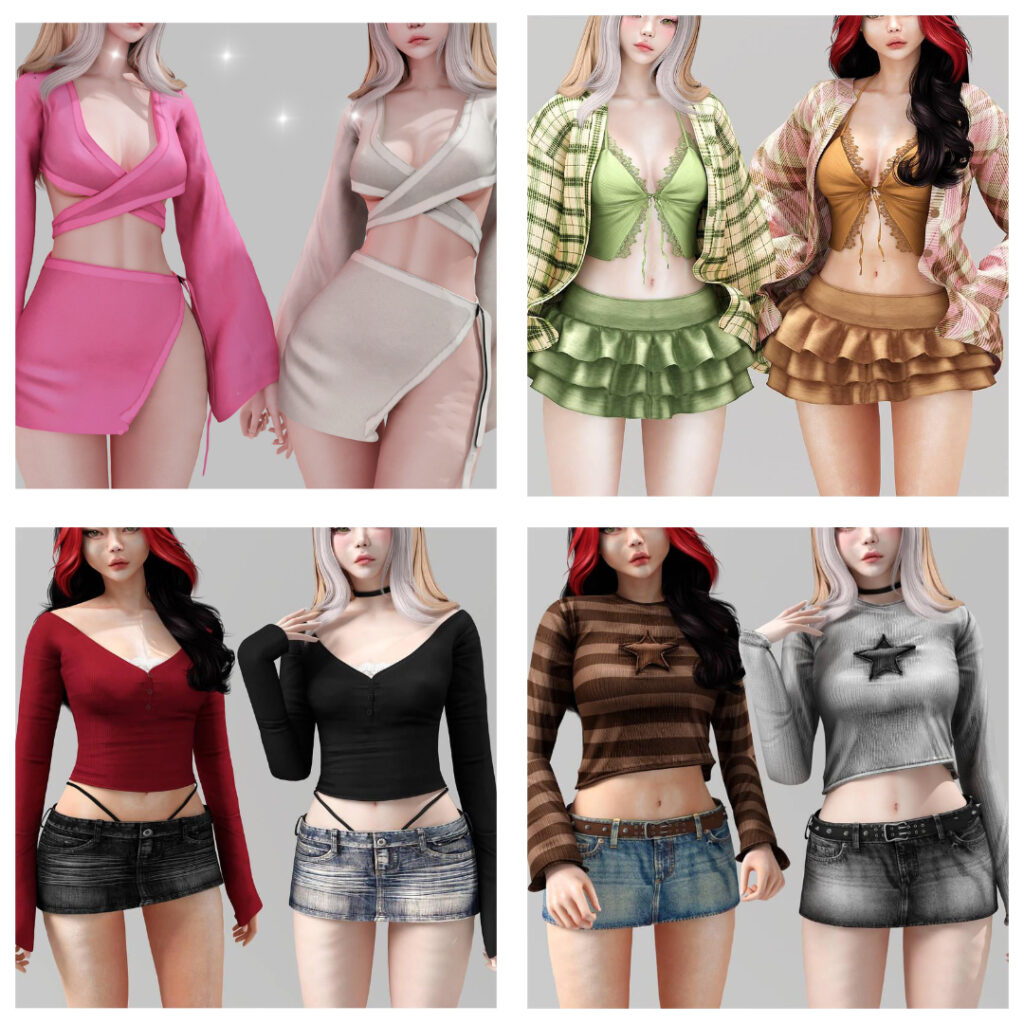
“Download the full Sims 4 Babyetears CC Folder — cute Maxis Match custom content including hairstyles, clothes, aesthetic CAS items, and soft girl CC. Perfect for Sims 4 players who love aesthetic downloads, CAS makeovers, and organized CC folders. Save this pin to download later!”