Peachyfaerie Sims 4 CC | Advent Calendar, Simblreen & CC Folder
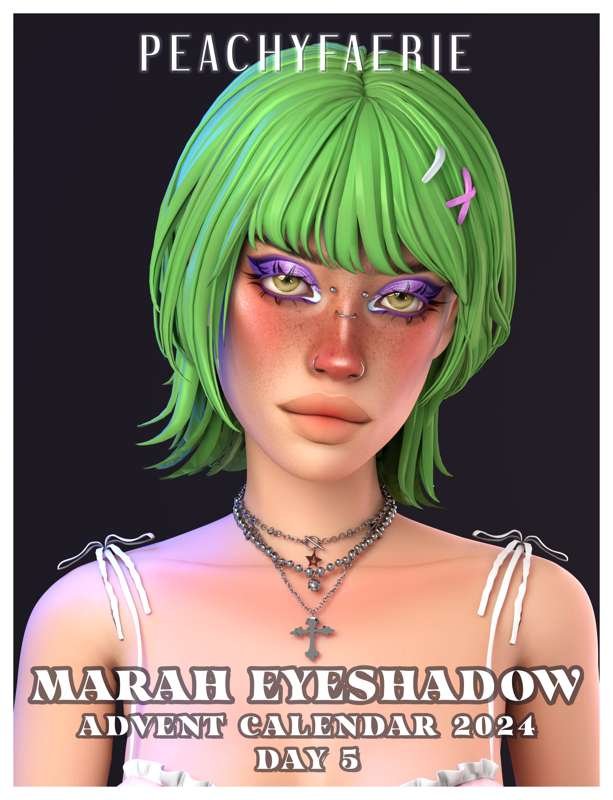
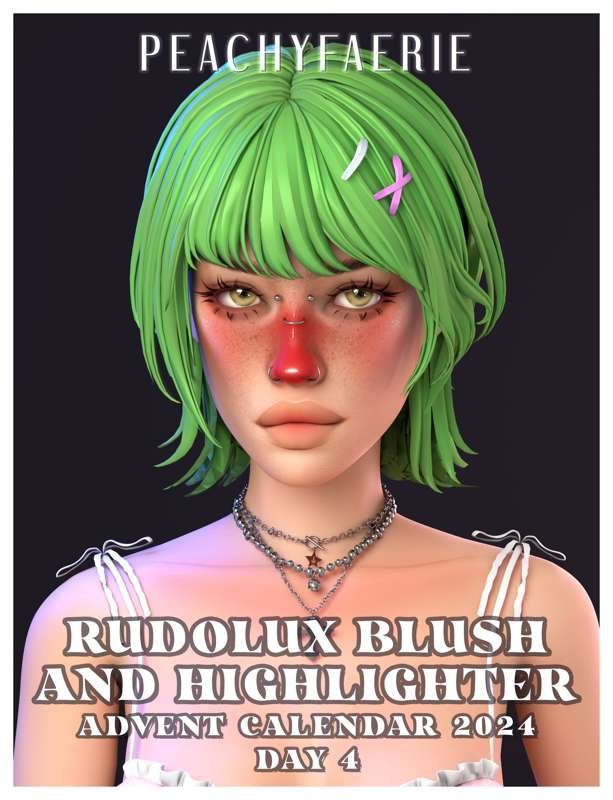
If you’re looking for Peachyfaerie Sims 4 CC, this post brings together three separate downloads: Advent Calendar Days 1-5, Simblreen 2024, and a larger Peachyfaerie CC folder. Each download is listed separately below so you can grab the seasonal sets you want or download the larger folder in one go.
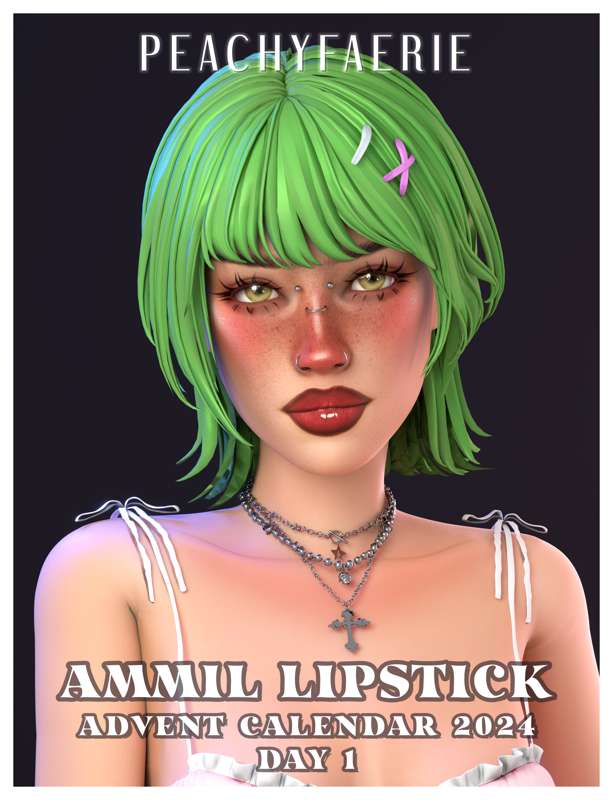
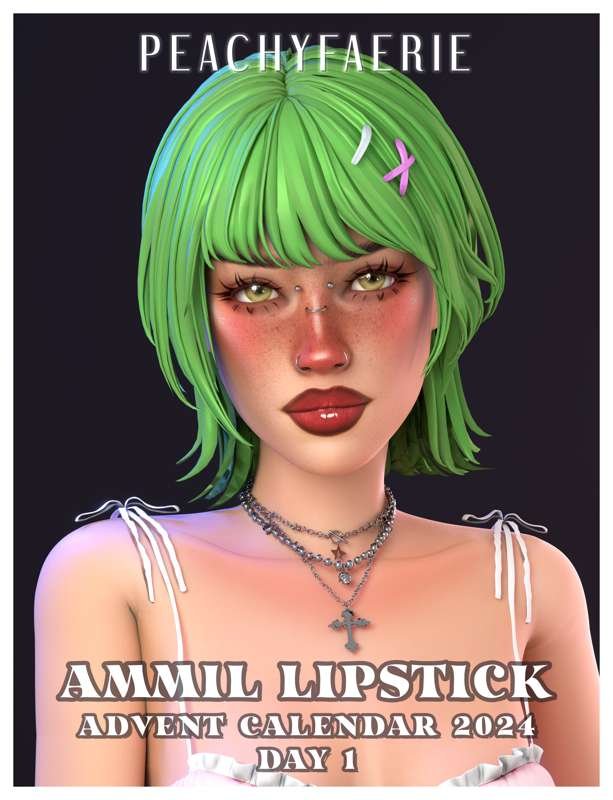
🎁 Advent Calendar Days 1-5 by Peachyfaerie
This download contains the first five days of Peachyfaerie’s Advent Calendar release. It is grouped as one seasonal download, making it easier to keep the first part of the Advent collection together in your Mods folder.
🎁 Download Advent Calendar Days 1-5
🎃 Simblreen 2024 by Peachyfaerie
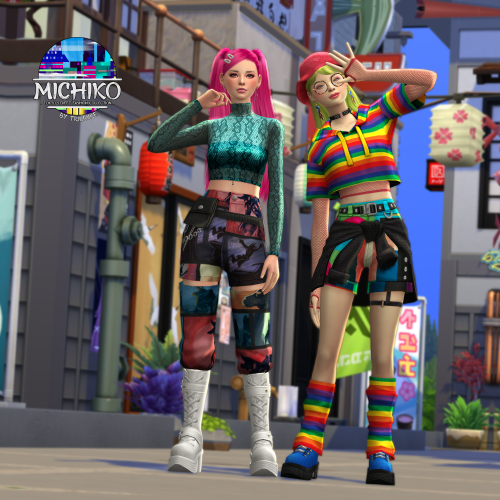
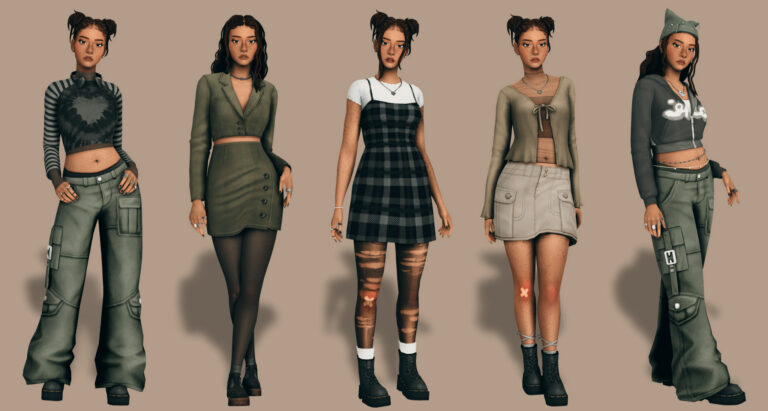
This is the Peachyfaerie Simblreen 2024 download. The preview images show multiple pieces from the release, so I kept all three images together under the same section rather than splitting them into separate items.

💗 Peachyfaerie Sims 4 CC Folder
This final link is the larger Peachyfaerie CC folder. Use this option if you want the broader creator collection instead of downloading only the two seasonal sets above.
⬇️ DOWNLOAD PEACHYFAERIE CC FOLDER
📁 What You’re Downloading
There are three separate download options on this page. The Advent Calendar link covers Days 1-5, the Simblreen link covers the 2024 seasonal release shown in the preview images, and the final button links to the larger Peachyfaerie CC folder.
Keeping these downloads in separate creator folders can make them easier to manage later. For example, you could use Peachyfaerie – Advent, Peachyfaerie – Simblreen, and Peachyfaerie – CC Folder as folder names inside your Mods folder.
How to Install Peachyfaerie Sims 4 CC
Download the collection you want using one of the links above. If the download comes as a ZIP or RAR file, extract it first, then move the included .package files into:
Documents → Electronic Arts → The Sims 4 → Mods
Open The Sims 4 and go to Game Options → Other. Make sure Enable Custom Content and Mods is turned on, then restart the game.
⚠️ Important Download Reminder
If a download contains multiple package files, keep them together until you know which files are required. If a piece does not appear correctly in CAS, check that the archive was fully extracted and that all included files were moved into your Mods folder.