Sims 4 CC Folder Downloads | Clothing, Hair & Female CC Folders
Looking for Sims 4 CC folder downloads? This roundup includes multiple custom content folders for players who want to quickly add more clothing, hair, female CC, and CAS items to their Sims 4 game.
These CC folders are perfect for CAS makeovers, Sim dumps, lookbooks, baddie Sims, soft girl Sims, realistic Sims, Pinterest screenshots, TikTok edits, YouTube thumbnails, and everyday gameplay.
Sims 4 CC Folder Download Links
CC Folder Download
This Sims 4 CC folder download is great for players who want a quick custom content folder to add more CAS items and gameplay variety to their Mods folder.
New CC Folder
This new Sims 4 CC folder is perfect if you want fresh custom content downloads for CAS styling, outfit planning, and everyday gameplay.
CC Clothing Folder
👗 Download CC Clothing Folder 👗
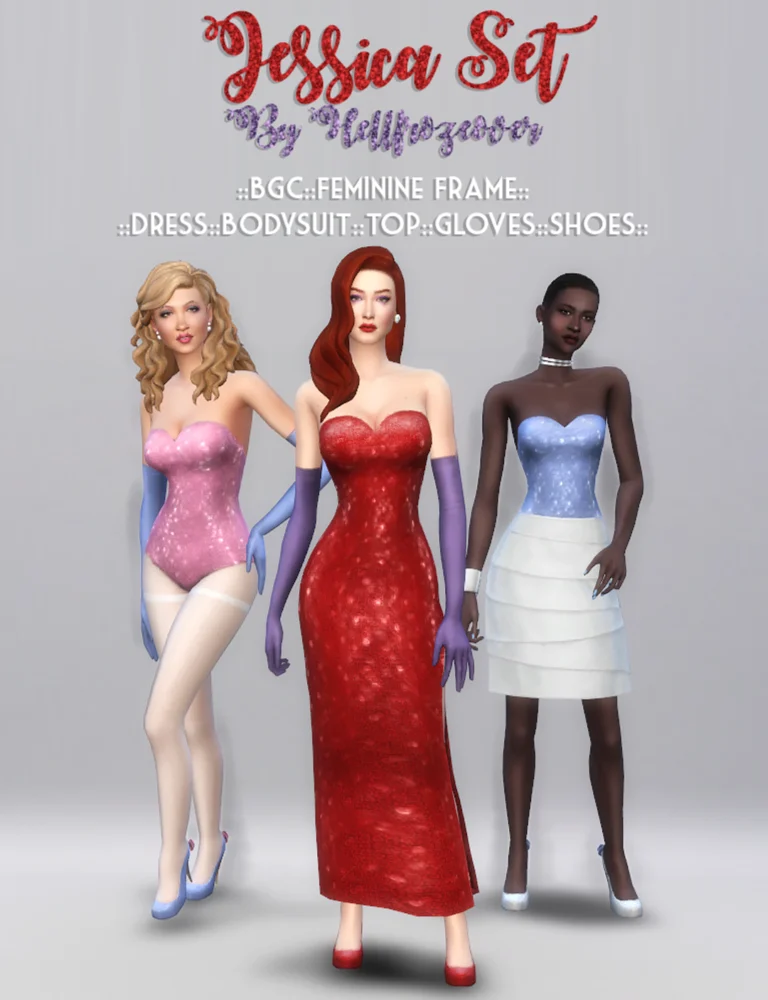
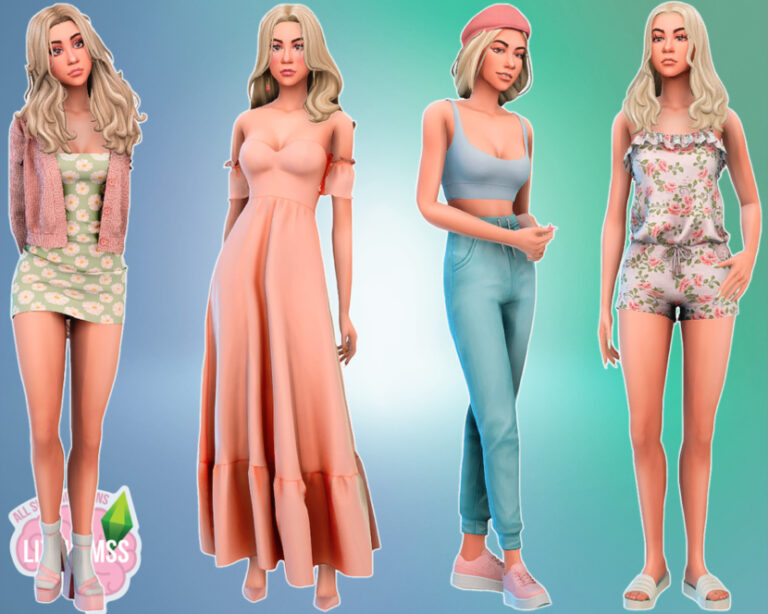
The CC clothing folder is great for Sims 4 players who want more outfit pieces, dresses, tops, bottoms, accessories, and fashion options in Create-A-Sim.
Sims 4 Female Hair Folder
💇🏽♀️ Download Female Hair Folder 💇🏽♀️
The Sims 4 female hair folder is perfect for adding more hairstyles to your game, including hair CC for CAS makeovers, realistic Sims, baddie Sims, soft glam Sims, and lookbook content.
What’s Included In These Sims 4 CC Folders?
These folders are made for Sims 4 players who want more custom content without searching for every single file separately.
- Sims 4 CC folder downloads
- Sims 4 clothing CC folder
- Sims 4 female hair folder
- CAS custom content
- Outfit pieces for female Sims
- Hair CC for CAS makeovers
- CC for lookbooks and Sim dumps
- Custom content for screenshots and gameplay
Why Download Sims 4 CC Folders?
Sims 4 CC folders make it easier to add more custom content to your game quickly. Instead of downloading each item one by one, folders can help you build up your Mods folder faster with clothing, hair, and CAS items.
These downloads are perfect for beginners, CAS lovers, content creators, Pinterest creators, YouTube Simmers, TikTok edits, lookbooks, and players who want more variety in their game.
How To Install Sims 4 CC Folders
Download the folder you want from the buttons above. If the file comes as a zip or compressed folder, extract it first.
Place the extracted .package files inside your Sims 4 Mods folder:
Documents → Electronic Arts → The Sims 4 → Mods
Open The Sims 4 and go to Game Options → Other. Turn on Custom Content and Mods. If any folder includes script files, also turn on Script Mods Allowed. Restart your game after changing these settings.
Important CC Folder Reminder
Always back up your Mods folder before adding new CC folders. Large folders can sometimes include broken files, duplicates, missing meshes, or old custom content.
If your game loads slowly or something does not show up correctly, test the files in smaller batches so it is easier to find the problem.
You May Also Like
More Sims 4 CC Folders
Sims 4 Hair Folders
Sims 4 Clothing Folders
Sims 4 Female CC
Sims 4 CAS CC
More CC Folders on Sims4CCFinds